13 widgets · basic features and extensions
Chat, enquiries and booking on your website
Let visitors ask a question, leave an enquiry or choose a service on the page. Start with one widget and receive enquiries in your Cenaly.com account.
Basic widgets are free · extensions, telephony and AI have separate terms

اپنی ویب سائٹ کی جانچ سے شروع کریں
پتہ درج کریں — ہم صفحہ کھولیں گے، اس کا سورس کوڈ پڑھیں گے اور دکھائیں گے کہ یہ کیا لوڈ کرتا ہے اور کیا رضامندی مانگتا ہے۔ بغیر رجسٹریشن اور بغیر ٹیگ نصب کیے۔
- کاؤنٹرز، پکسلز، سوشل نیٹ ورکس، نقشے، ویڈیو اور چیٹس — نام بہ نام اور رضامندی کے زمروں کے مطابق
- رضامندی کا بینر: ہمارا، کسی اور کا یا کوئی بھی نہیں ملا
- ہمارا ٹیگ اور فعال ویجیٹس، اگر ویب سائٹ پہلے سے منسلک ہو
ہم ایک صفحے کا HTML پڑھتے ہیں، اس لیے براؤزر میں اسکرپٹس کے ذریعے لوڈ ہونے والا مواد جانچ کو نظر نہیں آتا — اور نتیجے میں یہ بات صاف بتا دیتا ہے۔ آپ کا IP پتہ کھلی شکل میں محفوظ نہیں کرتے۔
کام کے مطابق منتخب کریں
ٹیگ ایک ہی ہے، لیکن اسے چالو کرنے کا فائدہ اسی صورت میں ہے جب یہ آپ کے قریبی کام کو مکمل کرے۔
- موجودہ ویب سائٹ سے بکنگیں →
- شیڈول میں خالی وقفے →
- دوبارہ دستیاب نہ ہونے والی چیز کی طرف واپسی →
- سائٹ کی تبدیلی کے بغیر استفسارات →
Get in touch
Chat, messengers, callback requests or browser calls.
Receive an enquiry or order
Popups, real storefront events, the video bubble, table booking, appointments and orders.
Provide information and choices
Help articles, document preparation and consent settings.
مفت
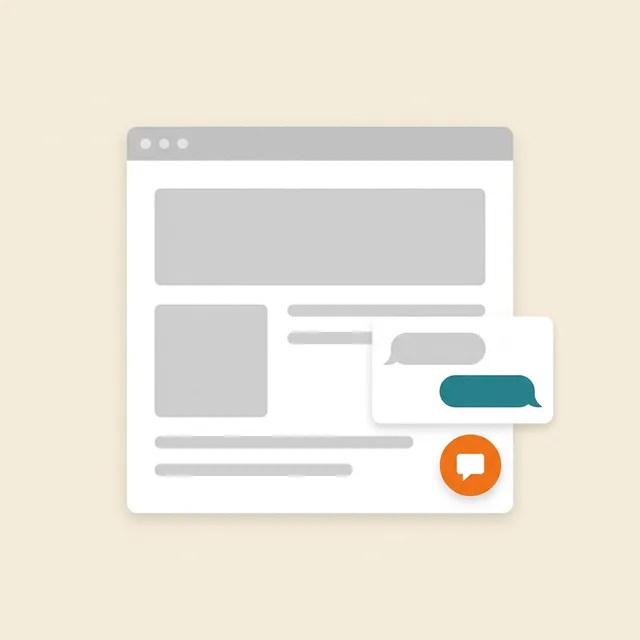
ویب سائٹ پر چیٹ
زائرین کے ساتھ لائیو چیٹ — جواب آپ کے عملہ کے ارکان ورک چیٹ سے دیتے ہیں
A responding team is needed; AI is connected separately.
ڈیٹا یہاں پہنچتا ہے: Cenaly.com کے ورک چیٹ میں گفتگو کا چینل، پیغام رسانی کی تاریخ اور رابطہ — آپ کے اکاؤنٹ میں
مفت
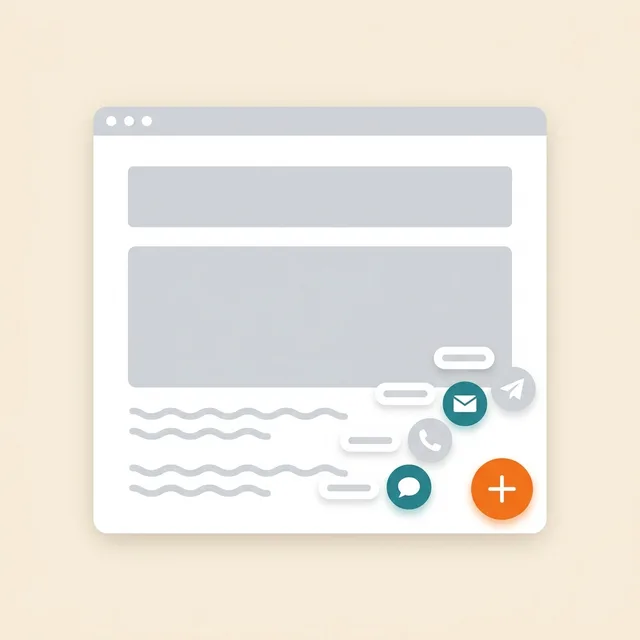
میسنجر بٹن
ایک فلوٹنگ بٹن: WhatsApp، Telegram، کال، چیٹ — 12 چینلز تک
Prepare links and enable the channels you need.
ڈیٹا یہاں پہنچتا ہے: گفتگو آپ کے WhatsApp اور Telegram میں، چینلز پر کلکس اکاؤنٹ میں ملٹی بٹن کے پینل میں
مفت
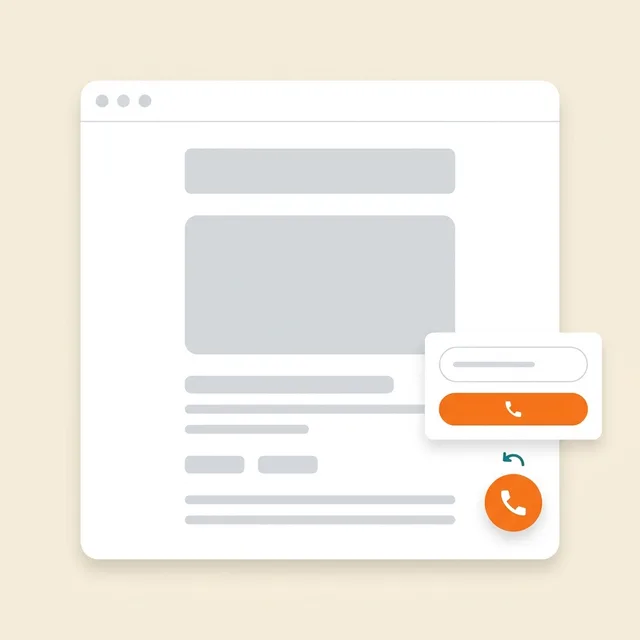
کال بیک
کال بیک کی درخواست کا فارم؛ منسلک PBX کے ساتھ — خودکار ڈائلنگ
Without telephony it collects a request; live dialling needs setup.
ڈیٹا یہاں پہنچتا ہے: ٹیلی فونی کے بغیر درخواست اکاؤنٹ کی کال بیک فہرست میں محفوظ رہتی ہے۔ cenaly.ru پر درخواست موصول ہونے پر ای میل نہیں بھیجی جاتی۔
مفت

براؤزر سے کال
«کال کریں» بٹن — مہمان کے لیے نمبر اور ایپ کے بغیر، آپ کے PBX کے ذریعے سائٹ سے بات چیت
Requires telephony, an available line and the visitor’s microphone.
ڈیٹا یہاں پہنچتا ہے: کال — آپ کے PBX Cenaly.com میں آنے والی کال کے طور پر، بات چیت کی ریکارڈنگ — «کالز» سیکشن میں، اگر یہ فعال ہو
مفت · Requires connected telephony
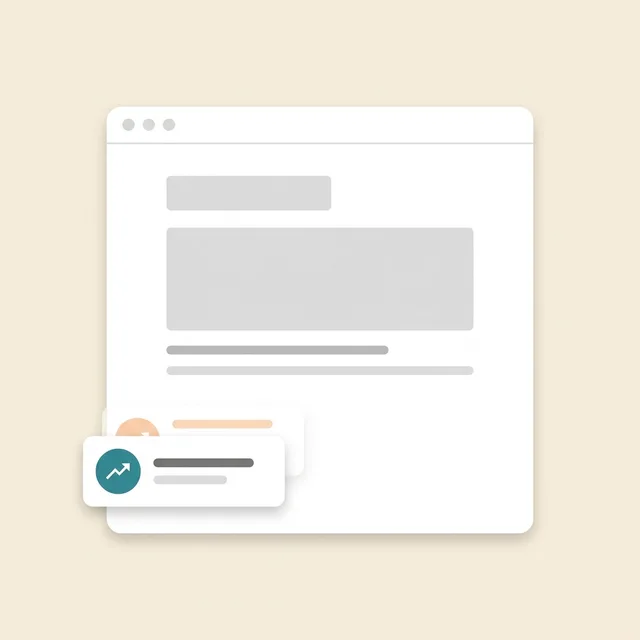
سماجی ثبوت
آپ کے اکاؤنٹ سے آرڈروں، بکنگ، ملاقاتوں اور جائزوں کے اعداد کے پلے کارڈ
Requires real storefront events; figures are not invented.
ڈیٹا یہاں پہنچتا ہے: ویب سائٹ پر عوامی عددی مجموعے بھیجے جاتے ہیں، بغیر ناموں اور جائزوں کے متن کے۔ ویجیٹ اعداد و شمار کے لیے لوڈ، دکھانے اور بند ہونے کے واقعات بھی بھیجتا ہے۔
مفت
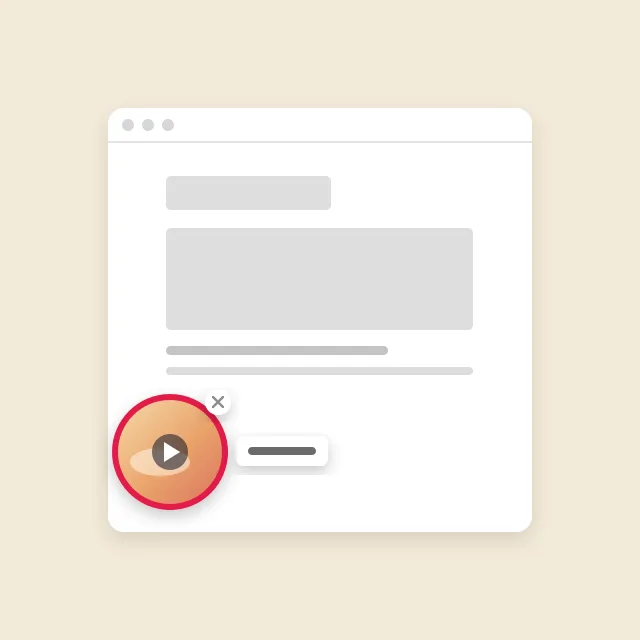
ویڈیو دائرہ
آپ کے مینیو کی کلپ کا دائرہ سائٹ کے کونے میں: کلک پر — آواز کے ساتھ ویڈیو اور ”آرڈر“ کا بٹن
Requires menu or catalogue items with video; the button under a clip needs its target widget enabled.
ڈیٹا یہاں پہنچتا ہے: ویڈیو کے نیچے بٹن سے آنے والے آرڈر، بکنگ اور ملاقاتیں انہی حصوں میں پہنچتے ہیں جہاں سے ویجیٹس سے آتے ہیں۔ دائرہ صرف بےنام اعداد و شمار بھیجتا ہے: نمائشیں، کھلنا، آواز کے ساتھ دیکھنا اور بٹن دبانا۔
مفت
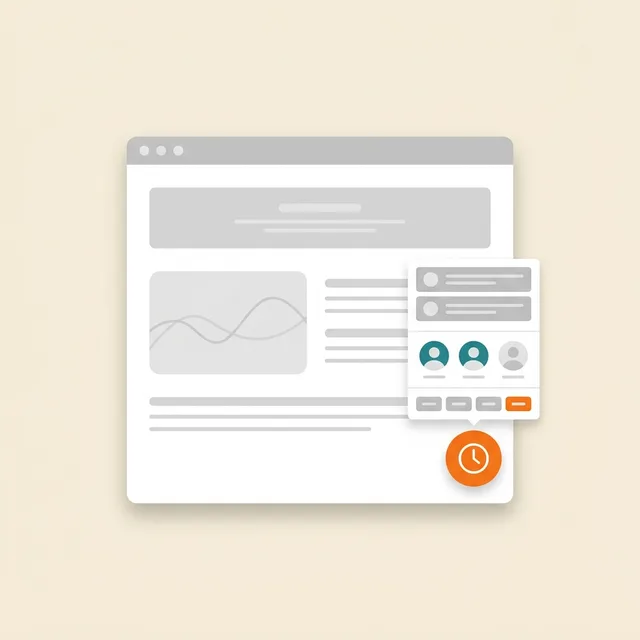
آن لائن ملاقات
آپ کے شیڈول کے مطابق ملاقات: گاہک خود سروس، ماہر اور دستیاب وقت منتخب کرتا ہے
Requires services, specialists and schedules; automation is separate.
ڈیٹا یہاں پہنچتا ہے: اکاؤنٹ میں ملاقاتوں کا رجسٹر (سیکشن «ریکارڈ») — خدمت، ماہر، وقت اور گاہک کا رابطہ
مفت
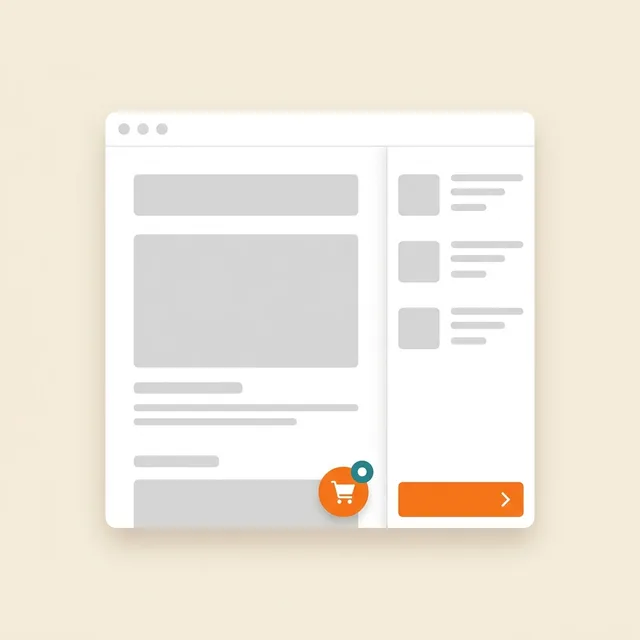
ویب سائٹ سے آرڈر
آرڈر کا بٹن آپ کے تیار ویب سائٹ کے اوپر آپ کا اسٹور فرنٹ کھولتا ہے
Requires a catalogue and fulfilment; payments and delivery have separate terms.
ڈیٹا یہاں پہنچتا ہے: Cenaly.com کا آرڈر مانیٹر: آئٹم، رابطے اور ڈیلیوری کی صورت میں پتہ۔ کچن اور کورئیر منصوبے کے مطابق الگ سے شامل ہوتے ہیں۔
مفت

کوکی بینر
ٹریکرز کی خودکار بلاکنگ اور Google Consent Mode v2 کے ساتھ کوکیز پر رضامندی
Basic CMP is free; Pro is separate. Blocking needs early code; .ru has no scanner or log.
ڈیٹا یہاں پہنچتا ہے: آپ کے اکاؤنٹ میں گمنام رضامندی لاگ: زمرے اور فیصلے کا وقت، بغیر IP اور درست User-Agent
مفت
بامعاوضہ توسیع

پاپ اپ اور فارم
پاپ اپ ونڈوز، ایمبیڈڈ فارم، کوپن اور شرائطِ نمائش اور A/B کے ساتھ کوئز
Configure a campaign and goal; the extension is separate.
ڈیٹا یہاں پہنچتا ہے: اکاؤنٹ میں «لِیڈز» ان باکس — صفحے کے پتے اور UTM کے ساتھ؛ سبسکرپشنز — مہم کی فہرست میں، نمائش کے اعداد و شمار — مہم کے کارڈ میں
$9/ماہ

میز کی بکنگ
«بکنگ کریں» بٹن → ایک فارم → آپ کے «میز» سیکشن میں درخواست
Requires tables and booking rules.
ڈیٹا یہاں پہنچتا ہے: اکاؤنٹ میں «میزوں» کا سیکشن — فون پر بکنگ اور QR مینو سے آنے والی بکنگ کے ساتھ
$9/ماہ
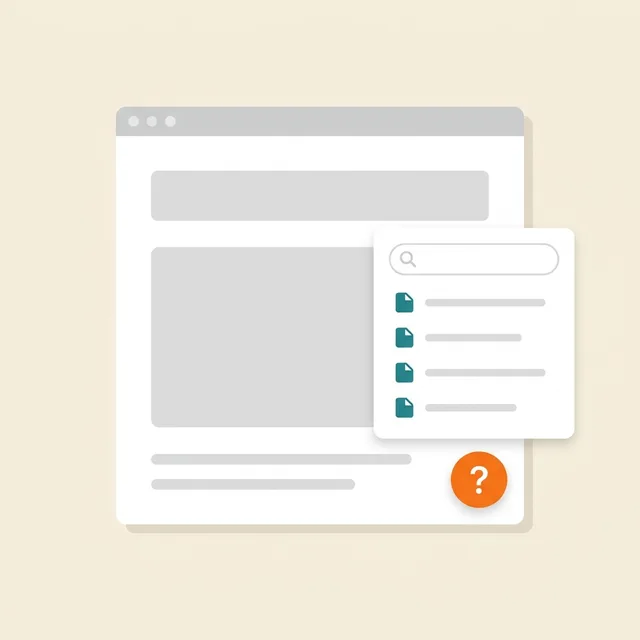
سائٹ پر معاونت
«؟» بٹن → آپ کے مضامین، تلاش اور «مددگار» کی درجہ بندی کے ساتھ سائیڈ پینل
Prepare and publish help articles.
ڈیٹا یہاں پہنچتا ہے: مضامین — «مضامین اور صفحات» کے سیکشن میں؛ ملاحظات، درخواستیں اور درجہ بندیاں — «نالج بیس» → «تجزیات»
$19/ماہ

قانونی دستاویزات
پالیسی، معاہدہ، واپسی، کوکیز، ڈیلیوری — آپ کے ڈیٹا کے مطابق تیار اور ویب سائٹ میں شامل
Review documents for your business; no legal guarantee is provided.
ڈیٹا یہاں پہنچتا ہے: زائر شائع شدہ دستاویزات پڑھتا ہے۔ ویجیٹ اعداد و شمار کے لیے لوڈ، کھلنے اور بند ہونے کے تکنیکی ایونٹس بھیجتا ہے؛ سوالنامے کے جوابات اکاؤنٹ میں ایڈٹ کیے جاتے ہیں۔
$9/ماہ
ہمارے کنسٹرکٹر کی ویب سائٹس پر مفت
What it looks like in the product
Multibutton
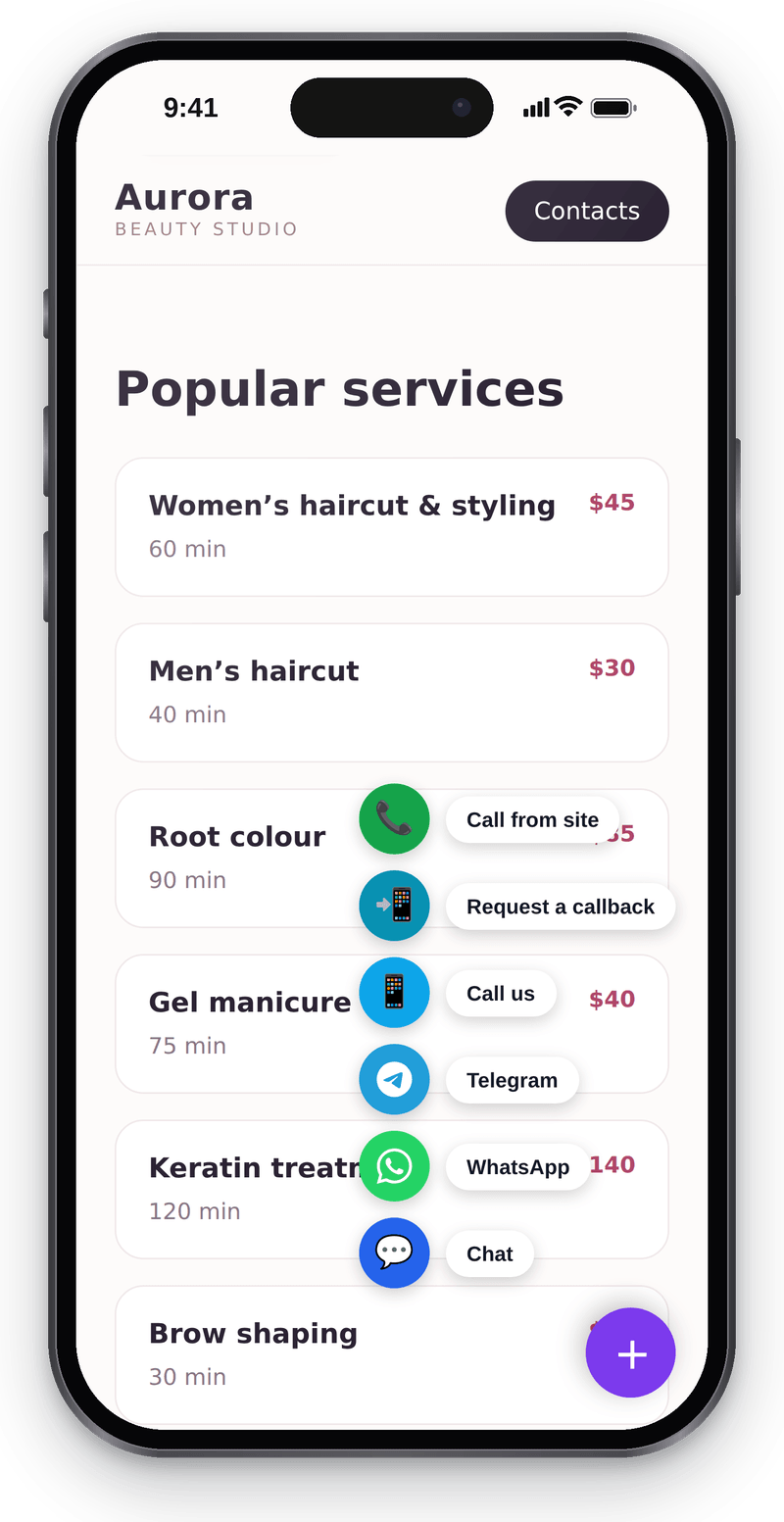
Every way to reach you in one corner button Website chat
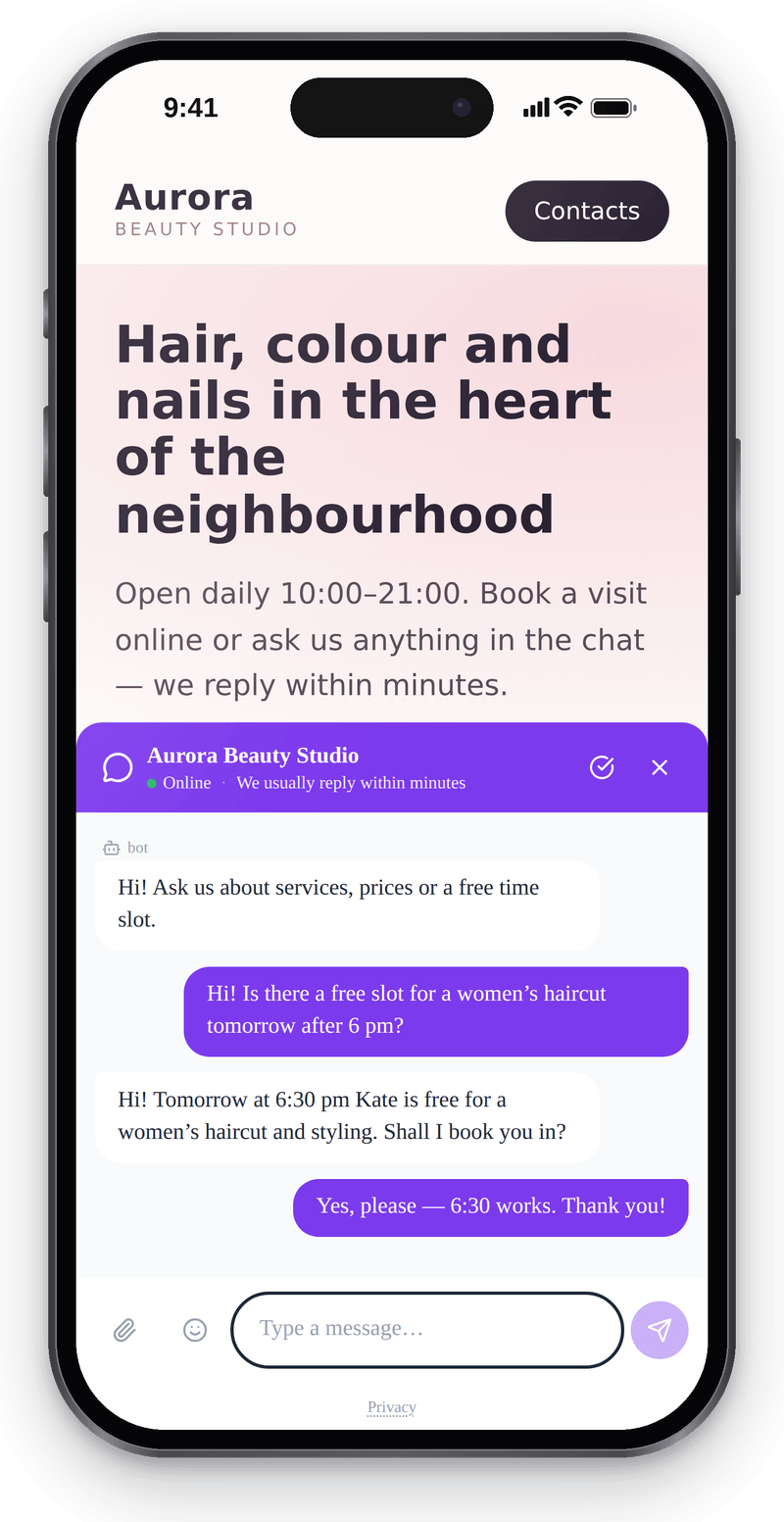
Visitors write from their phone without leaving the page Callback
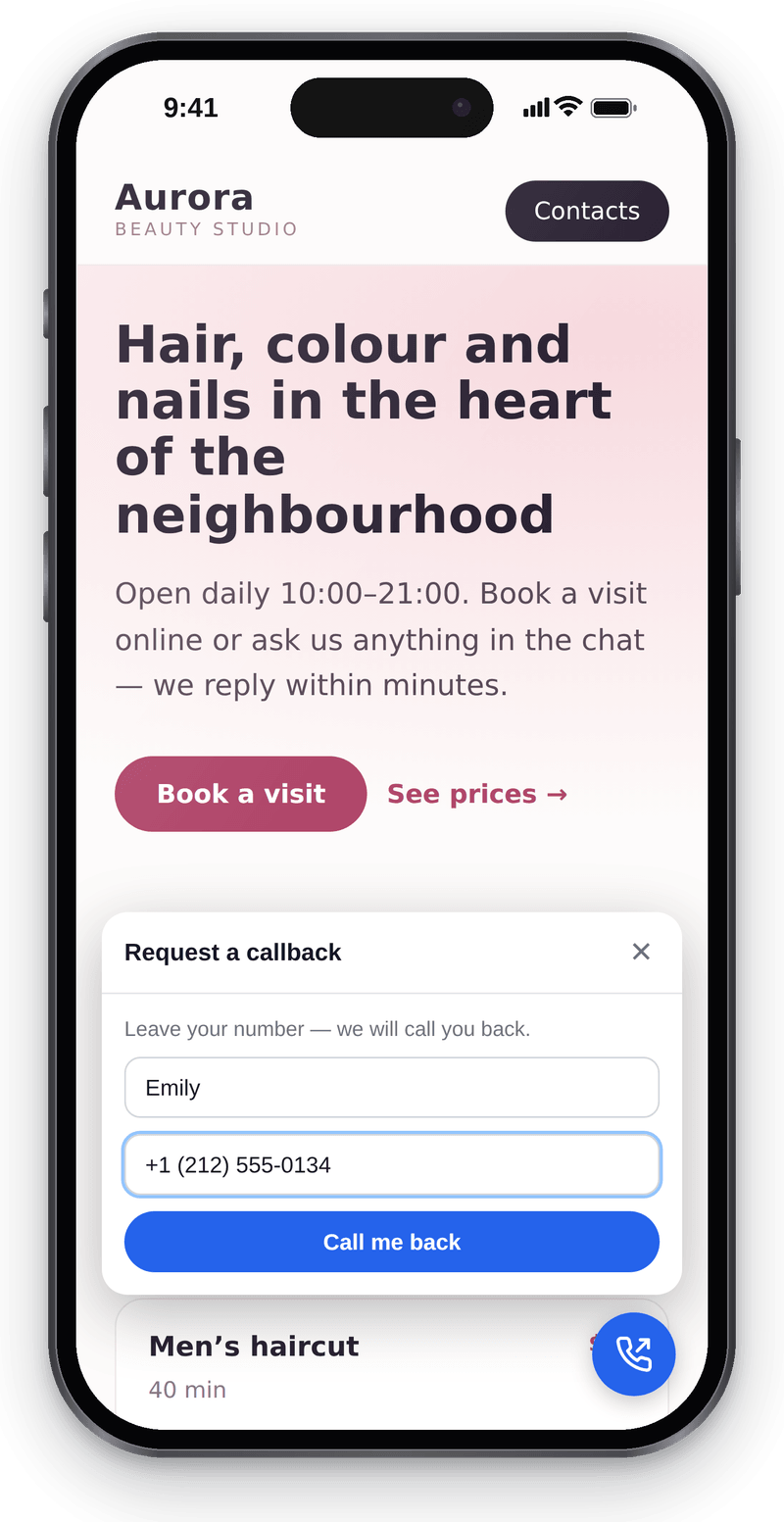
Visitors leave a number and you call them back


Conversations in the workspace
View full size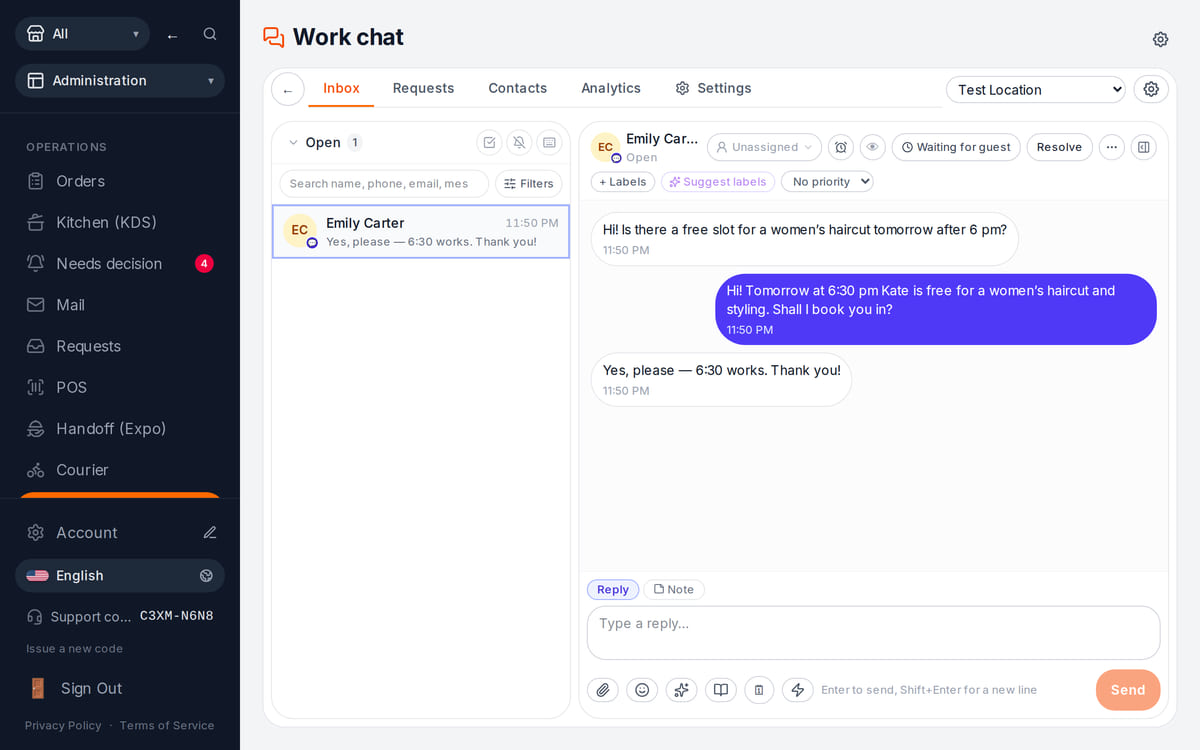
Website messages land in the team’s shared work chat

How it works in practice
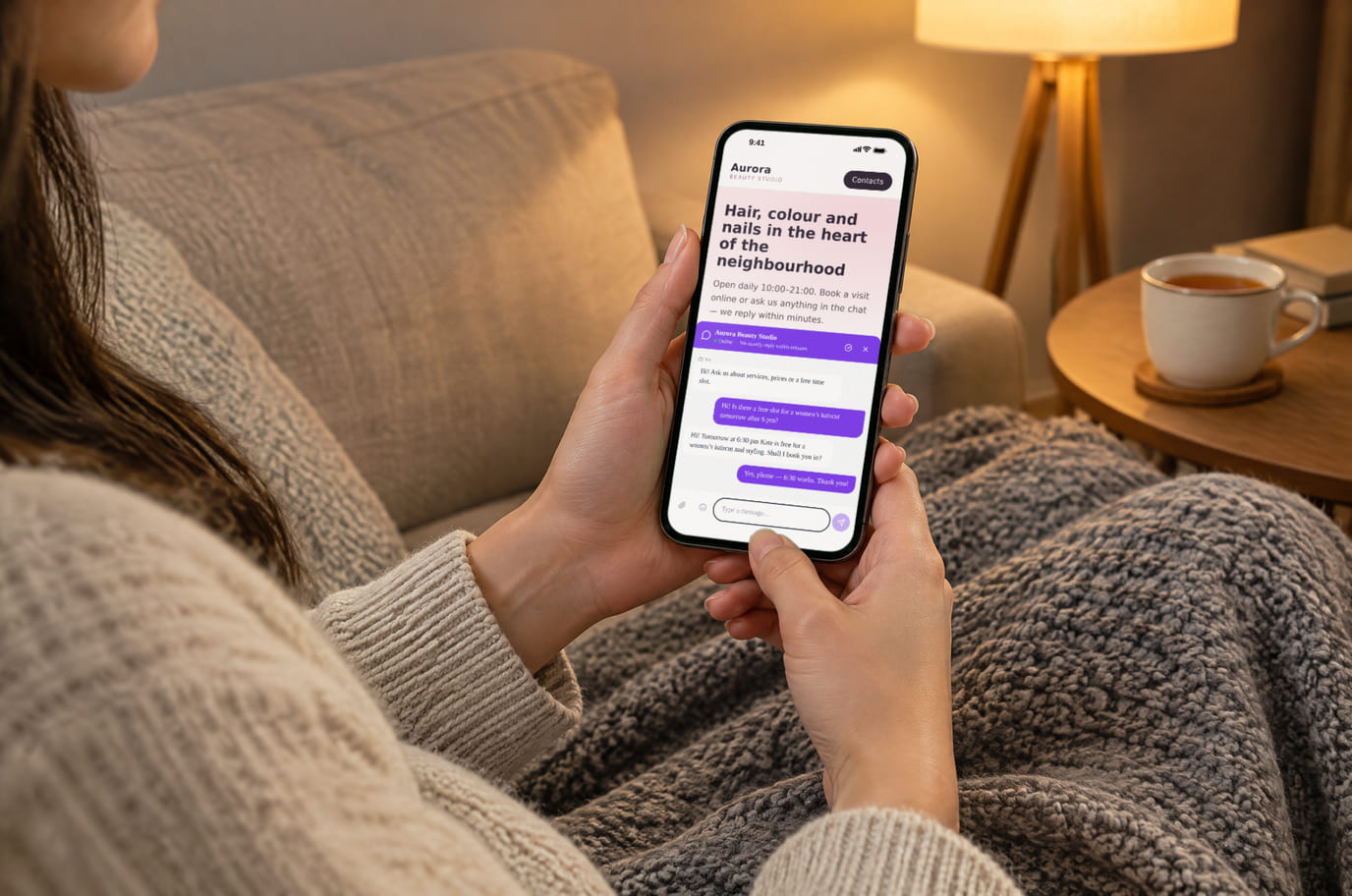
Illustration. An evening question, answered without a call 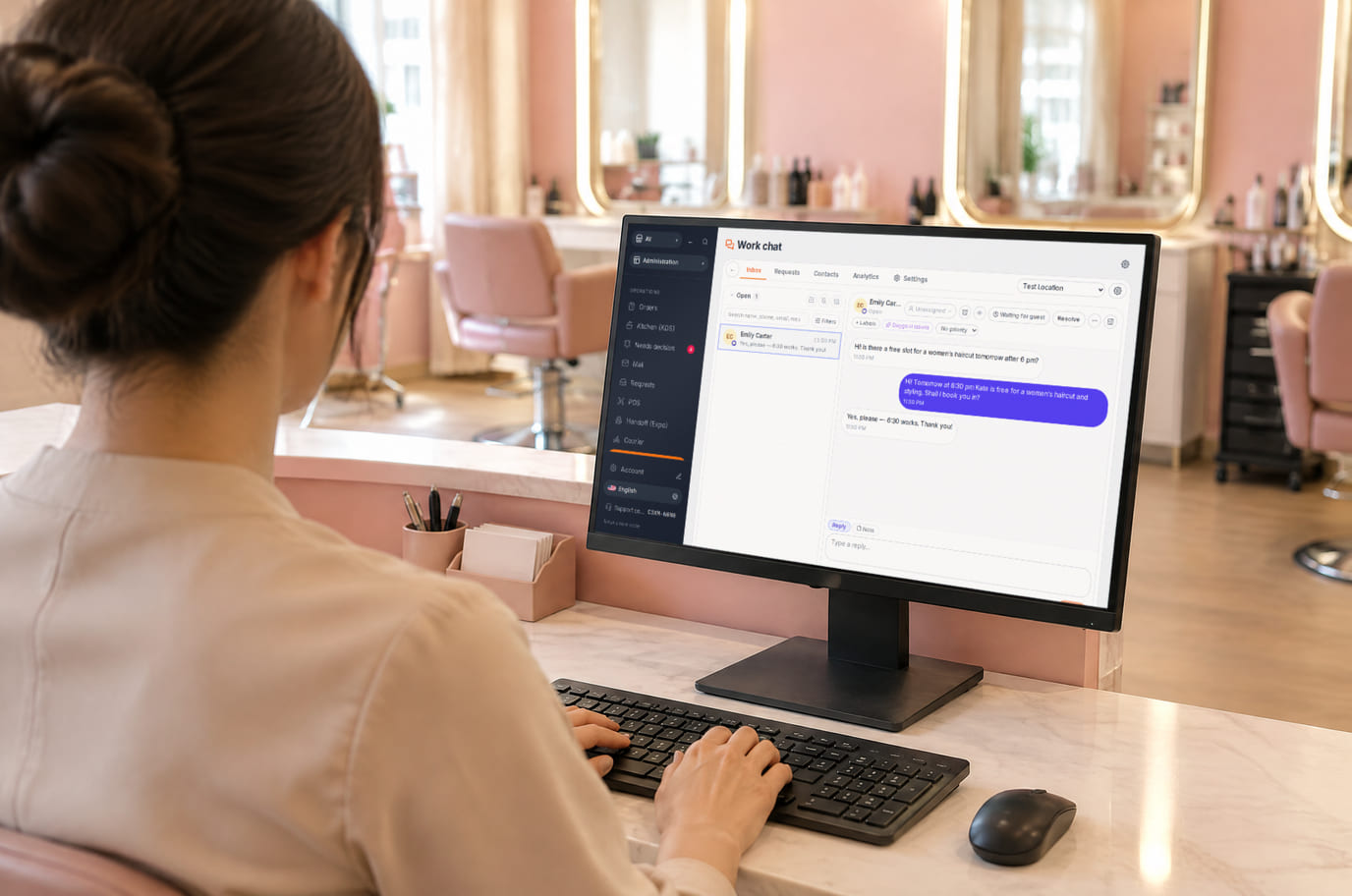
Illustration. Reception replies from the workspace without leaving the desk


What is included and what costs extra
Basic versions of 9 of the 13 widgets are free. Table booking, popups, help and legal documents on an external website are extensions. A free widget can have paid connected features.
- The basic widget
- A free form or button does not automatically include telephony, AI, delivery, payments or automated campaigns. Check the selected widget’s page for terms.
- Extensions
- Check catalogue terms before connecting. The basic CMP has a separate Cookies Pro tier; cenaly.ru has no scanner or consent log regardless of tier.
- Test before launch
- Enable one workflow, submit a test enquiry and find it in your account. Check the site on a phone and prepare your team to respond.
کیسے جوڑیں — تین مراحل
Choose a task and add your site
Create an account and add the domain in My Website. Check the widget’s terms and prepare its data.
Install and check the code
Use the shared tag for ordinary widgets, following your platform’s instructions. Prior tracker blocking needs a separate early CMP script in head before trackers, without async/defer.
Test an enquiry
Enable the widget, check it on the published site and send a test enquiry. Settings may appear after the cache refreshes.
Shared tag for ordinary widgets
<script src="https://cdn.cenaly.com/site/v1.js" data-domain="your-site.com" async></script>For prior tracker blocking, use the early CMP script from the cookie-banner instructions. The shared async tag cannot stop trackers that have already run.
کہاں لگایا جاتا ہے
ہمارے کنسٹرکٹر کی ویب سائٹس پر ویجیٹس پہلے سے منسلک ہوتے ہیں — کچھ بھی داخل کرنے کی ضرورت نہیں۔
پلیٹ فارمز کے لیے مرحلہ وار ہدایات — مدد میں →آپ کے پلیٹ فارم پر تنصیب
مینو کے آئٹمز کے درست نام اور پلان کی شرائط ہر پلیٹ فارم کی سرکاری مدد میں دیکھی جا سکتی ہیں۔
- WordPress ہیڈر میں کوڈ داخل کرنے کا پلگ ان یا تھیم فائلوں کا ایڈیٹر
- Tilda «سائٹ کی ترتیبات» → کوڈ داخل کرنا → head کے اندر HTML کوڈ
- Wix Settings → Custom Code، منسلک ڈومین ضروری ہے
- Shopify Online Store → Edit code → theme.liquid
- Webflow Site settings → Custom code؛ Site plan یا موزوں Workspace
- Squarespace Website Tools → Code Injection → Header
پلیٹ فارم فہرست میں نہیں ہے؟ انسٹالیشن کے لیے عمومی ہدایات →
موازنے
اوپر دیا گیا ہر بیان اسی دن ان صفحات سے لیا گیا تھا۔ لینے کے بعد وینڈر بدل سکتا ہے — لنکس اصل ماخذ کی طرف لے جاتے ہیں، خود تصدیق کر لیں۔
سوالات و جوابات
What do I need before setup?
Access to insert website code and an account with the domain in My Website. Other requirements depend on the task: chat needs a responding team, calls need telephony, appointments need services and schedules, and orders need a catalogue and fulfilment options.
What exactly is free?
Basic versions of 9 of the 13 widgets are free; the other 4 are extensions. Telephony, AI, automation and Cookies Pro have separate terms. A free widget does not make all connected features free.
Is one async tag enough for cookie consent?
A shared loader displays widgets. To block trackers before consent, install the separate CMP script first in head without async/defer. It cannot intercept scripts that have already run or server-set cookies. Check script order against the instructions.
How do I check the site and mobile layout?
Widgets isolate their styles, but test compatibility on your published page: mobile widths, buttons, forms and third-party scripts. Send a test enquiry and check that your team received it.
What language and cloud limits apply?
Built-in language coverage varies by widget; you configure your own text and translations separately. Core records are stored in your brand’s cloud. Connected AI, telephony and other services have their own processing terms. cenaly.ru has no CMP scanner or consent log; other limits are listed on each widget’s page.
Chat, enquiries and booking on your website
Basic widgets are free · extensions, telephony and AI have separate terms
Choose a widget