13 widgets · basic features and extensions
Chat, enquiries and booking on your website
Let visitors ask a question, leave an enquiry or choose a service on the page. Start with one widget and receive enquiries in your Cenaly.com account.
Basic widgets are free · extensions, telephony and AI have separate terms

사이트 점검부터 시작하세요
주소를 입력하시면 페이지를 열고 소스 코드를 확인하여 무엇을 불러오는지, 동의를 요청하는지 보여 드립니다. 회원가입과 태그 설치가 필요하지 않습니다.
- 카운터, 픽셀, 소셜 미디어, 지도, 동영상, 채팅 — 이름과 동의 카테고리별로 확인
- 동의 배너: 자사, 타사 또는 미탐지
- 사이트가 이미 연결된 경우 자사 태그와 활성화된 위젯
한 페이지의 HTML만 읽기 때문에 브라우저에서 스크립트로 불러온 내용은 점검에서 확인되지 않으며, 결과에 이 사실을 명시합니다. IP 주소는 평문으로 저장하지 않습니다.
업무별로 선택하세요
태그는 하나지만, 가장 가까운 과제를 해결해 주는 기능을 켜는 것이 좋습니다.
Receive an enquiry or order
Popups, real storefront events, the video bubble, table booking, appointments and orders.
Provide information and choices
Help articles, document preparation and consent settings.
무료
웹사이트 채팅
방문자와의 실시간 채팅 — 직원이 업무 채팅에서 답변합니다
A responding team is needed; AI is connected separately.
데이터가 입력되는 위치: Cenaly.com 업무 채팅의 대화 채널, 대화 기록 및 연락처는 계정에 저장됩니다
무료
메신저 버튼
하나의 플로팅 버튼: WhatsApp, Telegram, 전화, 채팅 — 최대 12개 채널
Prepare links and enable the channels you need.
데이터가 입력되는 위치: 대화는 귀하의 WhatsApp 및 Telegram으로, 채널 클릭은 계정의 멀티버튼 패널로 전송됩니다
무료
콜백
통화 신청 양식, PBX 연동 시 자동 발신
Without telephony it collects a request; live dialling needs setup.
데이터가 입력되는 위치: 전화 통신 없이도 신청은 계정의 콜백 목록에 저장됩니다. cenaly.ru에서는 신청 접수 시 이메일이 발송되지 않습니다.
무료

브라우저 통화
“통화” 버튼 — 방문자가 번호와 앱 없이 사이트에서 귀사의 PBX를 통해 통화합니다
Requires telephony, an available line and the visitor’s microphone.
데이터가 입력되는 위치: 통화는 Cenaly.com의 고객님 PBX로 수신 전화로 연결되고, 통화 녹음은 사용 설정된 경우 «통화» 섹션에 저장됩니다
무료 · Requires connected telephony
소셜 프루프
계정의 주문, 예약, 예약 및 평점 수치를 보여주는 배지
Requires real storefront events; figures are not invented.
데이터가 입력되는 위치: 사이트에는 이름과 리뷰 텍스트가 없는 공개 숫자 집계가 전송됩니다. 위젯은 또한 통계를 위해 로드, 노출, 닫기 이벤트를 전송합니다.
무료
동영상 서클
사이트 한쪽 구석에 메뉴의 동영상을 담은 서클: 클릭하면 소리가 나는 동영상과 “주문” 버튼이 표시됩니다
Requires menu or catalogue items with video; the button under a clip needs its target widget enabled.
데이터가 입력되는 위치: 영상 아래 버튼을 통한 주문, 예약, 예약은 위젯 자체에서 들어오는 것과 동일한 섹션으로 전달됩니다. 서클은 노출, 펼침, 소리 포함 시청, 버튼 클릭 등 익명 통계만 전송합니다.
무료
온라인 예약
고객이 원하는 일정에 맞춘 예약: 고객이 서비스, 담당자, 빈 시간을 직접 선택합니다
Requires services, specialists and schedules; automation is separate.
데이터가 입력되는 위치: 계정 내 예약 장부(“예약” 섹션) — 서비스, 담당자, 시간 및 고객 연락처
무료
웹사이트 주문
주문 버튼을 누르면 기존 웹사이트 위에 상점이 열립니다
Requires a catalogue and fulfilment; payments and delivery have separate terms.
데이터가 입력되는 위치: Cenaly.com 주문 모니터: 항목, 연락처 및 배송 시 주소. 주방과 배달원은 요금제에 따라 별도로 연결됩니다.
무료
쿠키 배너
트래커 자동 차단 및 Google Consent Mode v2를 지원하는 쿠키 동의
Basic CMP is free; Pro is separate. Blocking needs early code; .ru has no scanner or log.
데이터가 입력되는 위치: 계정의 익명 동의 로그: 카테고리와 결정 시간, IP와 정확한 User-Agent 없이
무료
유료 확장 기능

팝업 및 양식
팝업, 내장 양식, 쿠폰, 퀴즈와 표시 조건 및 A/B
Configure a campaign and goal; the extension is separate.
데이터가 입력되는 위치: 계정의 “리드” 인박스 — 페이지 주소와 UTM 포함; 구독은 캠페인 목록으로, 노출 통계는 캠페인 카드로
$9/월

테이블 예약
«예약하기» 버튼 → 하나의 양식 → «테이블» 섹션으로 접수된 신청
Requires tables and booking rules.
데이터가 입력되는 위치: 계정의 “테이블” 섹션 — 전화 및 QR 메뉴 예약 옆에
$9/월
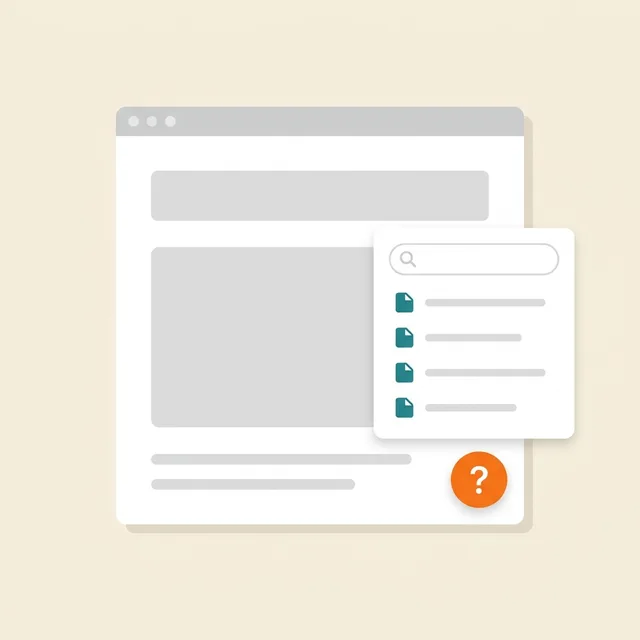
웹사이트 내 도움말
«?» 버튼 → 내 문서, 검색, «도움됨» 평가가 있는 사이드 패널
Prepare and publish help articles.
데이터가 입력되는 위치: 문서 — “문서 및 페이지” 섹션, 조회수·문의·평가 — “지식 베이스” → “분석”
$19/월

법률 문서
정책, 계약, 반품, cookies, 배송 — 비즈니스 데이터에 맞춰 작성되어 사이트에 삽입됩니다
Review documents for your business; no legal guarantee is provided.
데이터가 입력되는 위치: 방문자는 게시된 문서를 읽습니다. 위젯은 통계를 위해 로드, 열기, 닫기 기술 이벤트를 전송하며, 설문 답변은 계정에서 편집할 수 있습니다.
$9/월
당사 빌더로 만든 사이트에서는 무료입니다
What it looks like in the product
Multibutton
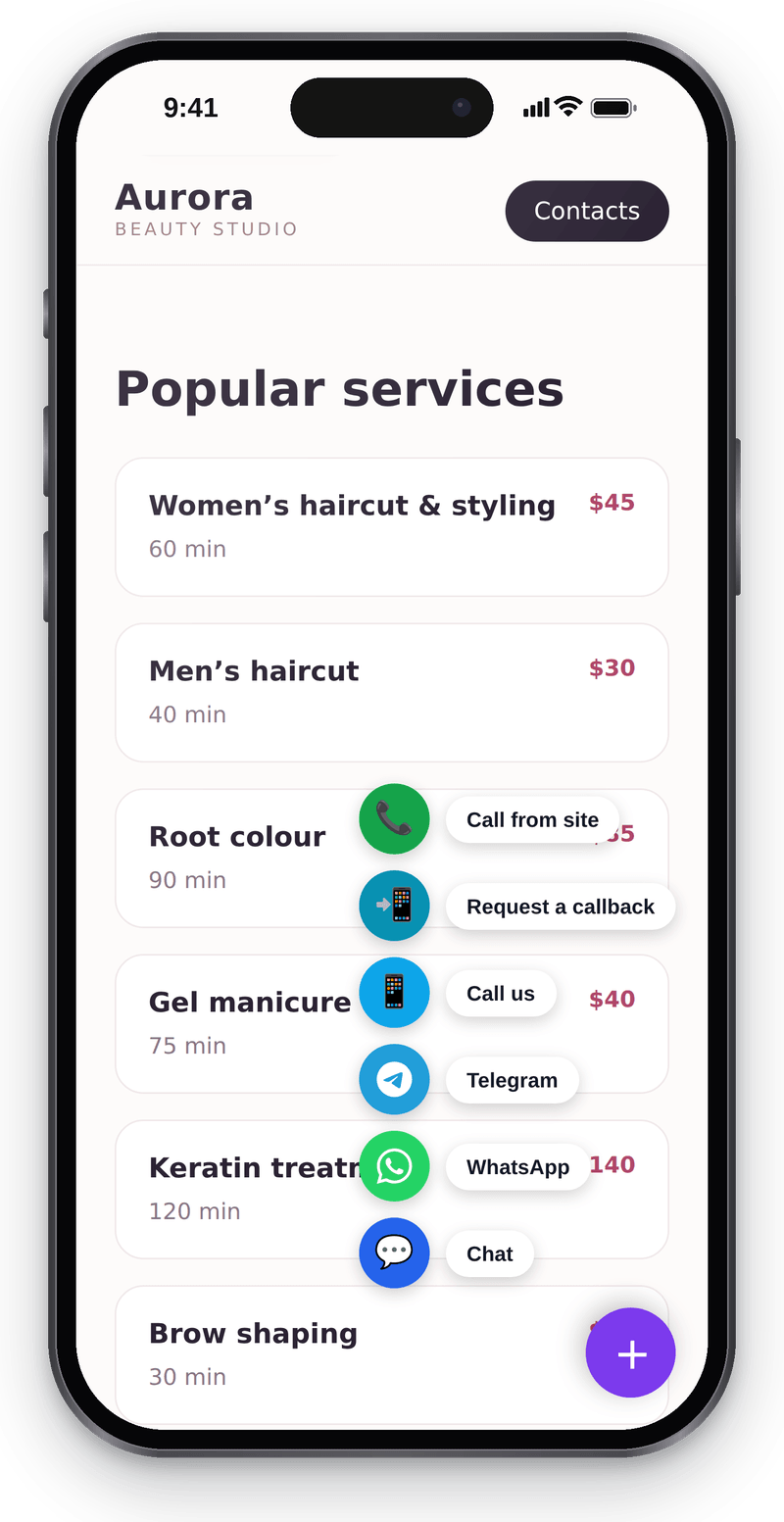
Every way to reach you in one corner button Website chat
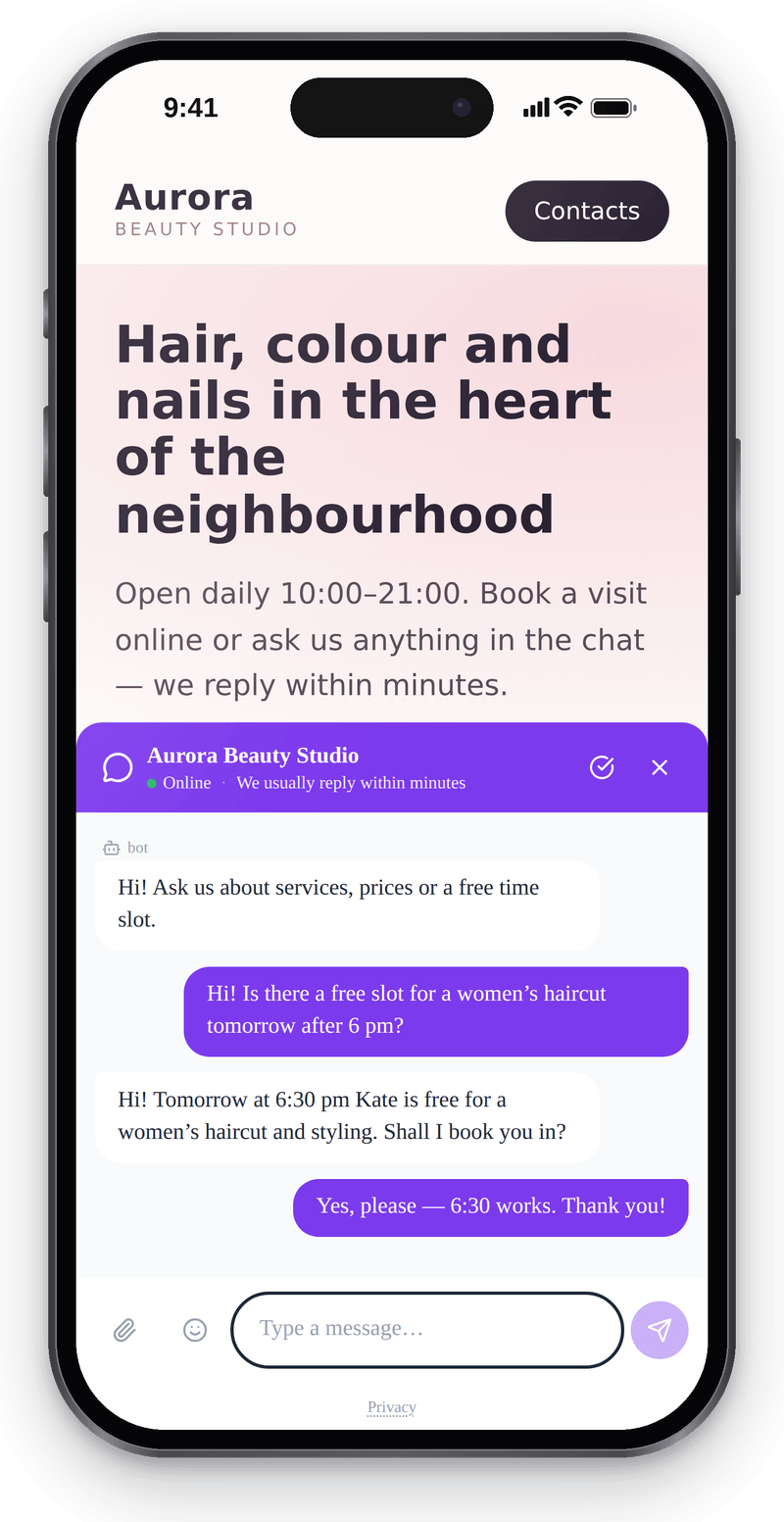
Visitors write from their phone without leaving the page Callback
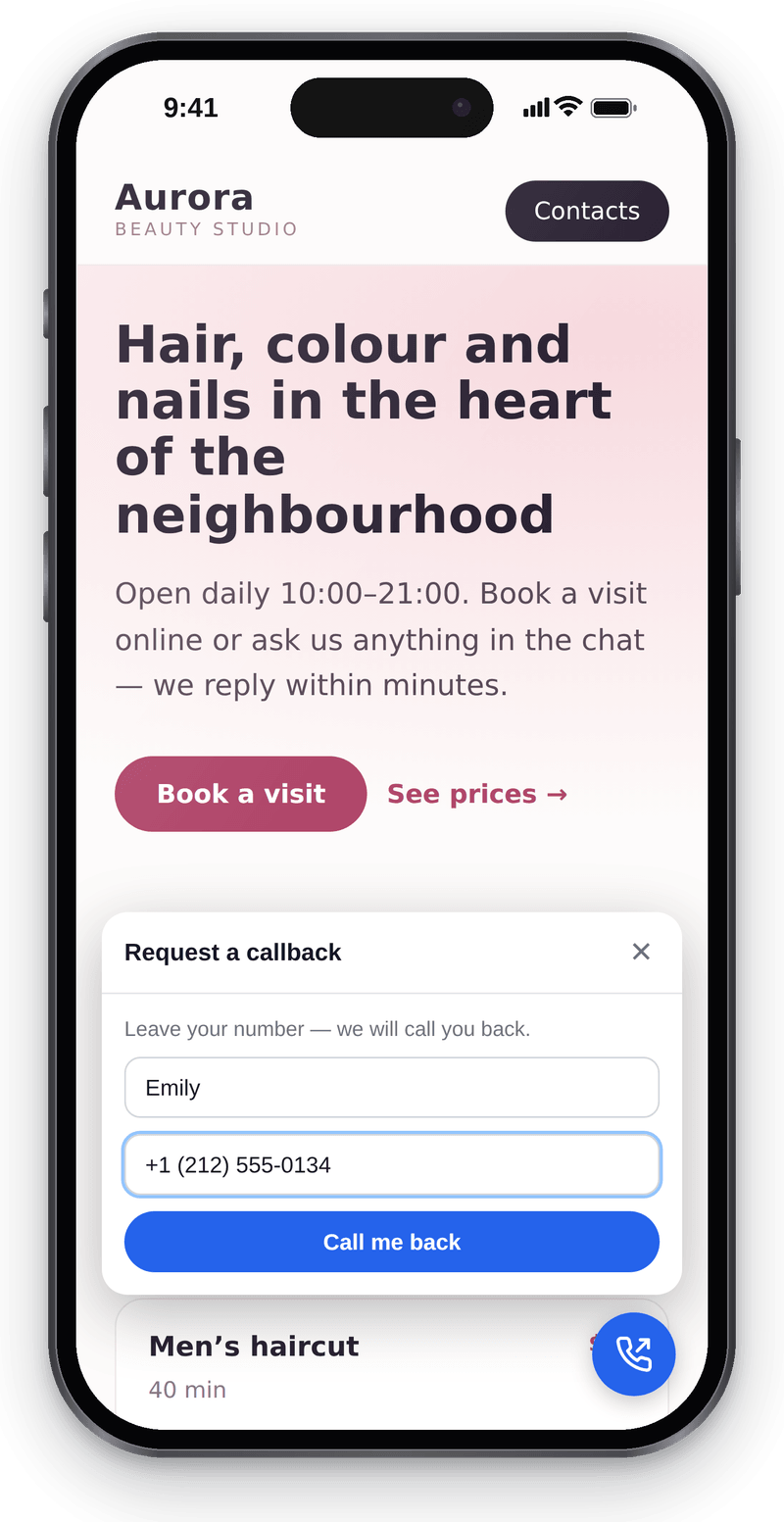
Visitors leave a number and you call them back


Conversations in the workspace
View full size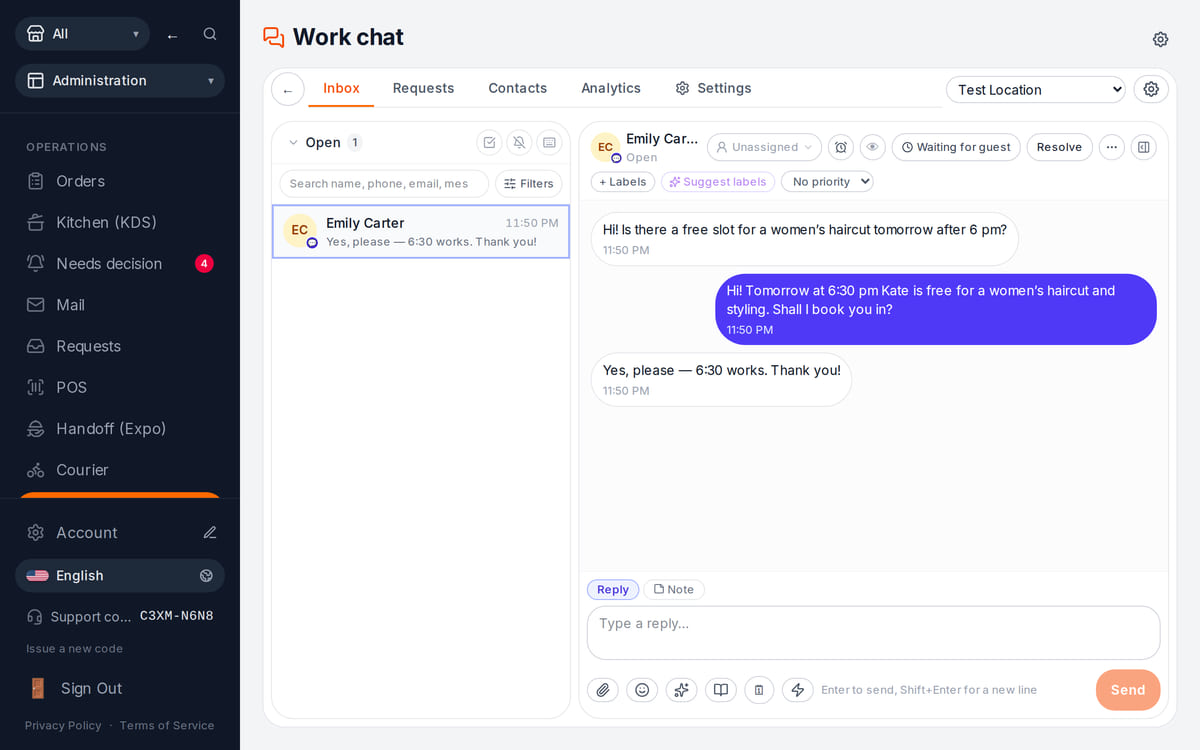
Website messages land in the team’s shared work chat

How it works in practice
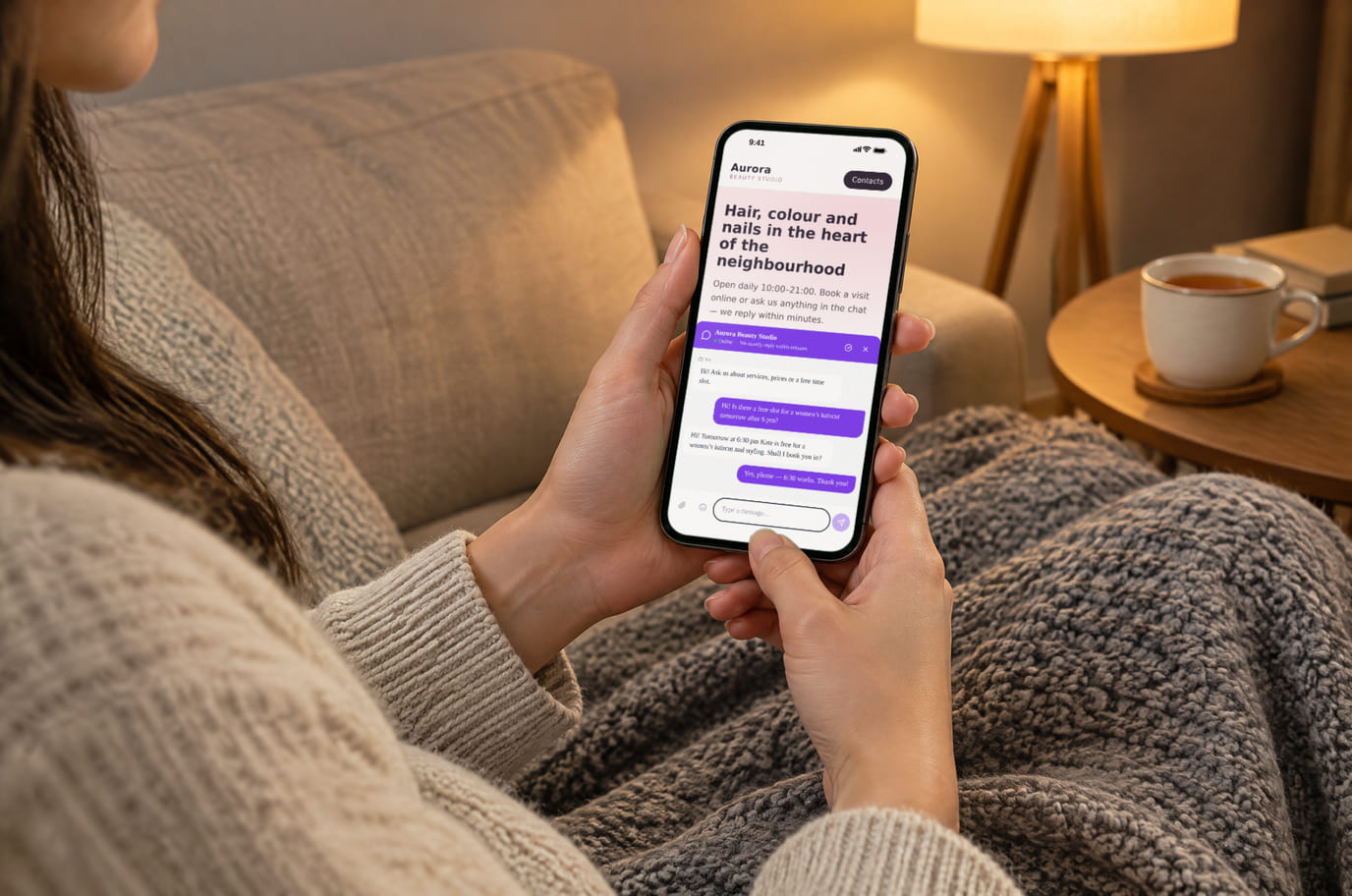
Illustration. An evening question, answered without a call 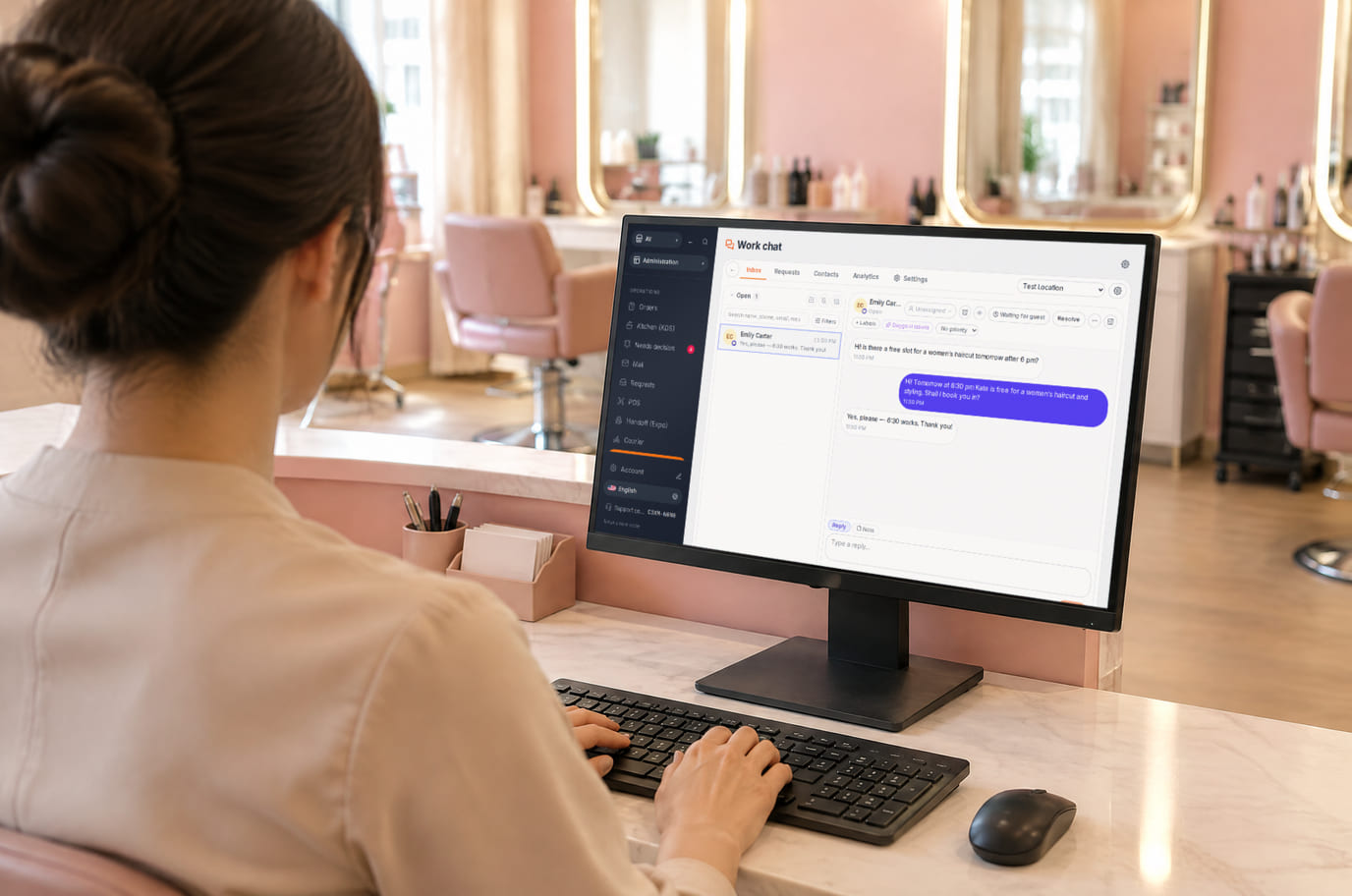
Illustration. Reception replies from the workspace without leaving the desk


What is included and what costs extra
Basic versions of 9 of the 13 widgets are free. Table booking, popups, help and legal documents on an external website are extensions. A free widget can have paid connected features.
- The basic widget
- A free form or button does not automatically include telephony, AI, delivery, payments or automated campaigns. Check the selected widget’s page for terms.
- Extensions
- Check catalogue terms before connecting. The basic CMP has a separate Cookies Pro tier; cenaly.ru has no scanner or consent log regardless of tier.
- Test before launch
- Enable one workflow, submit a test enquiry and find it in your account. Check the site on a phone and prepare your team to respond.
연결 방법 — 세 단계
Choose a task and add your site
Create an account and add the domain in My Website. Check the widget’s terms and prepare its data.
Install and check the code
Use the shared tag for ordinary widgets, following your platform’s instructions. Prior tracker blocking needs a separate early CMP script in head before trackers, without async/defer.
Test an enquiry
Enable the widget, check it on the published site and send a test enquiry. Settings may appear after the cache refreshes.
Shared tag for ordinary widgets
<script src="https://cdn.cenaly.com/site/v1.js" data-domain="your-site.com" async></script>For prior tracker blocking, use the early CMP script from the cookie-banner instructions. The shared async tag cannot stop trackers that have already run.
귀하의 플랫폼에 설치
메뉴 항목의 정확한 명칭과 요금제 조건은 각 플랫폼의 공식 도움말을 따릅니다.
비교
위의 모든 진술은 명시된 날짜에 해당 페이지에서 수집되었습니다. 수집 이후 공급업체가 변경되었을 수 있으므로 링크는 원출처로 연결되며, 직접 확인하시기 바랍니다.
자주 묻는 질문
What do I need before setup?
Access to insert website code and an account with the domain in My Website. Other requirements depend on the task: chat needs a responding team, calls need telephony, appointments need services and schedules, and orders need a catalogue and fulfilment options.
What exactly is free?
Basic versions of 9 of the 13 widgets are free; the other 4 are extensions. Telephony, AI, automation and Cookies Pro have separate terms. A free widget does not make all connected features free.
Is one async tag enough for cookie consent?
A shared loader displays widgets. To block trackers before consent, install the separate CMP script first in head without async/defer. It cannot intercept scripts that have already run or server-set cookies. Check script order against the instructions.
How do I check the site and mobile layout?
Widgets isolate their styles, but test compatibility on your published page: mobile widths, buttons, forms and third-party scripts. Send a test enquiry and check that your team received it.
What language and cloud limits apply?
Built-in language coverage varies by widget; you configure your own text and translations separately. Core records are stored in your brand’s cloud. Connected AI, telephony and other services have their own processing terms. cenaly.ru has no CMP scanner or consent log; other limits are listed on each widget’s page.
Chat, enquiries and booking on your website
Basic widgets are free · extensions, telephony and AI have separate terms
Choose a widget