A kitchen without paper tickets
Every order at the right station, with a timer and a status
The kitchen display runs in a browser on a tablet, monitor or TV. Items route to stations — grill, cold kitchen, bar; cooks mark “preparing” and “ready”, and the POS and the guest see the status.
No card required. Paid plans are chosen in the admin — signing up does not start one.
- Items route by each dish’s station
- Timers with a “late” threshold
- The expo screen assembles orders from ready tickets
Who it is for
The module is the same — wording and defaults follow your business type.
Restaurant
Kitchen stations and an expo screen for the floor and delivery.
Café and coffee shop
One screen at the bar or in the kitchen instead of paper tickets.
Canteen
The serving line sees what is ready and what is still cooking.
Single-operator food hall
A station for each kitchen and a shared expo screen.
What the kitchen display does
Tickets and stations
- Stations
Items go to the grill, cold kitchen or bar by each dish’s station.
- Statuses
Accepted → preparing → ready; a ticket bumped by mistake goes back into work.
- Timers
The “late” threshold counts from the moment the order was placed.
- All-day summary
How many of each dish are in progress across the kitchen.
Expo and handoff
- Expo screen
Assembles the order from ready station tickets, with a packing checklist.
- Courier handoff
The courier confirms pickup — the handoff is recorded on the order.
- Labels
Order number and QR code on bag and item labels.
Printing and stop list
- Kitchen printing
Tickets to station printers through the bridge, with items in the kitchen’s language.
- Stop list from the kitchen
A dish runs out — the cook removes it from the storefront and POS right from the kitchen screen.
Kitchen and inventory
- Cooking times
Real time from “accepted” to “ready” by dish, station and hour; share of late tickets.
- Recipes and food cost
Dish recipes from stock ingredients, deducted on sale.
Step-by-step guides — Help article →
What it looks like in the product
Tickets by table
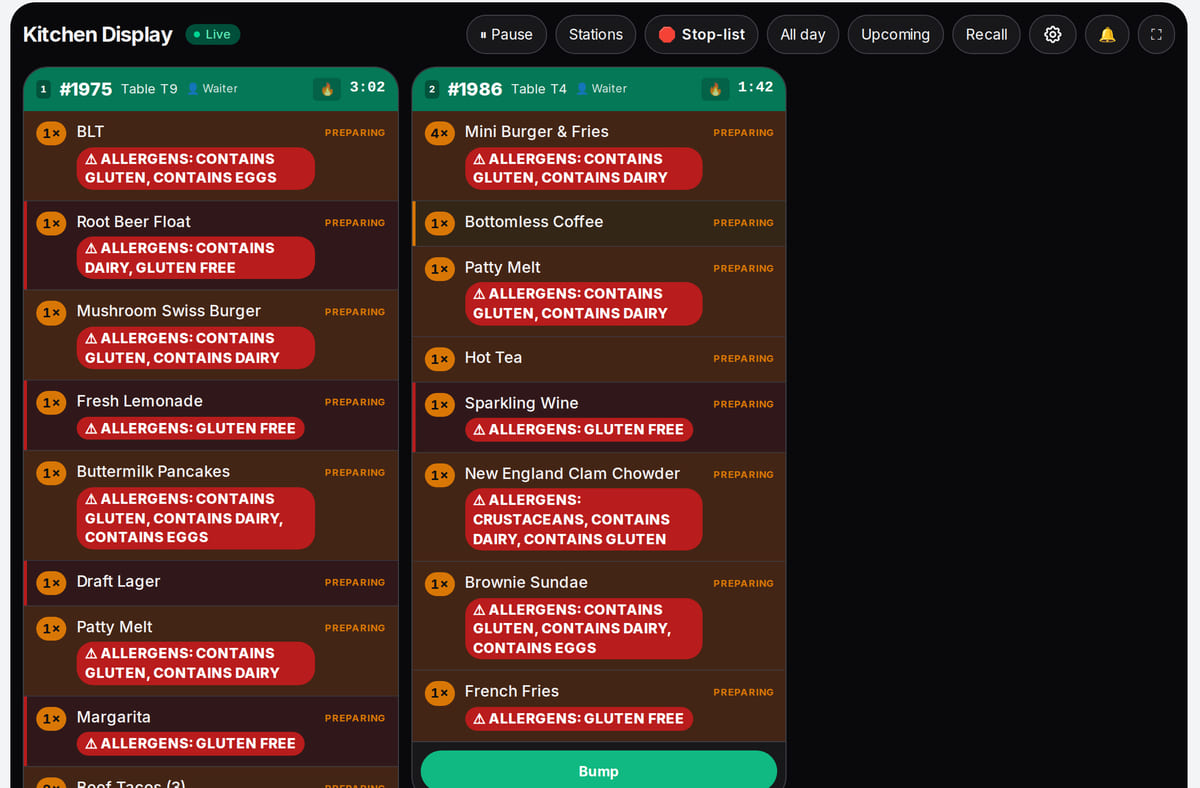
Real screen, demo data, 3 October 2026. Real orders from the Live Restaurant demo venue Stations and presets
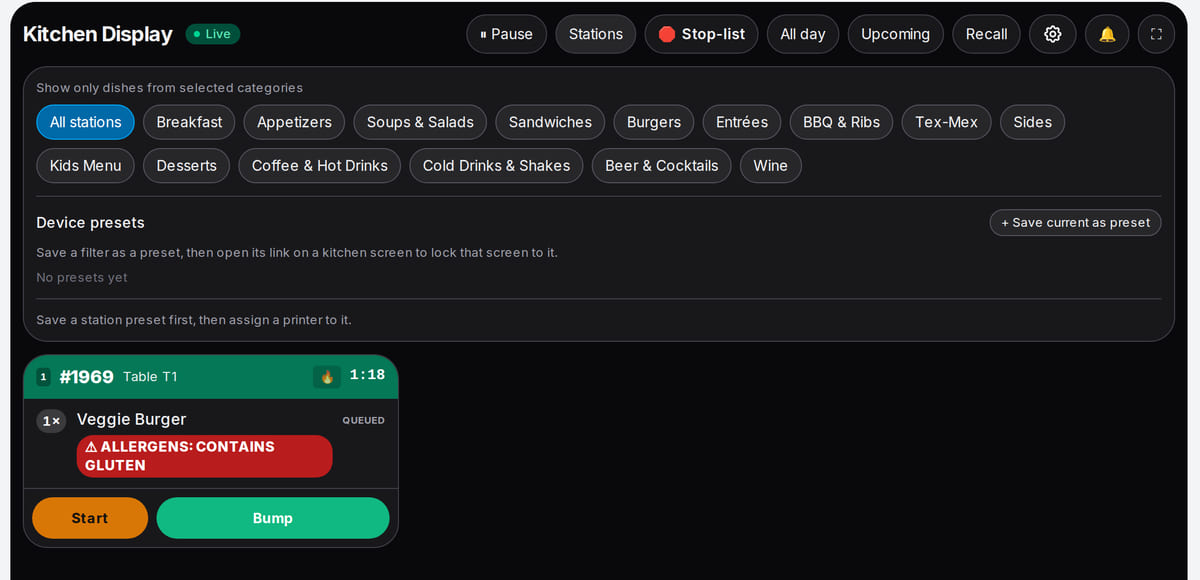
Real screen, demo data, 3 October 2026. Each screen shows only its own categories


How it works in practice
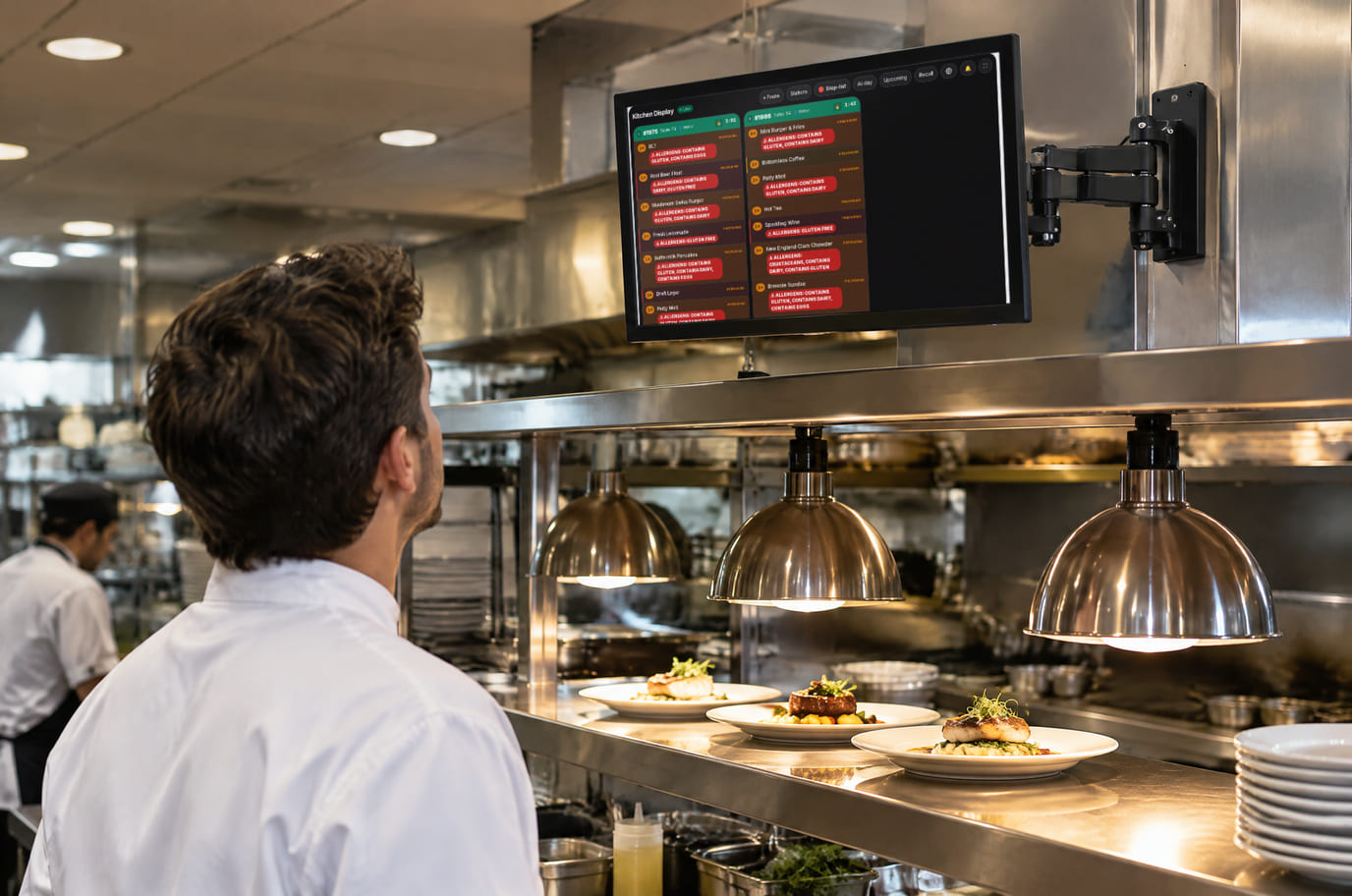
Illustration; the screen shows the real interface, demo data, 3 October 2026. A monitor on a bracket above the pass 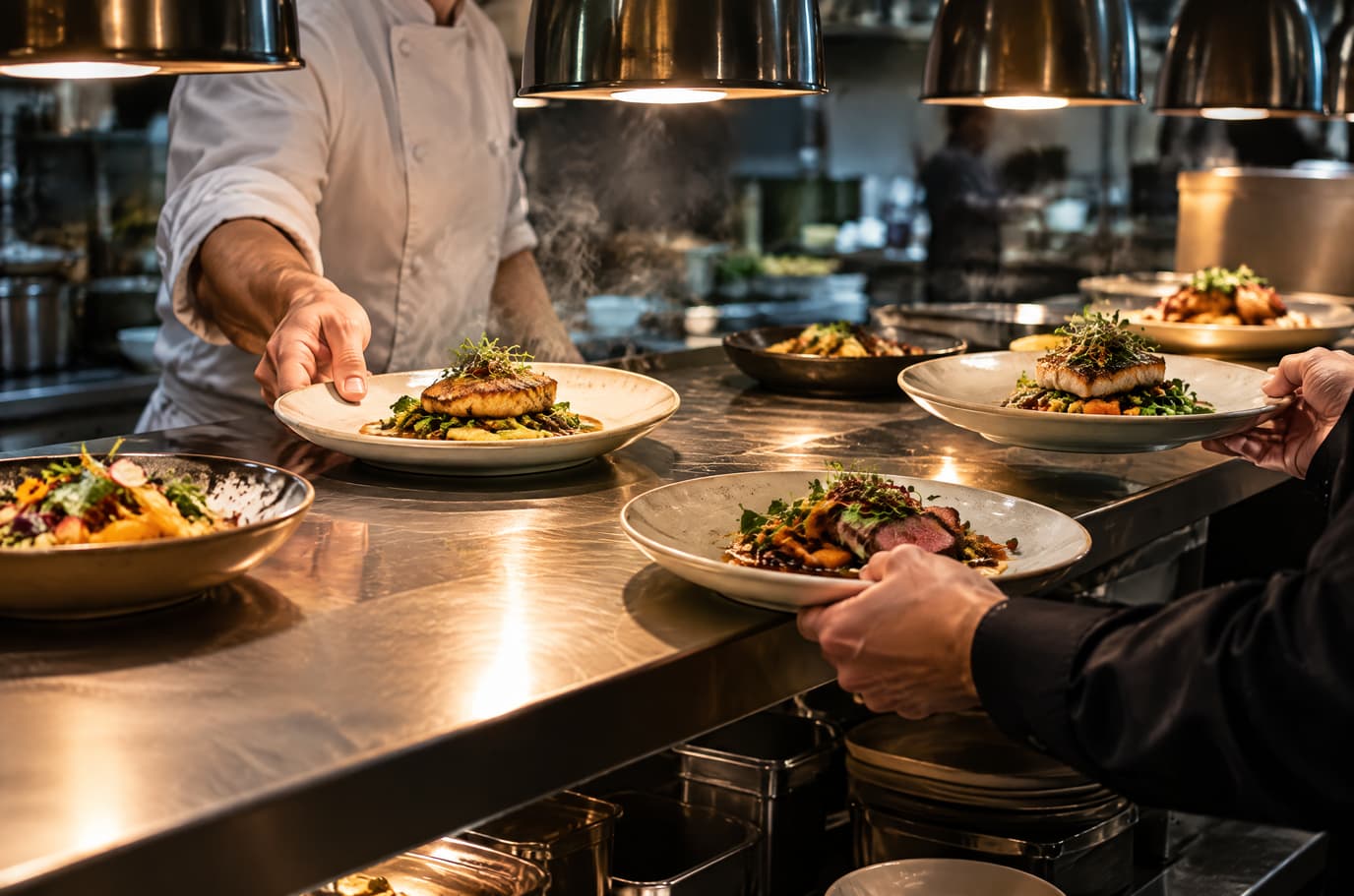
Illustration. Finished dishes leave the pass without paper tickets


Built as one system
Modules share one menu, one order flow and one shift — no exports between programs.
POS
A web POS on a tablet or computer: table, bar and counter modes, shifts with X/Z reports, refunds and PIN control.
QR menu and guest ordering
A menu in 45 languages behind a table QR code: guests order themselves and the order arrives with the table number.
Inventory and purchasing
Receipts, movements and physical counts for shops and venues, starting with one item.
Single-operator food hall
Your own kitchens: a shared menu, separate preparation screens and whole-order readiness.
Hardware
Any tablet, monitor or TV with a browser works — the screen is linked with a device code, no dedicated computer needed. Paper tickets need a station printer and the bridge on a computer.
How to connect hardware →- Tablet, monitor or TV with a browser
- Android kitchen display app — beta
- Network kitchen printers
- Label printer for bags
Pricing
Available from the plan
Basic
$19 / month
$190 / year when paid annually
Priced per account; the plan sets location, device and order limits.
Good to know
- The kitchen display comes in the same plan as the POS
- The number of screens follows the plan’s device limit
- Tablets and printers are bought separately
Start for free
A free account with one location: build your menu and test the workflow before choosing a plan.
Start for freeHonest limits
- Without internet no new tickets arrive: meanwhile the kitchen works from printed tickets if kitchen printing is set up.
- The screen is designed for tablets and monitors, not phones.
- Course firing for full fine-dining service is not available yet.
- Automatic channel pausing when the kitchen is overloaded is not available yet.
Test your workflow on a free account before buying hardware.
FAQ
What hardware does the kitchen display need?
Any tablet, monitor or TV with a browser. The screen is linked with a device code — no dedicated computer; ticket printing needs a station printer and the bridge.
Does the KDS work offline?
No: tickets arrive through the cloud. While offline the kitchen works from printed tickets if kitchen printing is set up, and orders reach the screen when the connection returns.
Can one kitchen have several screens?
Yes. With the station filter each screen shows its own dishes, and the expo screen assembles the full order. Your plan limits the number of devices.
Where do orders come from?
From the POS, the QR menu and storefront, the kiosk and your other channels — in one feed. By default a guest order arrives after staff accept it.
Can I print tickets instead of using a screen?
Yes, or alongside it: tickets print on station printers through the bridge, items in the kitchen’s language.
How much does it cost?
The kitchen display comes in the same plan as the POS; the price is below and on the pricing page.
Step-by-step guides — Help article →
Put a screen in the kitchen on day one
Open the kitchen display on any tablet, link it with a code and ring up a test order on the POS.
Talk to us →No card required. Paid plans are chosen in the admin — signing up does not start one.