For shop owners and retail managers
Shop software: products, checkout and stock
Keep the catalog, record receipts and reconcile stock with the shelf in one account.
Premium plan: $49 per month. Separate: scanner and other hardware, fiscalisation where your country requires it, card acquiring, import and AI.
Start the catalog for free. POS needs Basic; basic inventory operations are included. Hardware costs extra.
- Product details and prices by link or QR
- Configured barcode scanning at checkout
- Recorded stock movements and physical stock checks
- location on Free
- 1
- items on Free
- 50
- POS and cash shifts
- Basic
- basic operations included
- Stock
How your team works
Customer
- Browse product details and prices
- Open your catalog before visiting
- Review supported translations on international brands
Cashier
- Use a keyboard-mode scanner
- Check product and price before payment
- Open and close cash shifts
Stock keeper
- Record opening quantities and receipts
- Record transfers and write-offs
- Compare stocktakes with the shelf
Manager
- Manage locations within plan limits
- Check local prices and staff access
- Test one location before migrating others
What you need to start
Product data
Names, photos, prices, units and barcodes. Check a small import before moving your catalog.
Opening stock
Physical quantities by warehouse. Unrecorded losses still need investigation.
Checkout hardware
An internet-connected device. Test your scanner, printer, terminal and fiscal setup separately.
A launch owner
Someone to check the first product, receipt and movement. Physical price labels are updated separately.
Your first workflow
- 1
Add one product
Choose Retail at registration. Enter the name, price, units and barcode, then check the product card on a phone.
- 2
Test one sale
On an eligible plan, open a cash shift and scan the product. Check its price, payment and separately configured receipt setup.
- 3
Check one stock movement
With included basic inventory, enter opening quantities and compare the test sale with the physical shelf before migrating the catalog.
Try your own example
Product steps, not testimonials or promised results.
The same product online
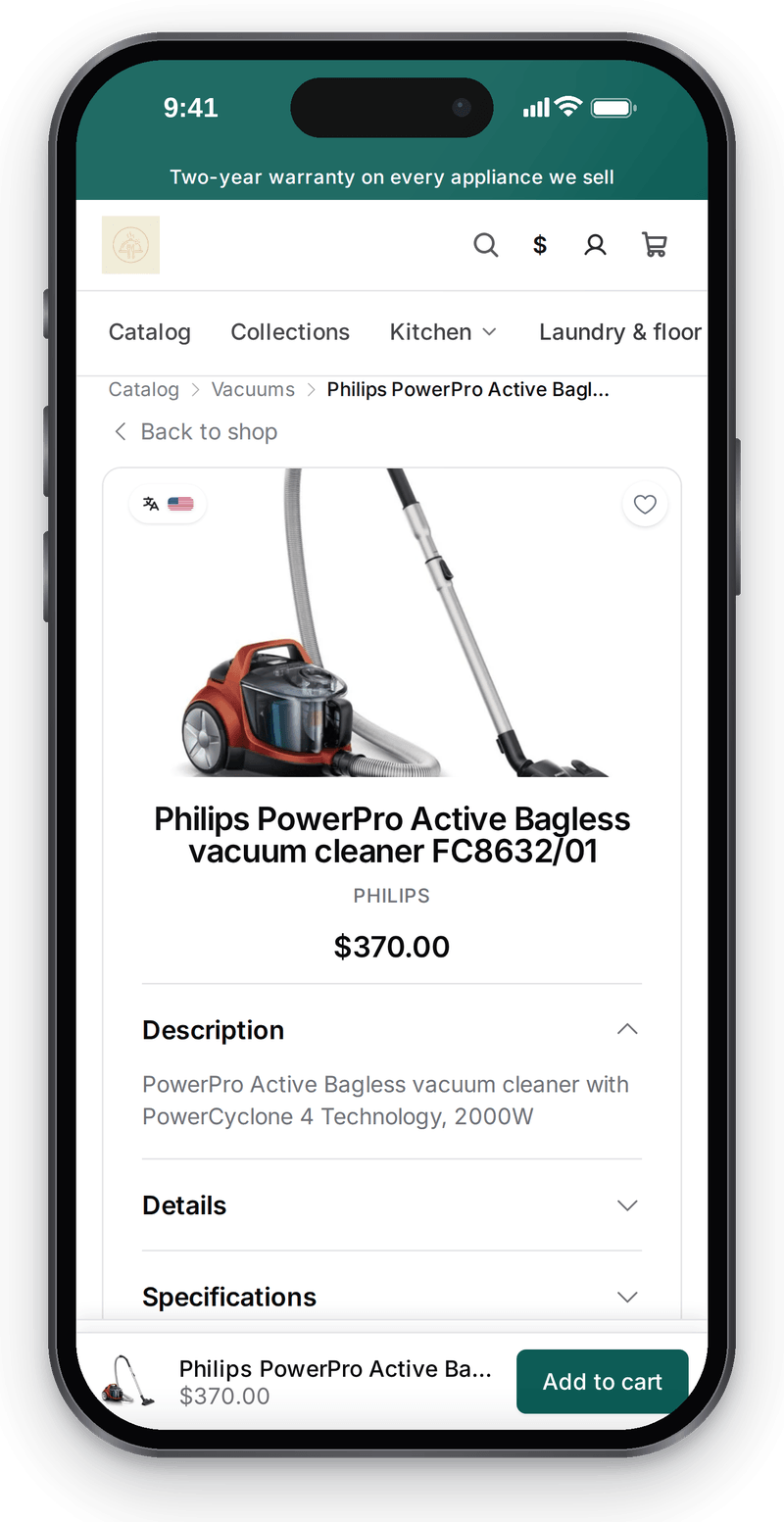
Real screen, demo data, 3 October 2026. Customers see the product at the same price as at the till

Sale at the POS
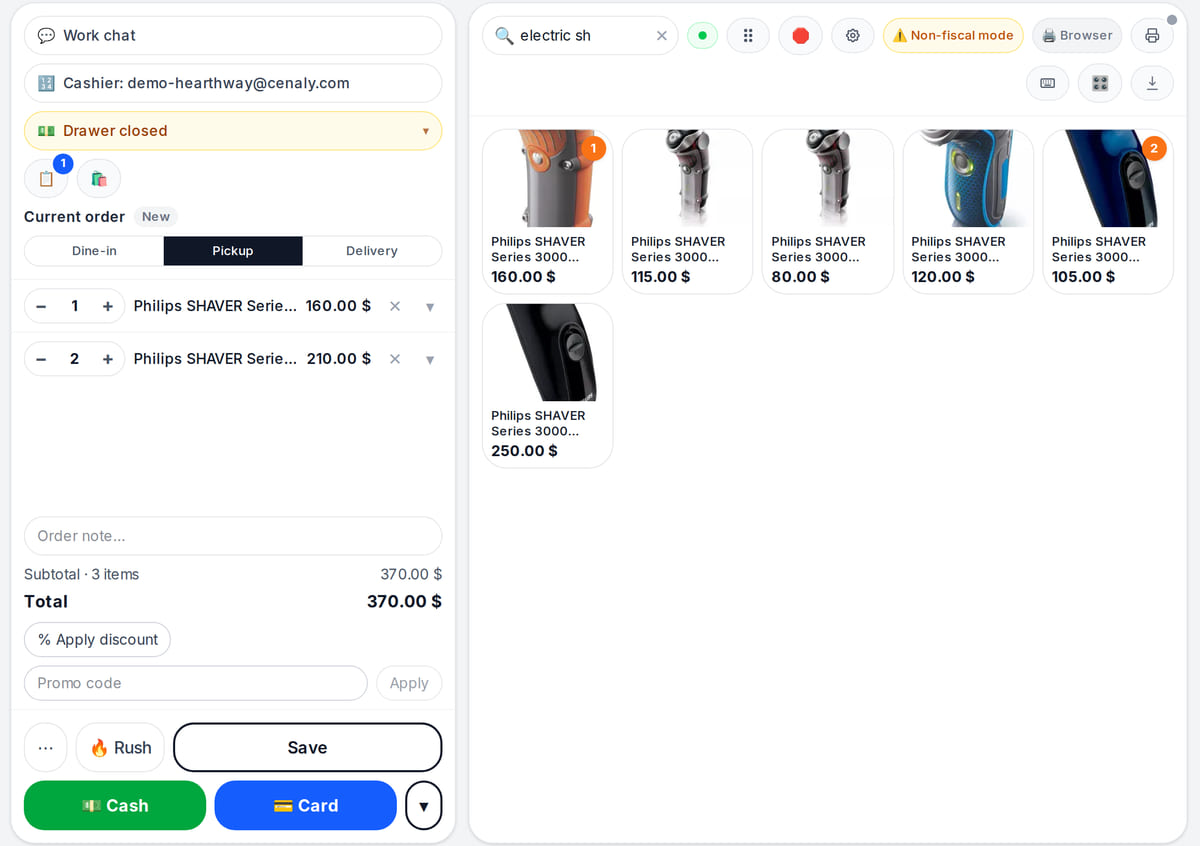
Real screen, demo data, 3 October 2026. Find a product by name and it goes straight into the receipt Catalog in the back office
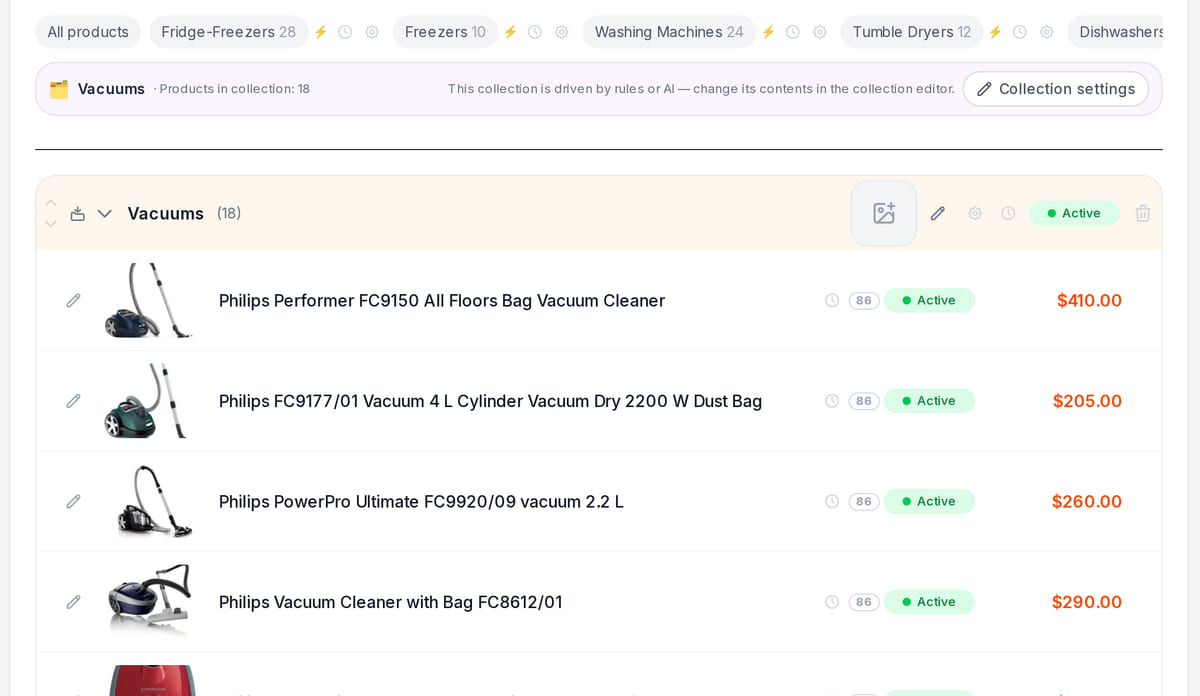
Real screen, demo data, 3 October 2026. One catalog for the POS, the storefront and stock


Check the same product from both sides
The Foliant example uses an existing demonstration book catalog. These are steps to verify in your account, not a simulated successful sale.
- 1
Customer: product card
Check the name, author, cover and price on a phone.
Storefront guide → - 2
Cashier: checkout
Configure the barcode and compare the scanned item with its product card. Test receipt printing separately.
POS guide → - 3
Owner: stock movement
Enter opening stock, make a test sale and reconcile with the shelf. Returns need their own check.
Inventory guide →
How it works in practice
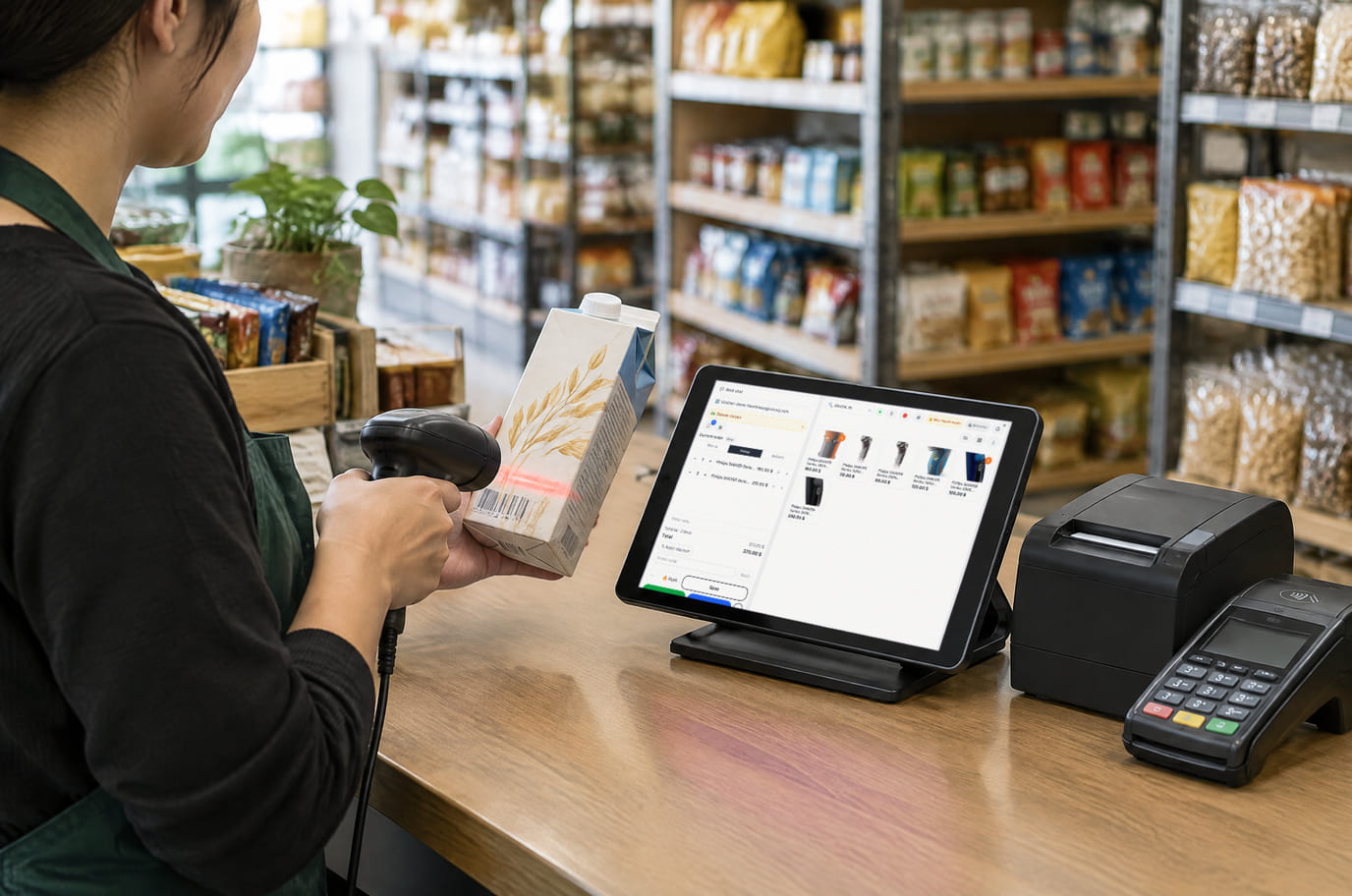
Illustration; the screen shows the real interface, demo data, 3 October 2026. The POS on a tablet at the shop counter 
Illustration. A neighbourhood shop: shelves, till and stock in one system


Where it helps the owner
Tourist shopping
Example: explain a gift with reviewed product translations on an international brand. Language availability depends on your plan.
Everyday retail
Example: record a delivery, test a sale and check selected items at closing. Measure time spent finding items and investigating discrepancies.
A small chain
Test prices, staff access and hardware at one location before migrating the others.
Example situations. Measure time and costs with your own operations.
What it costs
Plan for the basic workflow described here
Premium
$49 per month
$490 per year when billed annually
An account subscription with limits for locations, devices, items, orders and languages. Equipment, acquiring and paid AI operations may cost extra.
Features and terms
- Free: 1 location, 50 items, 100 orders per month
- Basic inventory — receipts, movements and stocktakes — is included in every plan
- Basic: POS and shifts
- Premium: up to 10 locations and 20 devices; purchases from individuals and accounting integrations (e.g. 1C)
- Import, AI, hardware, bank services and fiscal connections have separate terms
What you can start for free
Catalog: 1 location, 50 items, 100 orders per month. POS starts with Basic; basic inventory operations are included. AI, hardware and provider services cost extra.
Create a shop catalogStart the catalog for free. POS needs Basic; basic inventory operations are included. Hardware costs extra.
What to consider before you start
- Not a replacement for stocktaking or accounting software.
- Payment terminals and fiscal receipts need compatible, separately tested connections.
- Inventory follows recorded movements; investigate unrecorded losses.
Test your workflow and required connections before migrating data.
Frequently asked questions
Can I keep my existing POS?
Yes. Start with product cards and test the catalog. Moving to our POS is a separate step on a POS plan; basic inventory operations are included; automatic integration with your existing till is not implied.
Details for every screen are in the help centre. Where to start →
Start with a product you sell every day
Create its card, check the customer view and test checkout and stock before moving the shop.
Start the catalog for free. POS needs Basic; basic inventory operations are included. Hardware costs extra.