For shift leaders and small-team owners
Team chat and tasks for your staff
Assignments no longer disappear in messages: each task has an assignee, deadline and completion rule, and you review the result alongside its discussion.
Chat and board come with your account plan and staff permissions; AI operations are separate.
No card to register. Choose your business type; the owner grants staff access.
The board requires a connection. Checking that a note or photo exists does not judge work quality.
- An assignee and deadline
- Notes, photos or subtasks required for completion
- Internal work separate from customer conversations
- assignee
- Who
- deadline
- When
- evidence
- Result
- open work
- Remaining
From agreement to a reviewed result
Discuss
- Internal channels
- Task context
- Create a task from a message with human input
Show the result
- Notes and photos
- Subtask checklists
- Server-enforced completion rules
Review
- Task history
- Open work for the next shift
- Manager decisions on approval requests
What you need to start
One recurring task
Opening, equipment checks or document preparation. Define the result.
Logins and access
Each person uses their own login and permitted work sections.
Acceptance criteria
Choose a note, photo or separate approval. An attachment alone does not prove quality.
Internet access
No offline board queue. Test on the employee’s device first.
Your first workflow
- 1
Choose a location and people
Create a staff login and grant work-chat and task access. Open the location board as the owner.
- 2
Define the result
Assign the person and deadline. Require a note, photo or completed subtasks if needed.
- 3
Review the work
The assignee adds evidence. The manager reviews it; approval requests require a separate management decision.
Try your own example
Product steps, not testimonials or promised results.
Team chat
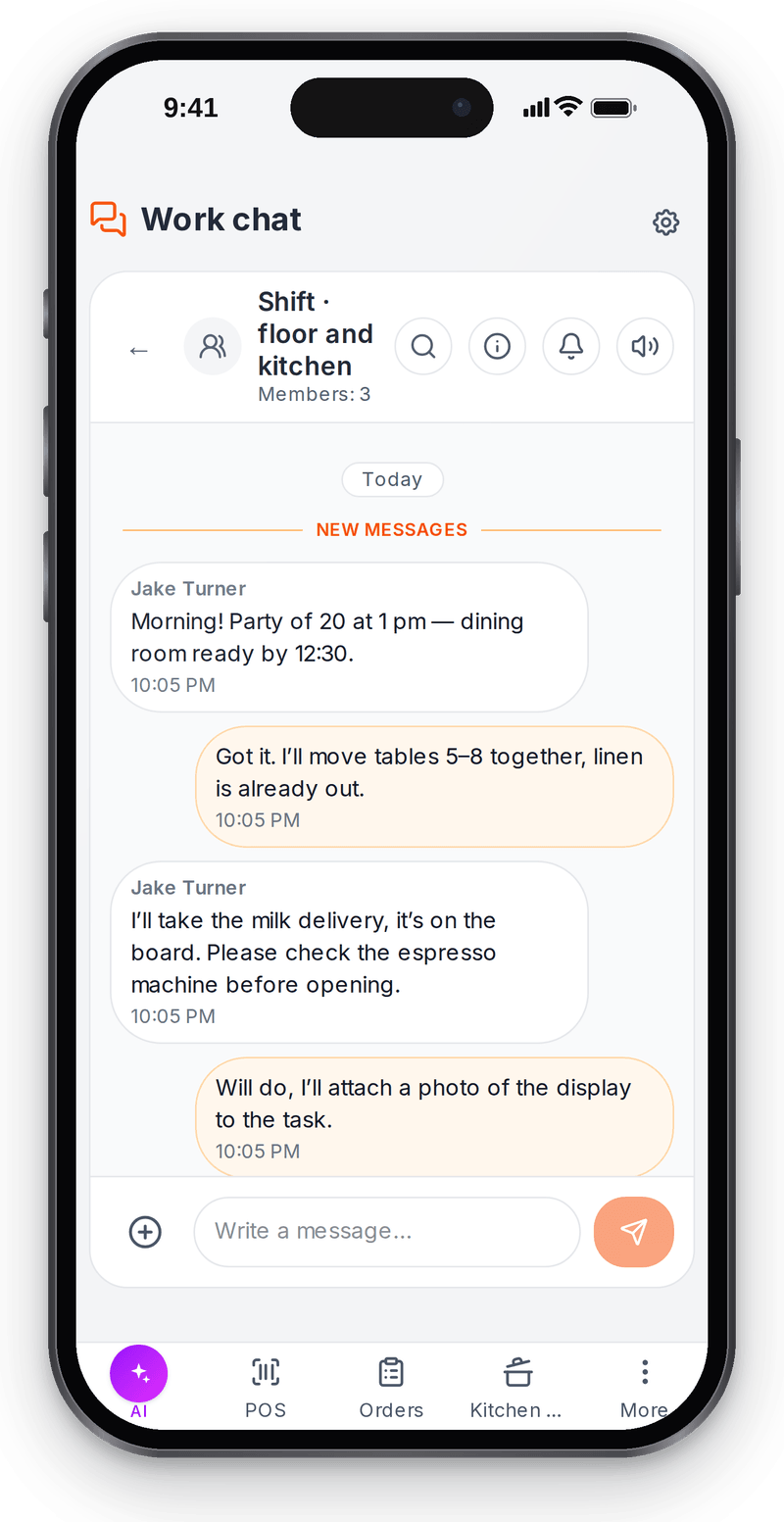
Real screen, test data, 3 October 2026. Discussion next to the tasks, not in a personal messenger Tasks on the phone
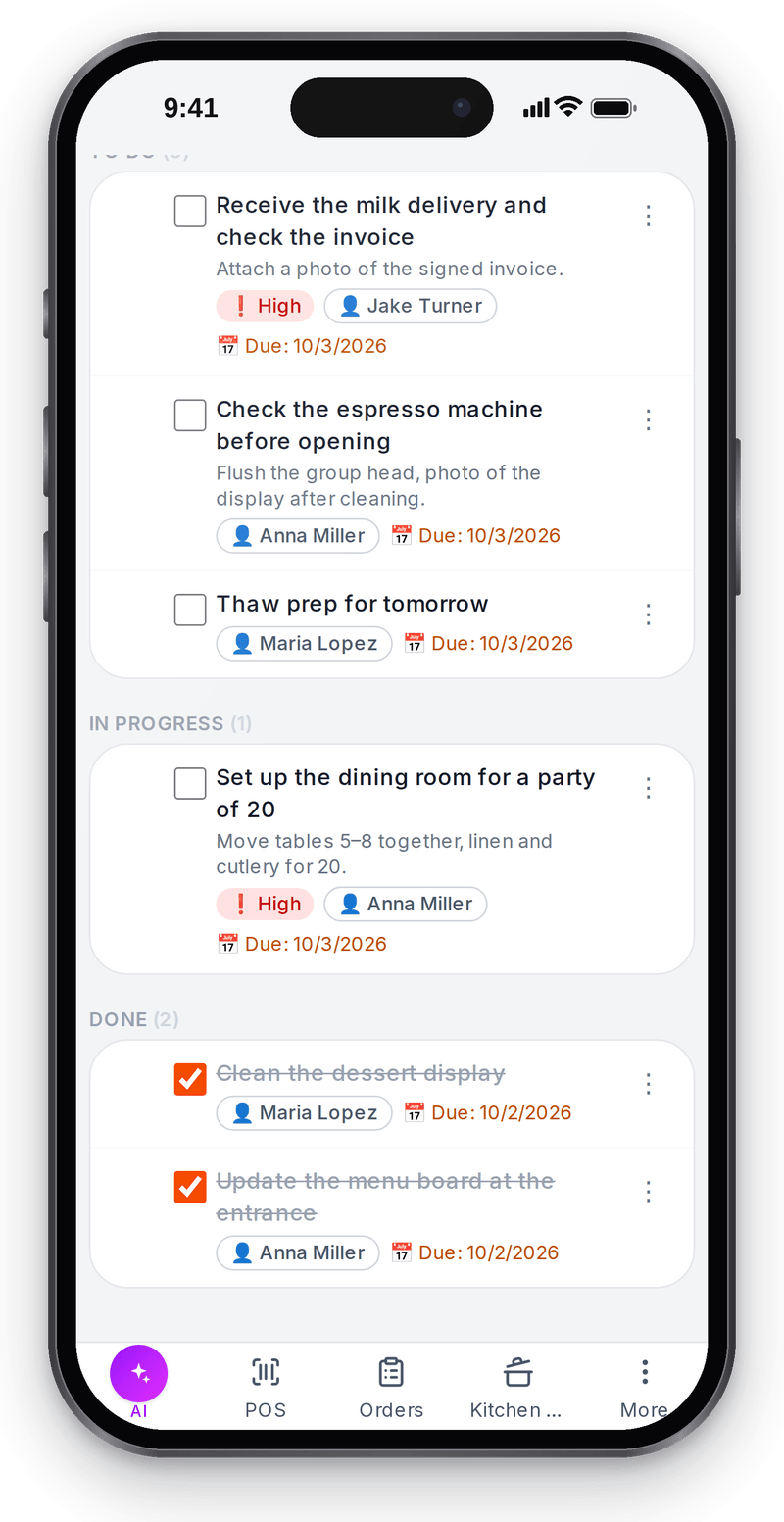
Real screen, test data, 3 October 2026. The same board on the employee's phone Evidence and review
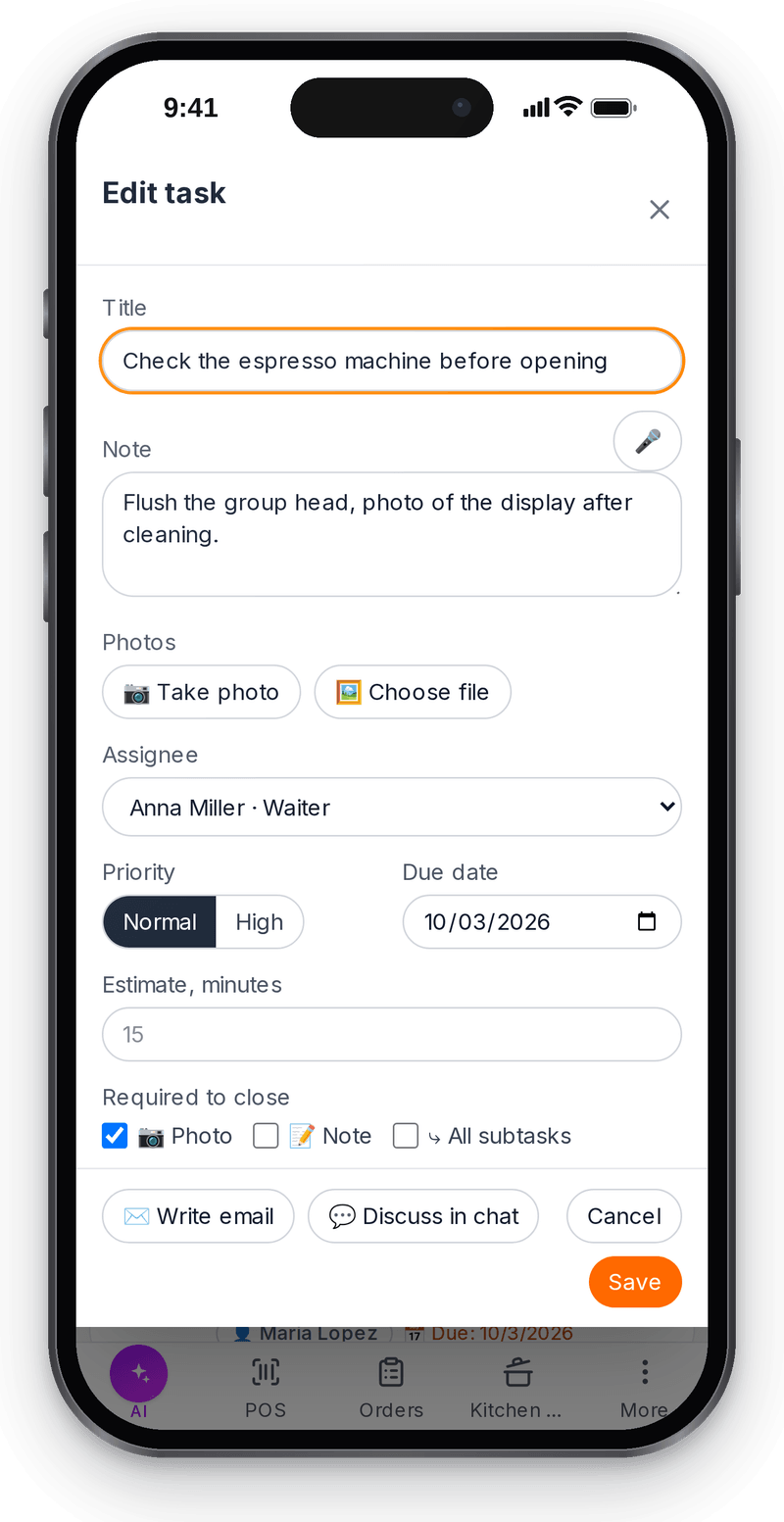
Real screen, test data, 3 October 2026. The task can’t be closed without a photo; a manager reviews the content


Assignee and deadline
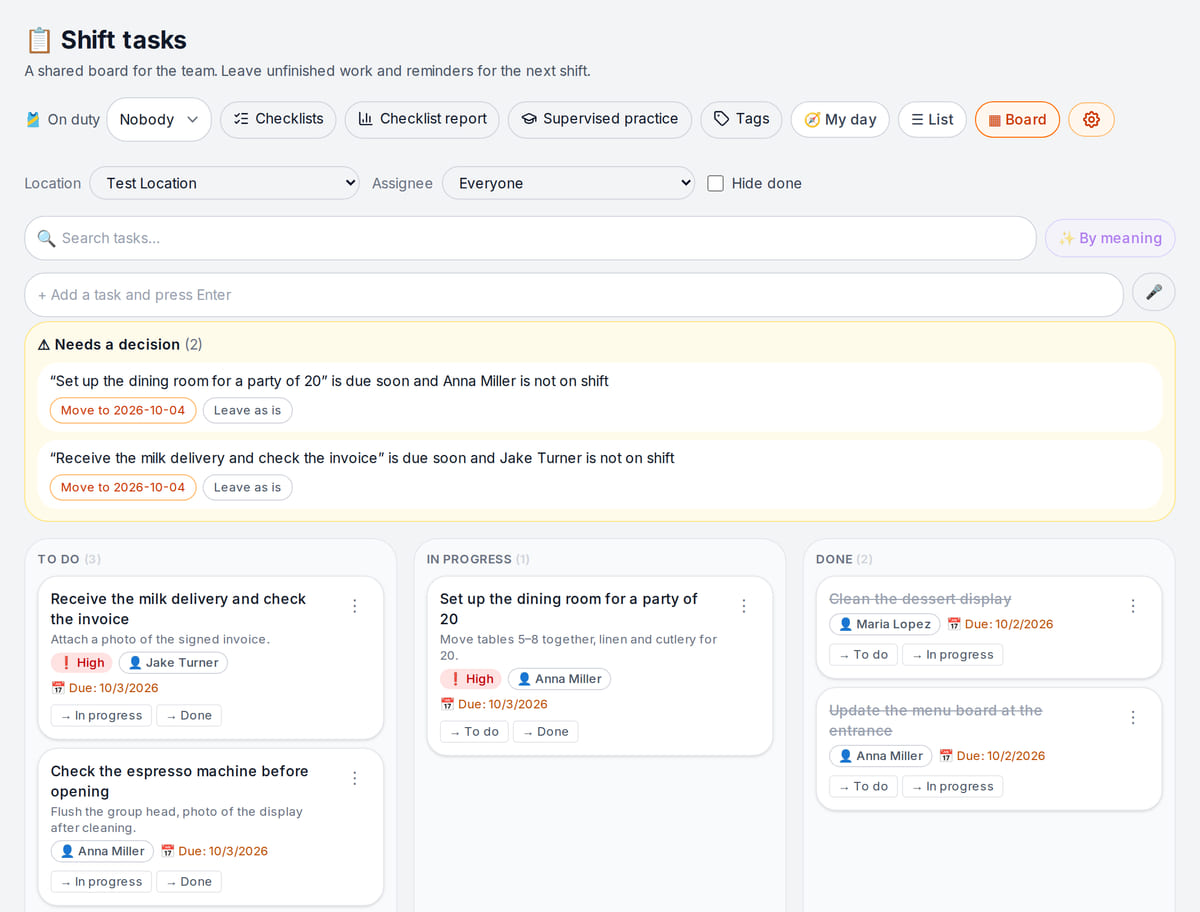
Real screen, test data, 3 October 2026. Every task has an assignee and a due date

Try completing a task without required evidence
Server unit tests check notes, photos and subtasks. No live shift or notification delivery is simulated.
- 1
Assignee, deadline and completion rule
The task has an assignee and deadline; require a note before work begins.
Completion rules → - 2
No completion without attached evidence
The server rejects completion without the note. Dragging a photo-required task to Done cannot bypass that rule.
Task board → - 3
Manager review
Adding the note satisfies the field requirement. A manager still checks the actual work.
Discuss the result →
How it works in practice
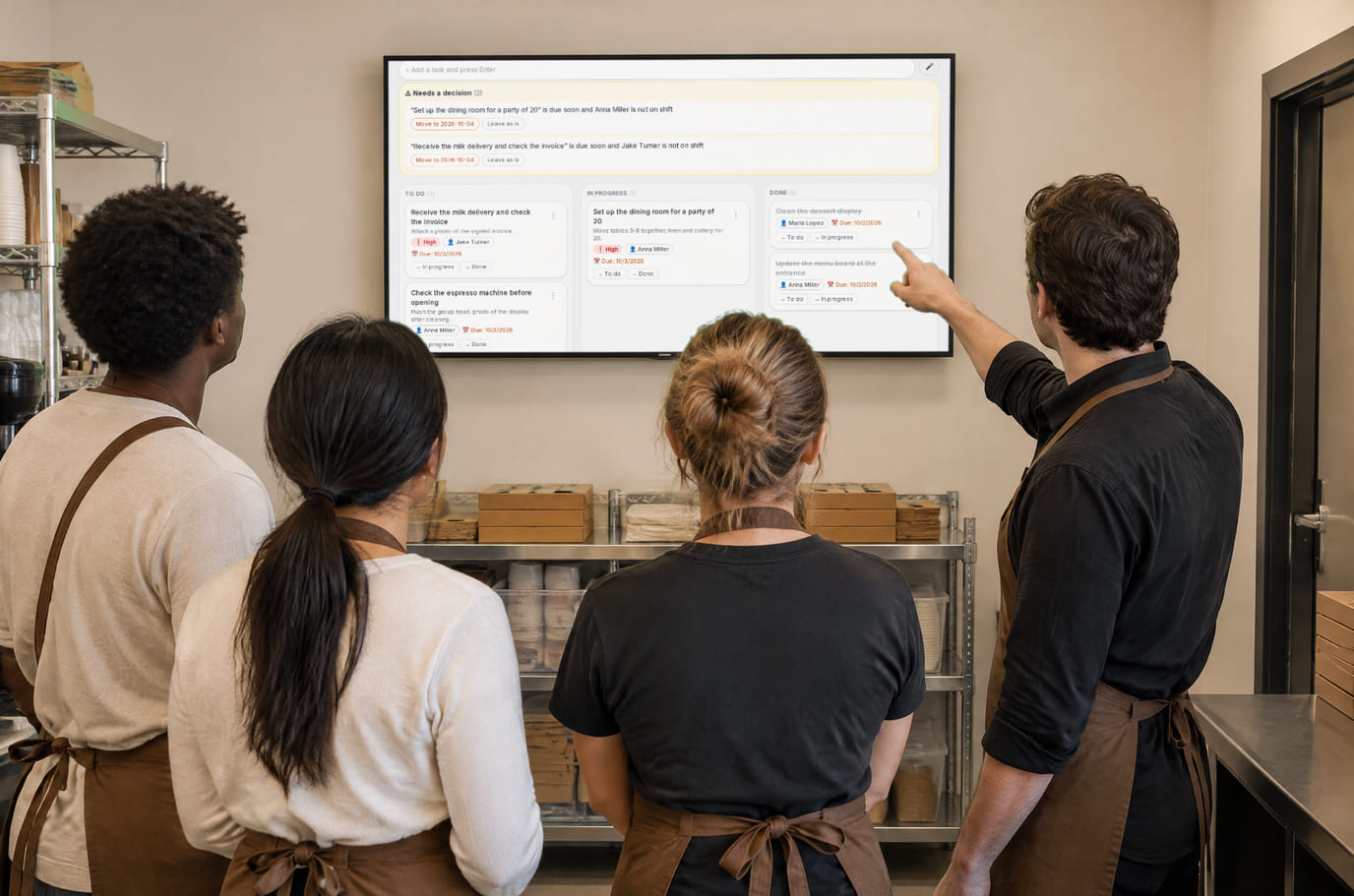
Illustration; the screen shows the real interface, test data, 3 October 2026. Briefing in front of the shift task board 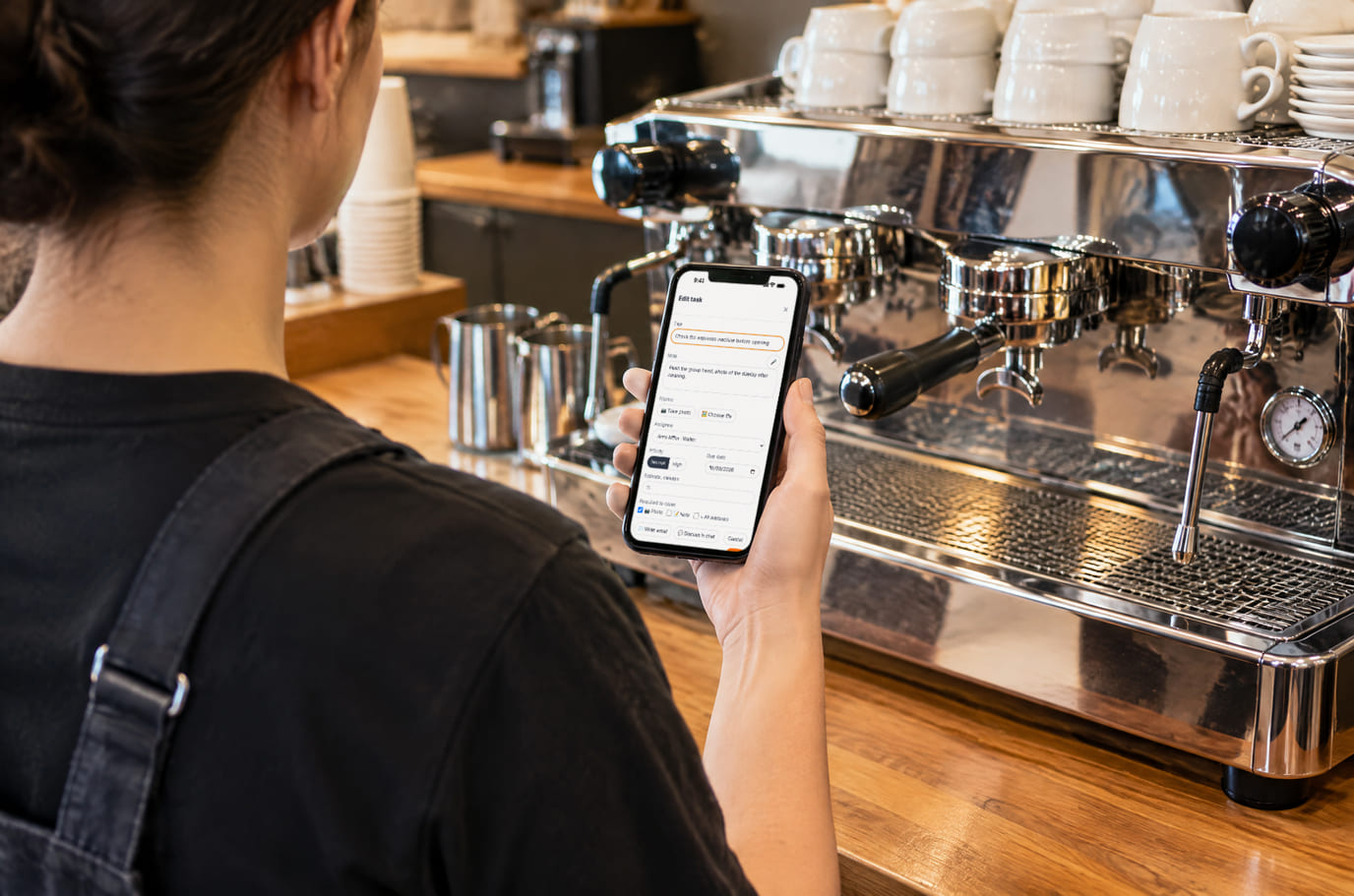
Illustration; the screen shows the real interface, test data, 3 October 2026. Done, photo attached, task closed


Where it helps the owner
Shift handover
Example: unfinished work stays open with an assignee and comment.
An off-site owner
Example: review the employee’s photo and note on the task.
An expense needs approval
Example: a repair request awaits a manager’s explicit decision.
Example situations. Measure time and costs with your own operations.
Test with two people before adding the team
Test with two people before adding the team
Account plans and staff access apply. Paid AI operations are separate.
Cost considerations
- Review account and staff limits
- Manual tasks do not require AI intake
- AI coordination and paid operations have separate costs
- Measure reminder time and tasks without results across comparable shifts
What you can start for free
Begin with a manual task, assignee, deadline and completion rule. No AI coordinator is needed for this check; review account and staff limits.
Assign your first taskNo card to register. Choose your business type; the owner grants staff access.
What to consider before you start
- Online only; loss of connection does not mean a task was saved.
- Evidence presence is checked, not quality.
- This is internal team chat; customer channels are separate.
- Deadlines and reminders do not guarantee completion.
Test your workflow and required connections before migrating data.
Frequently asked questions
Is this only for food service?
No. Choose your own business type. Shops, salons, hotels and service firms can use team tasks.
Does every task need manager approval?
No. Ordinary tasks use completion rules. Approval requests require a separate management decision.
How does an employee participate?
With their own login and permitted sections. Test receiving and completing one task first.
Details for every screen are in the help centre. Where to start →
Related workflows
All solutions →Team knowledge and training
Procedures for the team
Procedures, document-based answers and training with separate theory and practice checks.
Business email
Client correspondence
Work mailboxes, staff access and sent replies together without forwarding between personal accounts.
Hotel and guest house
Hotel shift assignments
Rooms, cleaning and arrivals — or a separate room-service workflow.
Walk through one assignment with two people
A manager assigns work and a completion rule; an employee provides the result. Verify this before moving all checklists.
No card to register. Choose your business type; the owner grants staff access.