13 widgets · basic features and extensions
Chat, enquiries and booking on your website
Let visitors ask a question, leave an enquiry or choose a service on the page. Start with one widget and receive enquiries in your Cenaly.com account.
Basic widgets are free · extensions, telephony and AI have separate terms

Mulai dengan memeriksa situs Anda
Masukkan alamat — kami akan membuka halaman, membaca kode sumbernya, dan menunjukkan apa yang dimuatnya serta apakah halaman itu meminta Setuju. Tanpa pendaftaran dan tanpa pemasangan tag.
- Penghitung, piksel, media sosial, peta, video, dan obrolan — satu per satu dan per kategori Setuju
- Banner Setuju: milik kami, milik pihak lain, atau tidak ditemukan sama sekali
- Tag kami dan Widget yang diaktifkan, jika situs sudah terhubung
Kami membaca HTML satu halaman, jadi pemeriksaan tidak melihat apa yang dimuat oleh skrip di browser — dan mengatakannya secara langsung dalam hasil. Alamat IP Anda tidak kami simpan dalam bentuk terbuka.
Pilih sesuai tugas
Tagarnya satu, tetapi yang masuk akal untuk diaktifkan adalah yang menyelesaikan tugas terdekat Anda.
- Reservasi dari situs yang sudah ada →
- Slot kosong dalam jadwal →
- Kembali ke produk yang tidak tersedia →
- Pertanyaan tanpa mengganti situs →
Get in touch
Chat, messengers, callback requests or browser calls.
Receive an enquiry or order
Popups, real storefront events, the video bubble, table booking, appointments and orders.
Provide information and choices
Help articles, document preparation and consent settings.
Gratis

Chat untuk situs
Obrolan langsung dengan pengunjung — karyawan Anda menjawab dari chat kerja
A responding team is needed; AI is connected separately.
Data masuk ke: Kanal dialog di chat kerja Cenaly.com, riwayat percakapan dan kontak — di Akun Anda
Gratis

Tombol messenger
Satu tombol mengambang: WhatsApp, Telegram, panggilan, chat — hingga 12 kanal
Prepare links and enable the channels you need.
Data masuk ke: Percakapan — ke WhatsApp dan Telegram Anda, klik pada kanal — ke panel multibutton di Akun
Gratis

Panggilan balik
Formulir permintaan panggilan; dengan PABX yang terhubung — panggilan otomatis
Without telephony it collects a request; live dialling needs setup.
Data masuk ke: Tanpa teleponi, permintaan disimpan dalam daftar panggilan balik di Akun. Di cenaly.ru email tidak dikirim saat permintaan diterima.
Gratis

Panggilan dari browser
Tombol “Telepon” — percakapan dari situs melalui PBX Anda, tanpa Nomor dan Aplikasi untuk tamu
Requires telephony, an available line and the visitor’s microphone.
Data masuk ke: Panggilan — masuk ke PBX Anda Cenaly.com sebagai panggilan masuk, Rekaman percakapan — ke bagian “Panggilan”, jika diaktifkan
Gratis · Requires connected telephony
Bukti Sosial
Lencana dengan angka Pesanan, Reservasi, Janji Temu, dan Ulasan dari Akun Anda
Requires real storefront events; figures are not invented.
Data masuk ke: Ke situs dikirim agregat numerik publik tanpa nama dan teks Ulasan. Widget juga mengirim peristiwa pemuatan, tayangan, dan penutupan untuk statistik.
Gratis
Video Lingkaran
Lingkaran dengan klip dari menu Anda di sudut situs: saat diklik — video dengan suara dan tombol “Pesanan”
Requires menu or catalogue items with video; the button under a clip needs its target widget enabled.
Data masuk ke: Pesanan, Reservasi, dan Janji Temu melalui tombol di bawah video masuk ke bagian yang sama seperti dari Widget itu sendiri. Lingkaran hanya mengirim statistik tanpa identitas: tampilan, pembukaan, penontonan dengan suara, dan penekanan tombol.
Gratis
Janji Temu Online
Janji temu sesuai jadwal Anda: pelanggan memilih sendiri layanan, spesialis, dan slot yang tersedia
Requires services, specialists and schedules; automation is separate.
Data masuk ke: Jurnal Janji Temu di Akun (bagian “Rekaman”) — layanan, spesialis, waktu, dan kontak klien
Gratis
Pesanan dari situs
Tombol pesanan membuka Toko Anda di atas situs yang sudah ada
Requires a catalogue and fulfilment; payments and delivery have separate terms.
Data masuk ke: Monitor Pesanan Cenaly.com: Item, kontak, dan alamat untuk pengiriman. Dapur dan kurir diaktifkan terpisah sesuai Paket.
Gratis

Banner cookie
Persetujuan cookie dengan pemblokiran otomatis pelacak dan Google Consent Mode v2
Basic CMP is free; Pro is separate. Blocking needs early code; .ru has no scanner or log.
Data masuk ke: Catatan Setuju anonim di Akun Anda: kategori dan waktu keputusan, tanpa IP dan tanpa User-Agent yang tepat
Gratis
Ekstensi berbayar

Popup dan formulir
Jendela sembul, formulir tersemat, kupon, dan kuis dengan syarat tampil dan A/B
Configure a campaign and goal; the extension is separate.
Data masuk ke: Kotak masuk “Prospek” di Akun — dengan alamat halaman dan UTM; Langganan — ke daftar Kampanye, statistik tampilan — ke kartu Kampanye
$9/bln

Reservasi meja
Tombol “Reservasi” → satu formulir → permintaan di bagian “Meja” Anda
Requires tables and booking rules.
Data masuk ke: Bagian “Meja” di akun — di samping reservasi melalui telepon dan dari menu QR
$9/bln
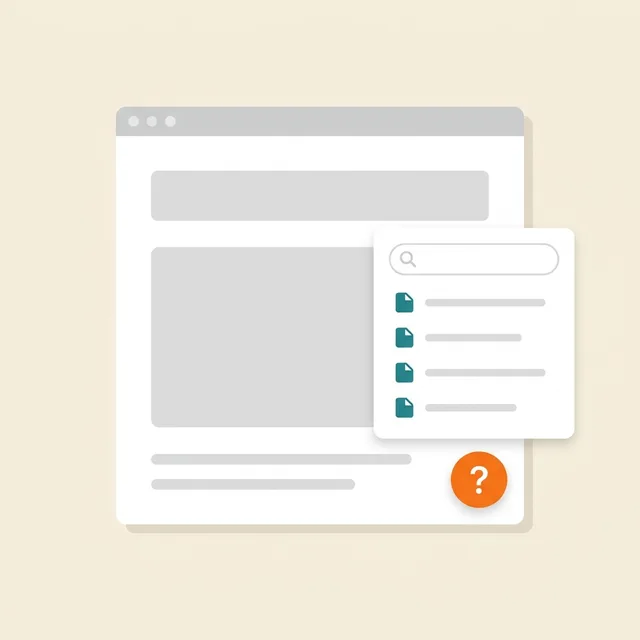
Bantuan di situs
Tombol “?” → panel samping dengan artikel Anda, pencarian, dan penilaian “membantu”
Prepare and publish help articles.
Data masuk ke: Artikel — di bagian “Artikel dan halaman”; tampilan, permintaan, dan penilaian — “Basis pengetahuan” → “Analitik”
$19/bln

Dokumen hukum
Kebijakan, perjanjian, pengembalian, cookies, pengiriman — disusun dari data Anda dan disematkan ke situs
Review documents for your business; no legal guarantee is provided.
Data masuk ke: Pengunjung membaca dokumen yang dipublikasikan. Widget mengirim peristiwa teknis pemuatan, pembukaan, dan penutupan untuk statistik; jawaban kuesioner diedit di Akun.
$9/bln
Gratis di situs web dari pembuat situs kami
What it looks like in the product
Multibutton
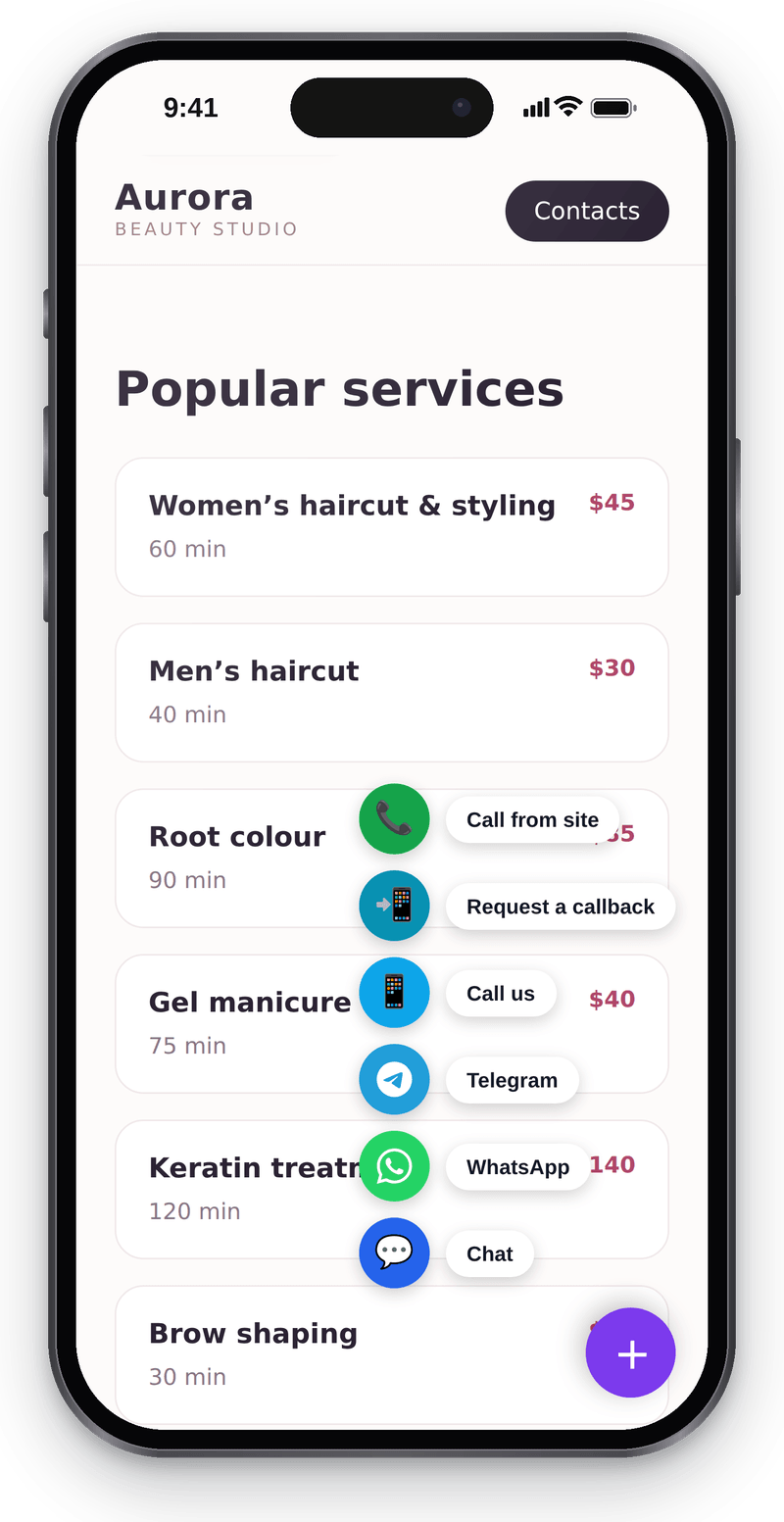
Every way to reach you in one corner button Website chat
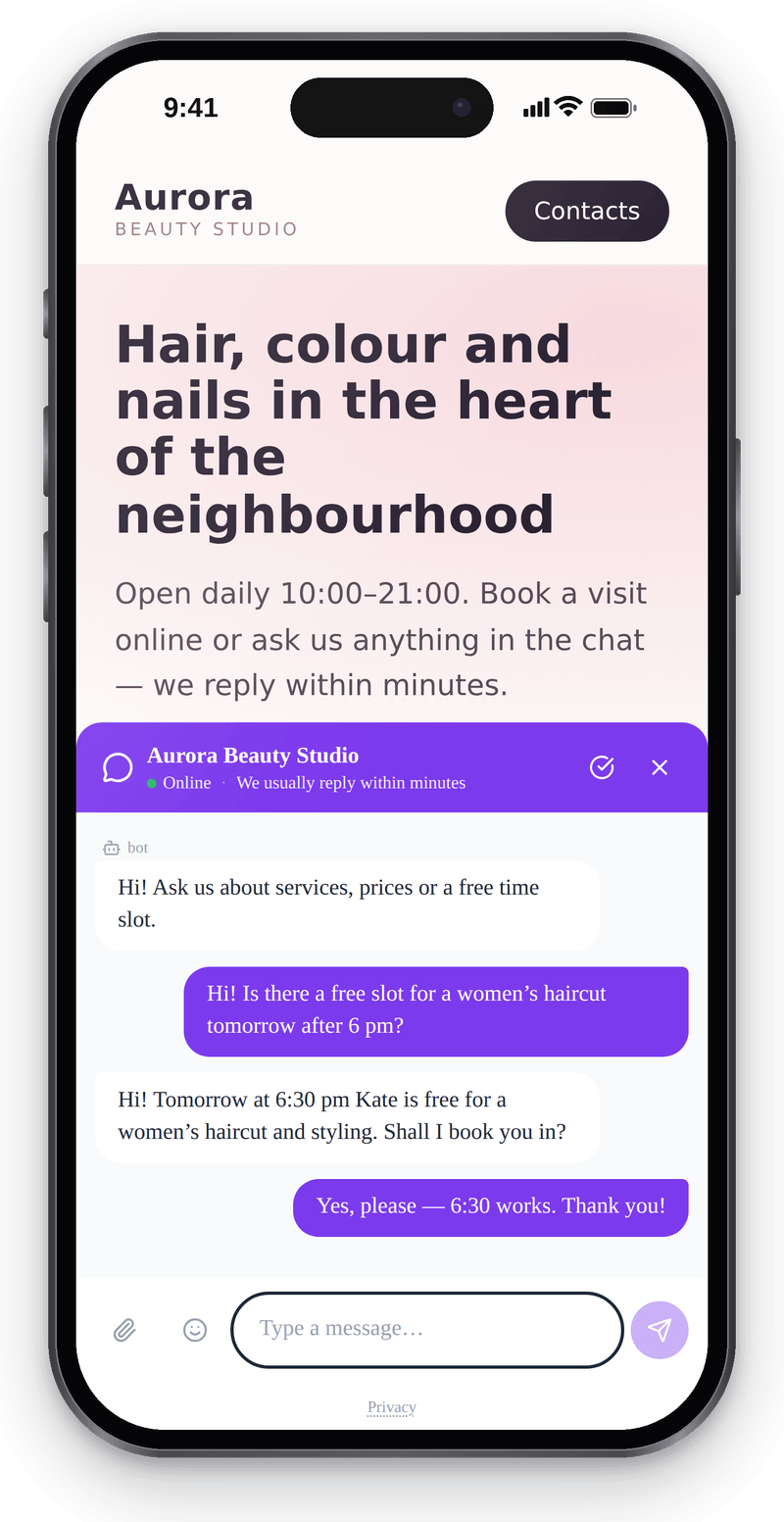
Visitors write from their phone without leaving the page Callback
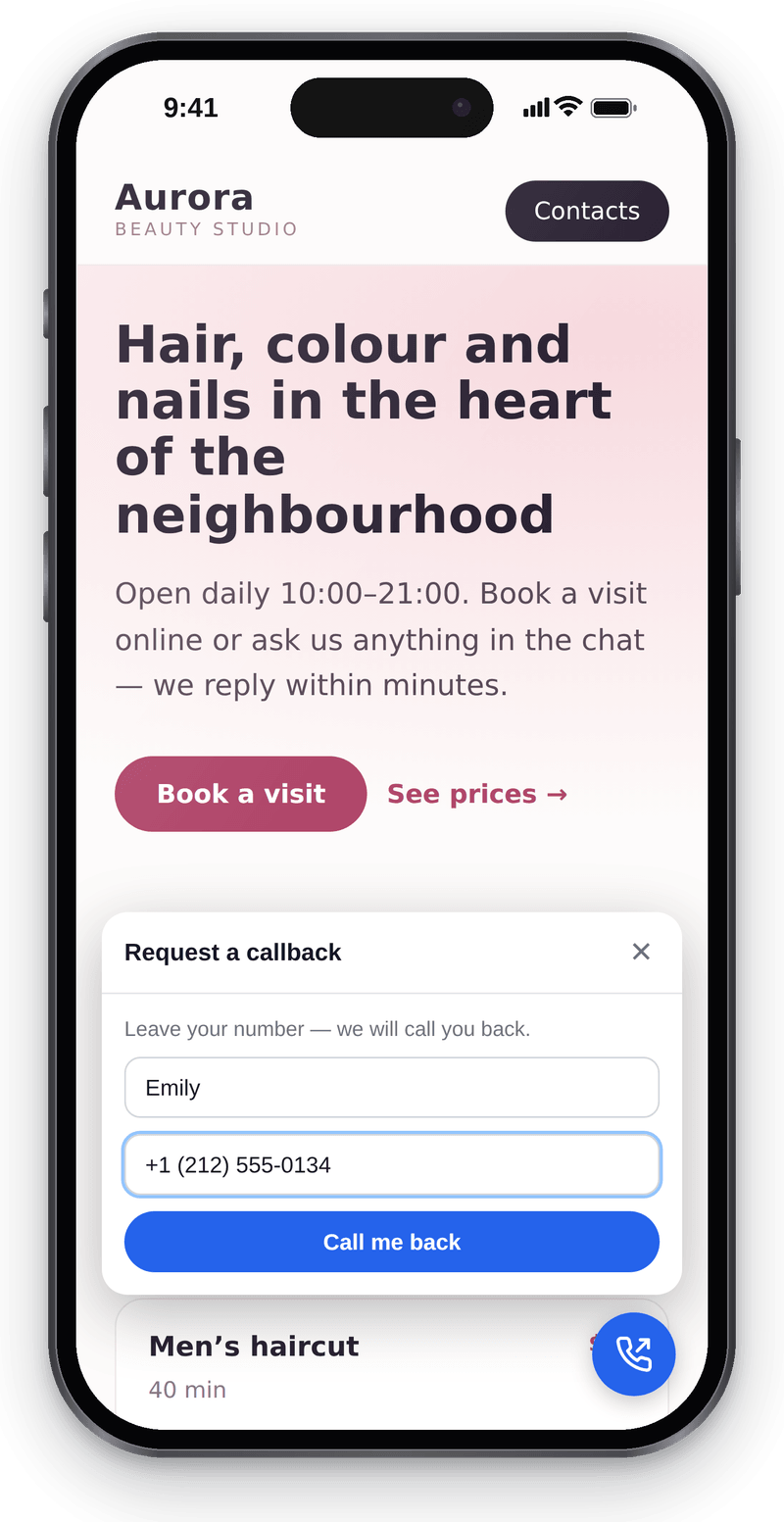
Visitors leave a number and you call them back


Conversations in the workspace
View full size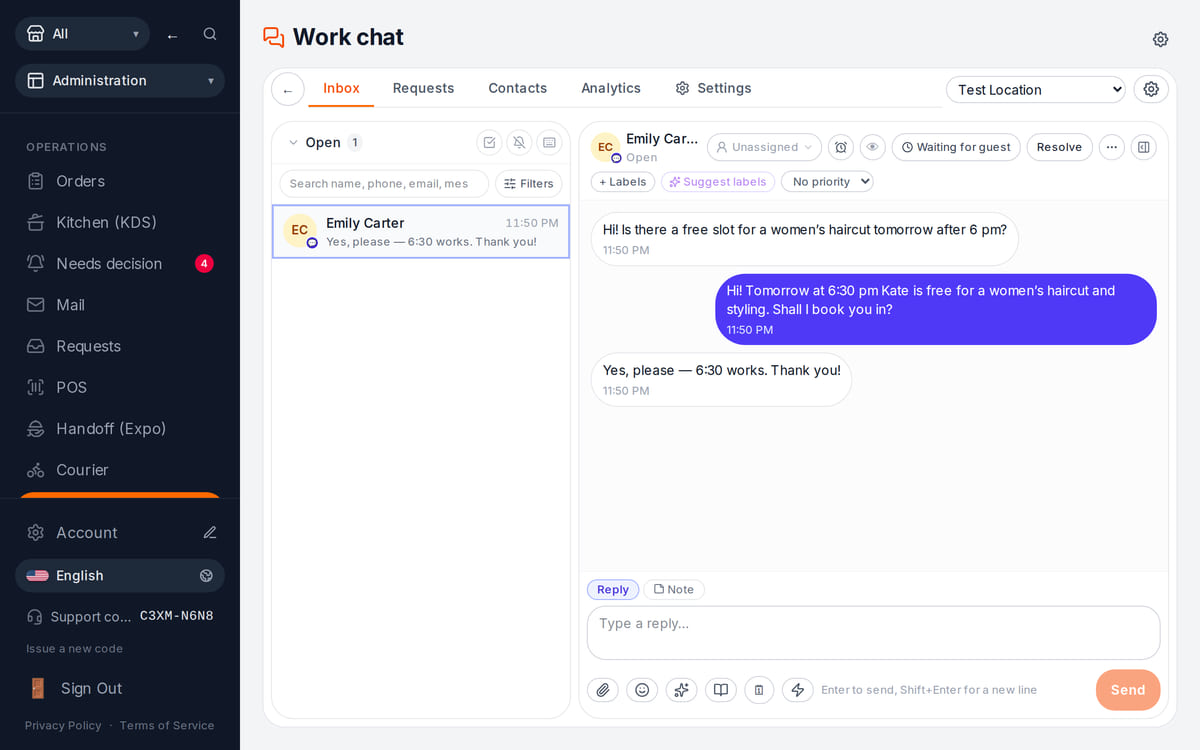
Website messages land in the team’s shared work chat

How it works in practice
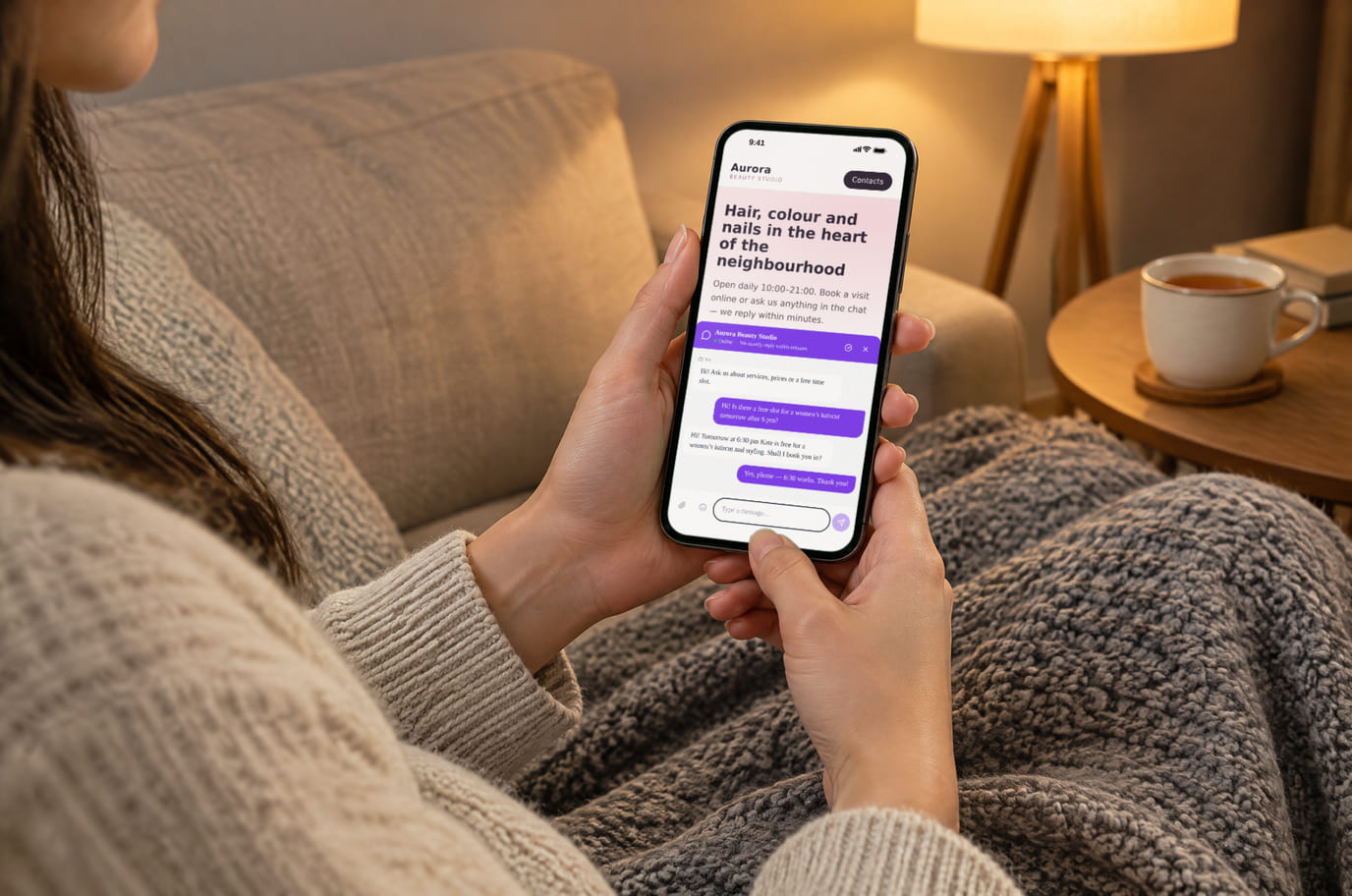
Illustration. An evening question, answered without a call 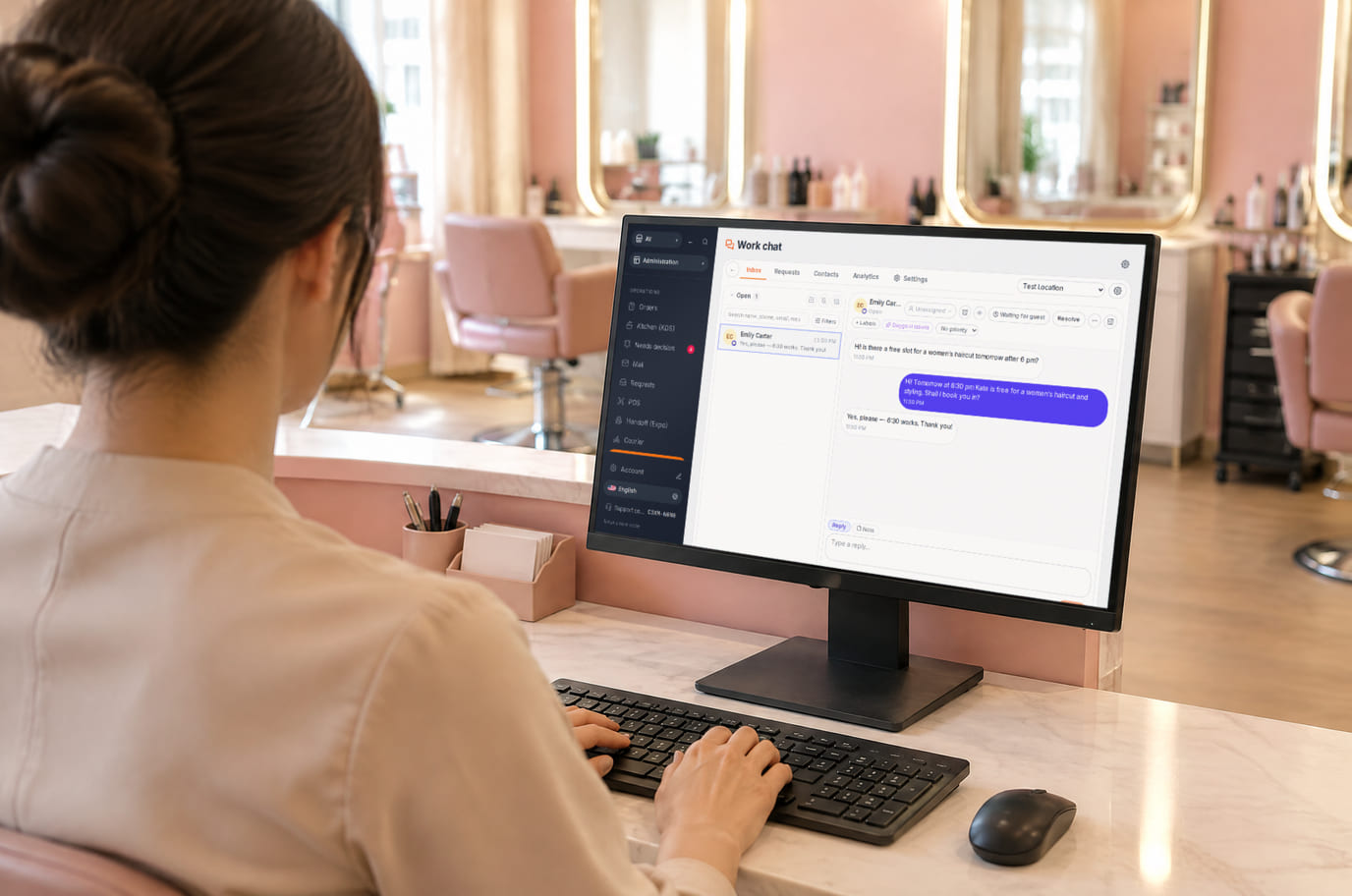
Illustration. Reception replies from the workspace without leaving the desk


What is included and what costs extra
Basic versions of 9 of the 13 widgets are free. Table booking, popups, help and legal documents on an external website are extensions. A free widget can have paid connected features.
- The basic widget
- A free form or button does not automatically include telephony, AI, delivery, payments or automated campaigns. Check the selected widget’s page for terms.
- Extensions
- Check catalogue terms before connecting. The basic CMP has a separate Cookies Pro tier; cenaly.ru has no scanner or consent log regardless of tier.
- Test before launch
- Enable one workflow, submit a test enquiry and find it in your account. Check the site on a phone and prepare your team to respond.
Cara menghubungkan — tiga langkah
Choose a task and add your site
Create an account and add the domain in My Website. Check the widget’s terms and prepare its data.
Install and check the code
Use the shared tag for ordinary widgets, following your platform’s instructions. Prior tracker blocking needs a separate early CMP script in head before trackers, without async/defer.
Test an enquiry
Enable the widget, check it on the published site and send a test enquiry. Settings may appear after the cache refreshes.
Shared tag for ordinary widgets
<script src="https://cdn.cenaly.com/site/v1.js" data-domain="your-site.com" async></script>For prior tracker blocking, use the early CMP script from the cookie-banner instructions. The shared async tag cannot stop trackers that have already run.
Tempat pemasangan
Di situs web dari pembuat situs kami, widget sudah terpasang sejak awal — tidak perlu menempelkan apa pun.
Petunjuk langkah demi langkah untuk setiap platform — di bantuan →Pemasangan di platform Anda
Nama pasti item menu dan ketentuan paket mengikuti bantuan resmi masing-masing platform.
- WordPress Plugin penyisip kode ke header atau editor berkas tema
- Tilda “Pengaturan situs” → penyisipan kode → kode HTML ke dalam head
- Wix Settings → Custom Code, diperlukan domain yang terhubung
- Shopify Online Store → Edit code → theme.liquid
- Webflow Site settings → Custom code; Site plan atau Workspace yang sesuai
- Squarespace Website Tools → Code Injection → Header
Platform tidak ada dalam daftar? Panduan umum untuk pemasangan →
Perbandingan
Setiap pernyataan di atas diambil dari halaman-halaman ini pada tanggal yang disebutkan. Vendor dapat berubah setelah pengambilan — tautan mengarah ke sumber asli, periksa sendiri.
Pertanyaan dan jawaban
What do I need before setup?
Access to insert website code and an account with the domain in My Website. Other requirements depend on the task: chat needs a responding team, calls need telephony, appointments need services and schedules, and orders need a catalogue and fulfilment options.
What exactly is free?
Basic versions of 9 of the 13 widgets are free; the other 4 are extensions. Telephony, AI, automation and Cookies Pro have separate terms. A free widget does not make all connected features free.
Is one async tag enough for cookie consent?
A shared loader displays widgets. To block trackers before consent, install the separate CMP script first in head without async/defer. It cannot intercept scripts that have already run or server-set cookies. Check script order against the instructions.
How do I check the site and mobile layout?
Widgets isolate their styles, but test compatibility on your published page: mobile widths, buttons, forms and third-party scripts. Send a test enquiry and check that your team received it.
What language and cloud limits apply?
Built-in language coverage varies by widget; you configure your own text and translations separately. Core records are stored in your brand’s cloud. Connected AI, telephony and other services have their own processing terms. cenaly.ru has no CMP scanner or consent log; other limits are listed on each widget’s page.
Chat, enquiries and booking on your website
Basic widgets are free · extensions, telephony and AI have separate terms
Choose a widget