
适用对象
模块相同——仅术语和默认设置随业务类型变化。
收银能做什么
收据和支付
现金班次与资金
- 现金班次、X 和 Z 报表
开班时备用金、现金存入与取出、关班时核对现金。
- 收据、退款与换货
全额或部分退款、换货、凭 PIN 重打。
- 企业账户
从客户公司的账户扣款支付——适用于食堂和商务午餐。
- 礼品卡与积分
礼品卡和忠诚度积分可作为支付方式。
收银员管控
硬件与连接
- 打印、称重、扫描
打印机、电子秤、扫描仪和顾客显示屏——通过收银电脑上的网桥连接。
- 断网时仍可工作
订单和收据进入队列,网络恢复后补发且不重复。
- Android 收银 测试版
平板电脑应用,菜单和班次相同。
详细说明 — 在帮助中 →
What it looks like in the product
Set meal with choices
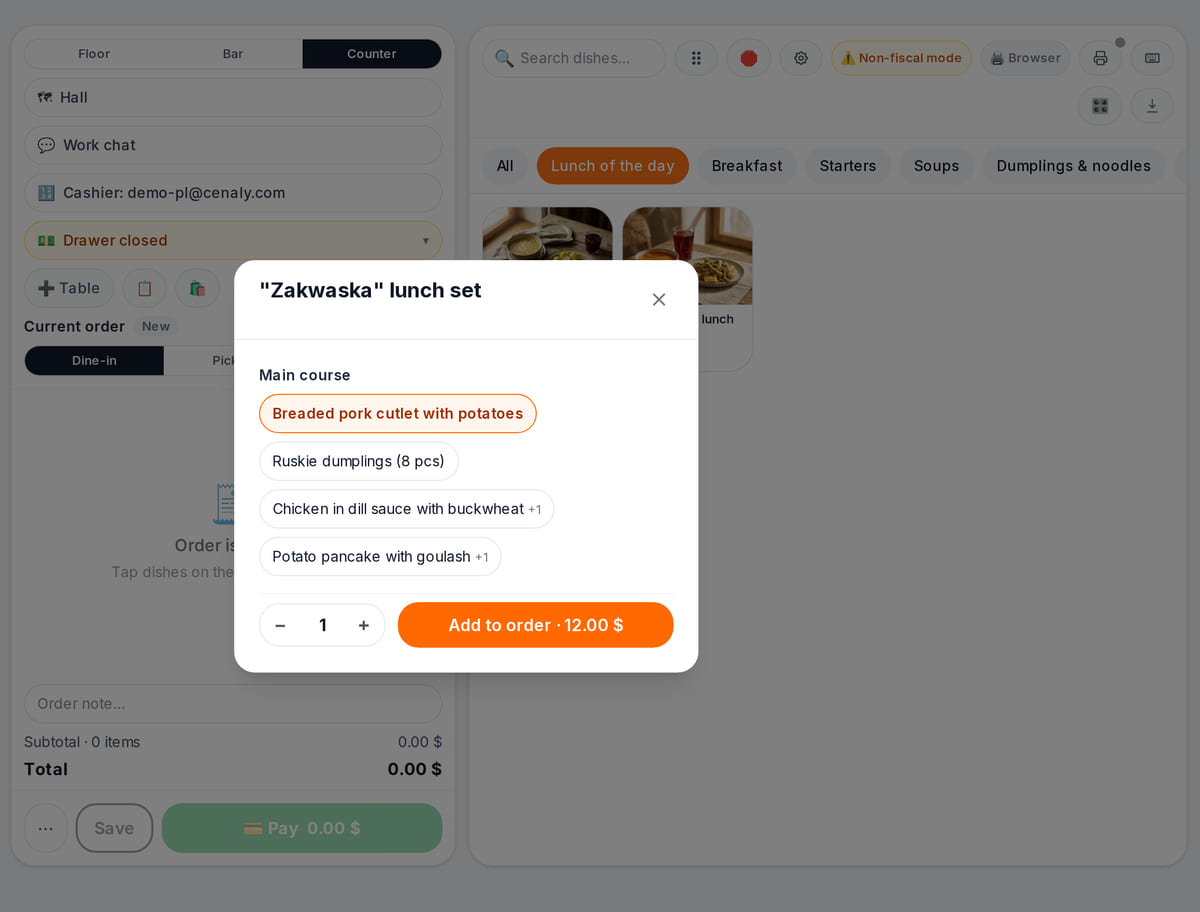
Required choices and surcharges right in the tile Order in the kitchen
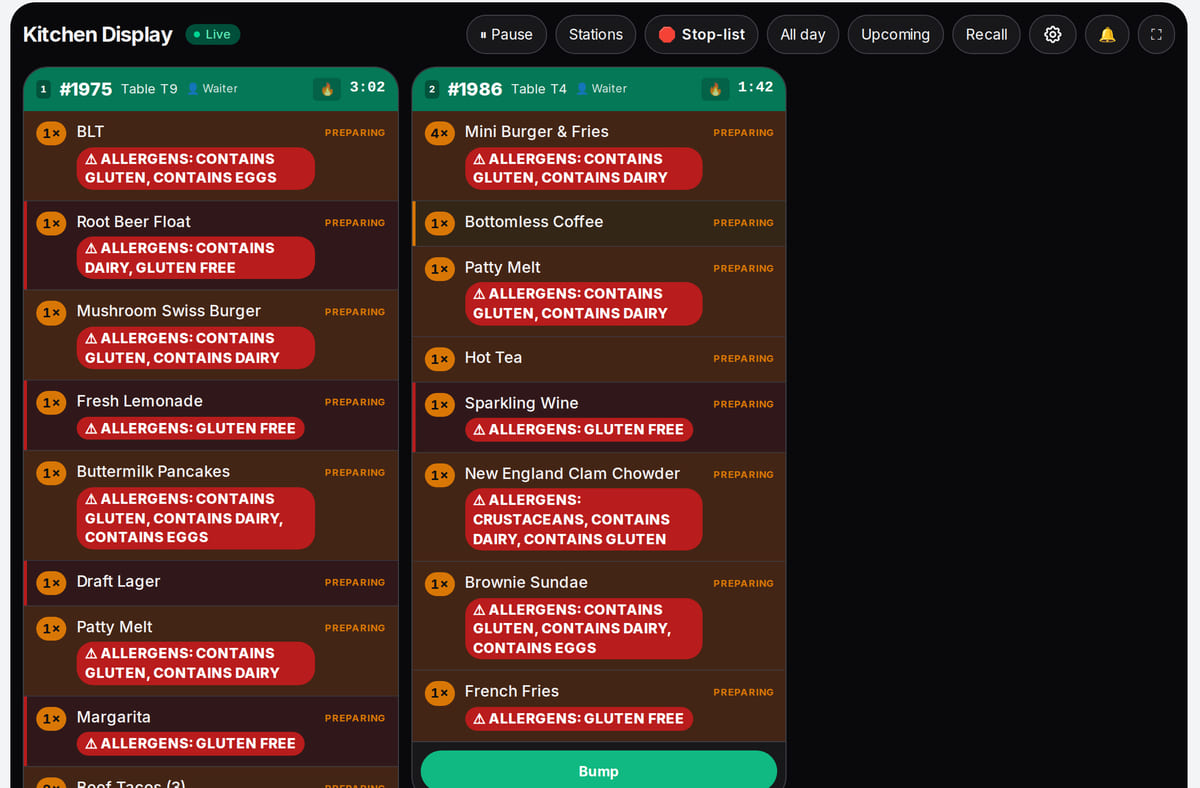
An order rung up at the POS goes straight to the kitchen display


How it works in practice
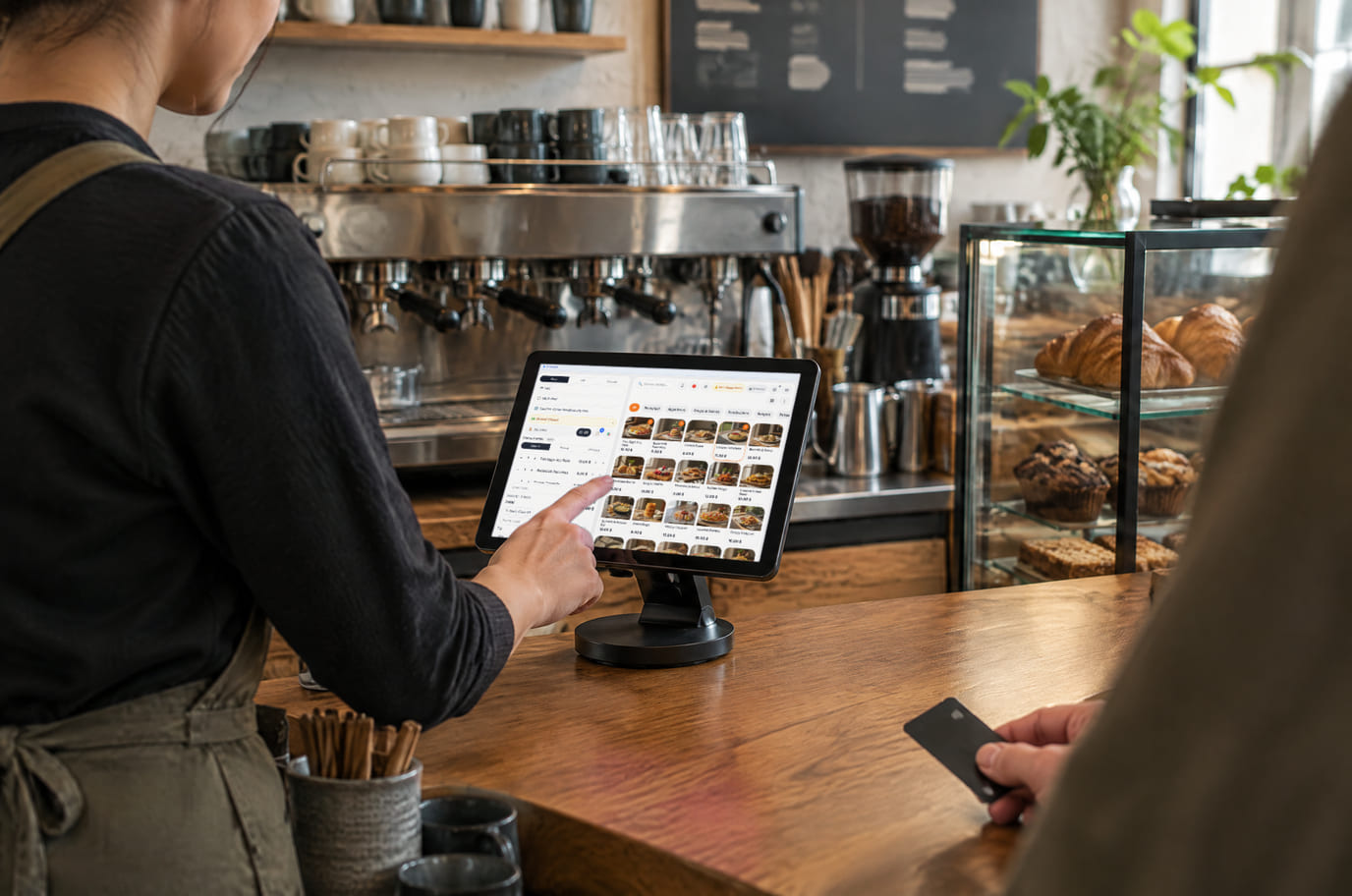
Illustration. The POS on a tablet at a coffee shop counter 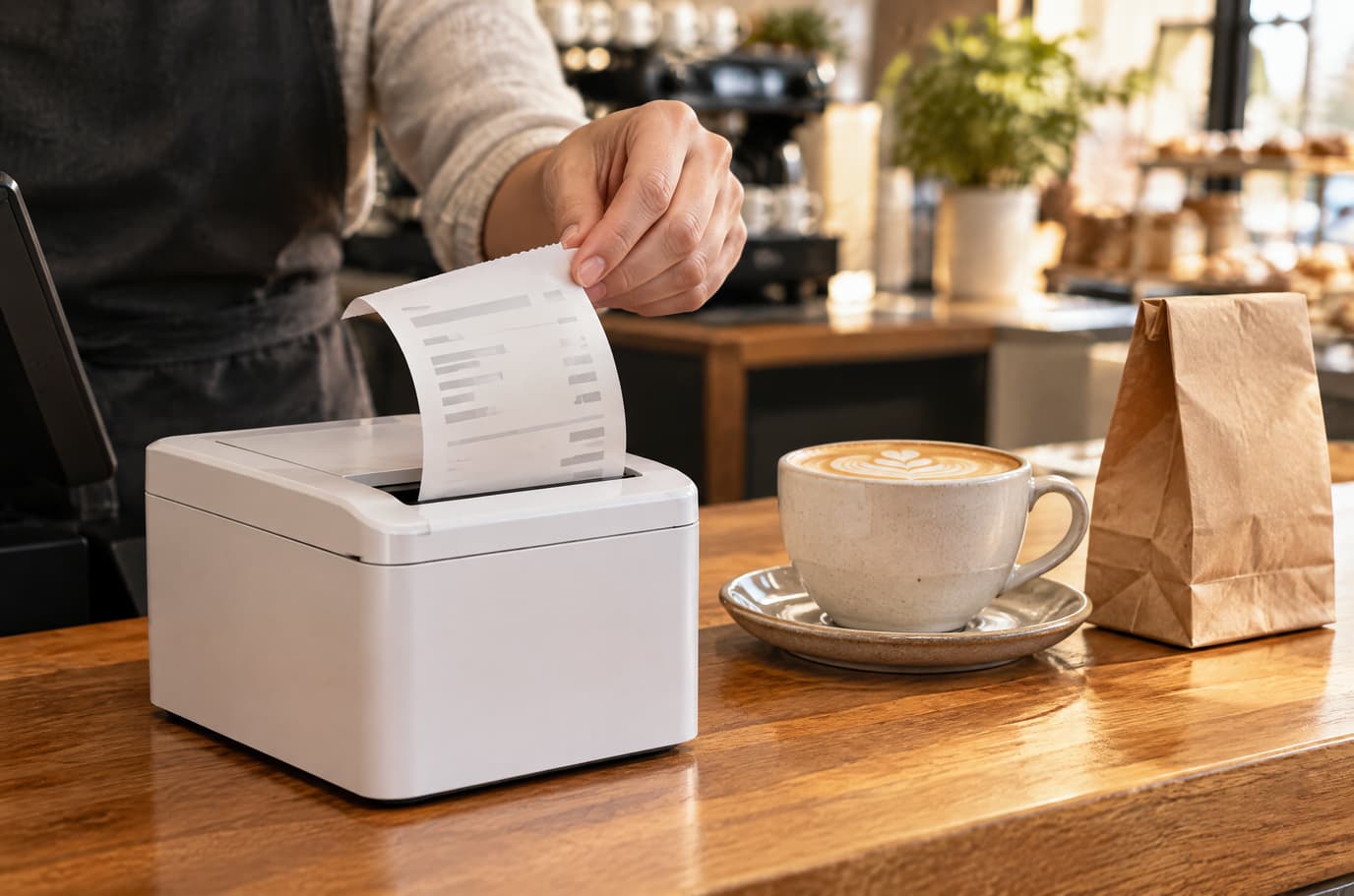
Illustration. The receipt prints on a printer connected through the bridge


- 网络收据打印机和厨房打印机
- 电子秤和条码扫描仪
- 顾客显示屏
- 银行终端——测试版,协议因国家而异
关于边界的坦诚说明
- 在法律要求认证收银机的地方,收银不能替代认证收银机:请单独核实硬件型号和销售税务记录。
- 无网络时,收银和通过网桥打印仍可使用。厨房屏幕、银行卡支付和 X 报表需等待网络恢复。
- 目前尚不能直接在预结账单中修改项目价格。
- 网桥只服务所在的那台电脑:要从另一台收银机打印,那台机器上也需要网桥。
购买硬件前,请先在免费账户上验证您的使用场景。
常见问题
收银在没有网络时能用吗?
可以,但有若干限制。已打开的收银可继续接单和收款:操作会排队,网络恢复后上传到服务器且不会重复。通过同一台电脑上的网桥打印可用。后厨屏幕、银行卡支付和 X 报表需等待网络恢复。
需要哪些硬件?
起步只需任何装有现代浏览器的平板或电脑。打印机、电子秤、扫描仪和顾客显示屏通过收银电脑上的网桥连接;购买前请先确认型号兼容性。
可以从其他收银系统迁移过来吗?
菜单可通过导入迁移:从 CSV 或 XLSX 表格、网站链接、照片或 PDF,以及从 Poster 和 GloriaFood 导入。本页不承诺从旧系统迁移销售历史和库存。
收银多少钱?
The POS is part of a paid plan — which one and at what price is shown below and on the pricing page. The free plan covers the QR menu and first orders. Hardware, acquiring and AI are paid separately.
可以用手机操作吗?
收银界面按平板设计,在手机上为紧凑版。服务员有 Android 应用——目前处于测试阶段。
如何防止收银环节的舞弊?
每个岗位有各自的权限:折扣上限、退款和重复打印权限。超过阈值时由经理用其 PIN 确认操作,服务器会将其记入日志。
详细说明 — 在帮助中 →