13 widgets · basic features and extensions
Chat, enquiries and booking on your website
Let visitors ask a question, leave an enquiry or choose a service on the page. Start with one widget and receive enquiries in your Cenaly.com account.
Basic widgets are free · extensions, telephony and AI have separate terms

まずはサイトの確認から
アドレスを入力すると、ページを開いてソースコードを読み取り、何を読み込んでいるか、同意を求めているかを表示します。登録もタグの設置も不要です。
- カウンター、ピクセル、SNS、地図、動画、チャットを名前と同意カテゴリ別に表示
- 同意バナー:自社のもの、他社のもの、または見つからない
- サイトがすでに接続されている場合の自社タグと有効なウィジェット
1ページのHTMLのみを読み取るため、ブラウザー内でスクリプトにより読み込まれたものは確認できず、その旨を結果に明記します。IPアドレスはそのままの形では保存しません。
タスクから選ぶ
タグは1つですが、有効にする意味があるのは、目の前の課題を解決するものです。
Get in touch
Chat, messengers, callback requests or browser calls.
Receive an enquiry or order
Popups, real storefront events, the video bubble, table booking, appointments and orders.
無料

サイト用チャット
訪問者とのライブチャット — 対応するのは業務チャットから回答する自社の担当者です
A responding team is needed; AI is connected separately.
データの取り込み先: Cenaly.comのワークチャットの対話チャネル、やり取りの履歴と連絡先はアカウント内に
無料
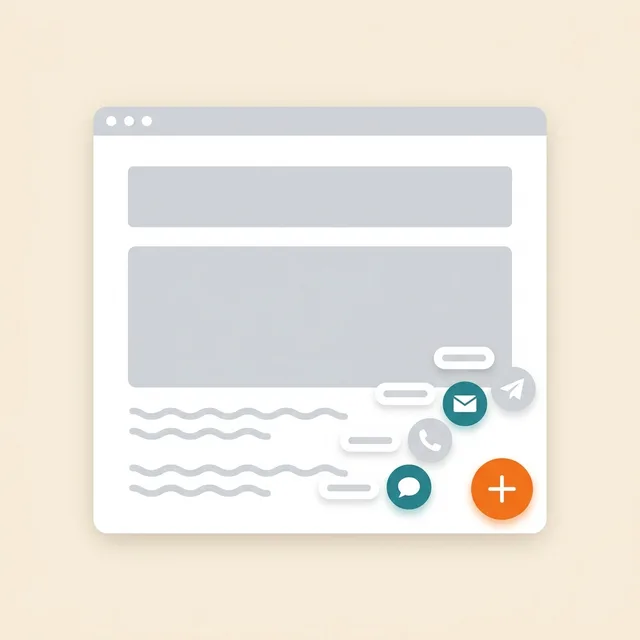
メッセンジャーボタン
1つのフローティングボタン:WhatsApp、Telegram、電話、チャット — 最大12チャネル
Prepare links and enable the channels you need.
データの取り込み先: やり取りはお客様の WhatsApp と Telegram へ、チャネルのクリックはアカウント内のマルチボタンパネルへ
無料

折り返し電話
コールバック申請フォーム。PBX接続時は自動発信
Without telephony it collects a request; live dialling needs setup.
データの取り込み先: 電話回線がない場合、申請はアカウントのコールバック一覧に保存されます。cenaly.ruでは申請受付時のメールは送信されません。
無料

ブラウザからの通話
「電話する」ボタン — ゲストは番号もアプリも不要で、サイトからお客様のPBXを通じて通話できます
Requires telephony, an available line and the visitor’s microphone.
データの取り込み先: 通話は着信としてお客様のPBX Cenaly.com へ、通話の録音は有効になっていれば「通話」セクションへ送られます
無料 · Requires connected telephony
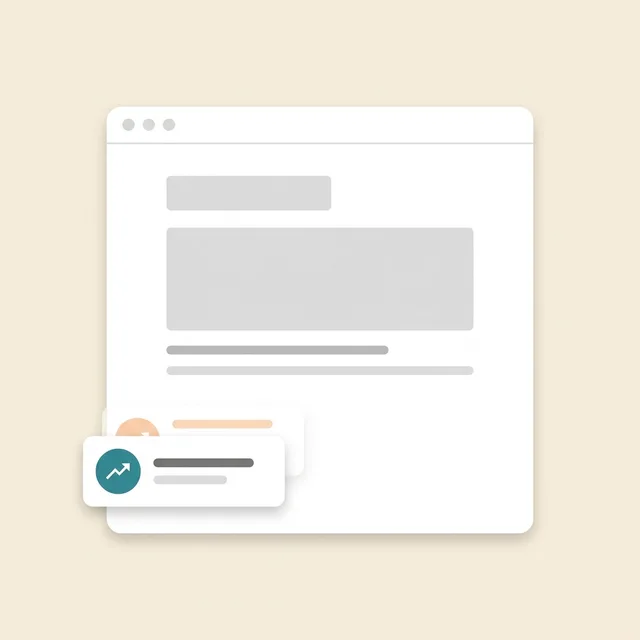
ソーシャルプルーフ
アカウントの注文・予約・記録・評価の件数を示すバッジ
Requires real storefront events; figures are not invented.
データの取り込み先: サイトには、名前やレビューテキストを含まない公開の数値集計が渡されます。ウィジェットは統計のために読み込み、表示、閉じるイベントも送信します。
無料
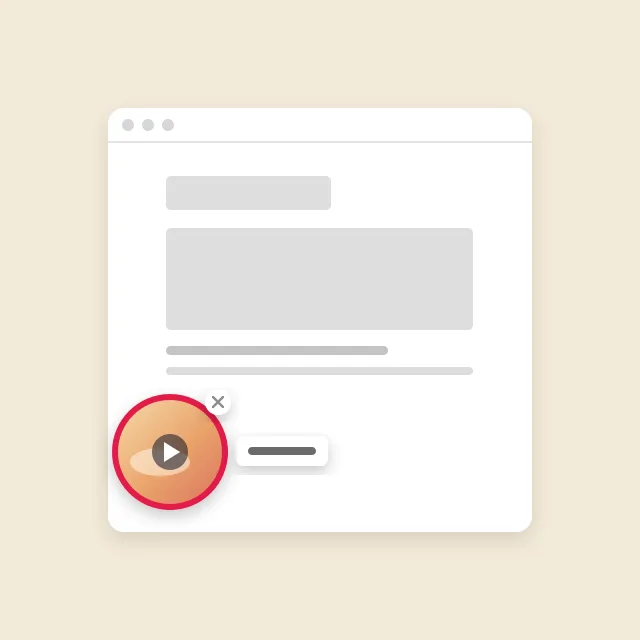
ビデオサークル
サイトの隅に表示される、メニューの動画入りサークル。クリックすると音声付き動画と「注文」ボタンが表示されます
Requires menu or catalogue items with video; the button under a clip needs its target widget enabled.
データの取り込み先: 動画下のボタンからの注文、予約、予約は、ウィジェット自体と同じセクションに届きます。動画は匿名の統計情報のみを送信します。表示、展開、音声付き再生、ボタンクリックです。
無料
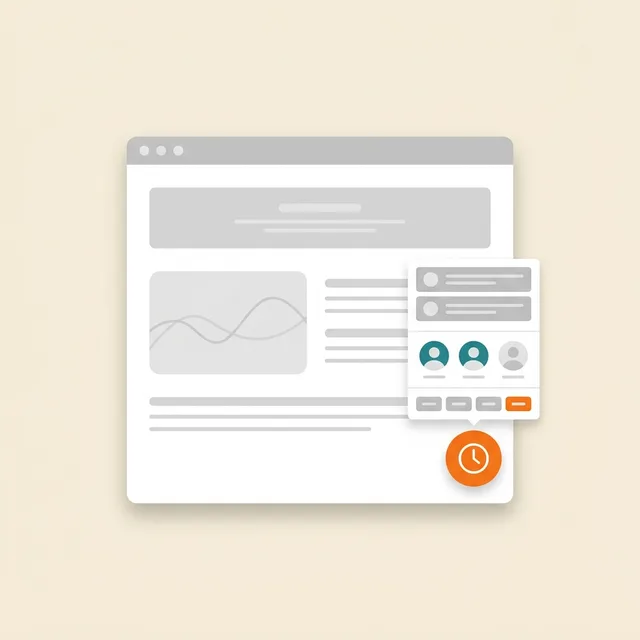
オンライン予約
お客様のスケジュールに沿った予約:お客様自身がサービス、担当者、空き時間を選択
Requires services, specialists and schedules; automation is separate.
データの取り込み先: アカウント内の予約ジャーナル(「予約」セクション)— サービス、担当者、時間、お客様の連絡先
無料
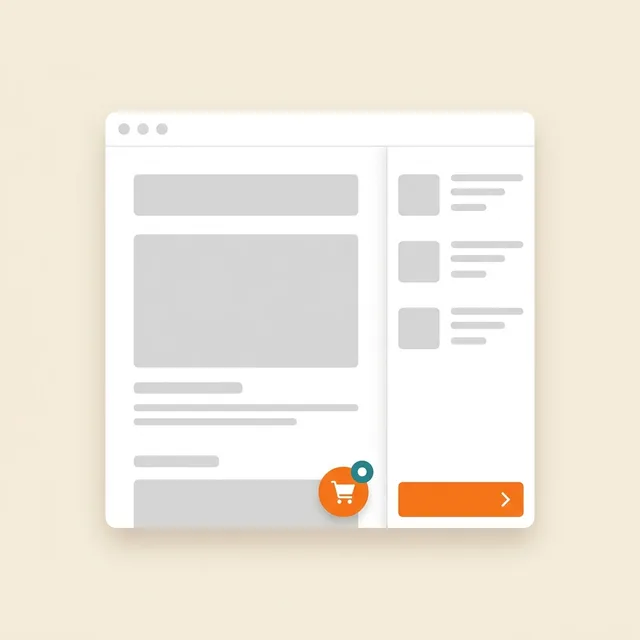
サイトからの注文
注文ボタンを押すと、既存のサイト上にストアフロントが開きます
Requires a catalogue and fulfilment; payments and delivery have separate terms.
データの取り込み先: Cenaly.comの注文モニター:アイテム、連絡先、配送時の住所。キッチンと配達員はプランに応じて別途接続します。
無料

Cookieバナー
トラッカーの自動ブロックとGoogle Consent Mode v2に対応したCookie同意
Basic CMP is free; Pro is separate. Blocking needs early code; .ru has no scanner or log.
データの取り込み先: アカウント内の匿名の同意ログ:カテゴリと決定時刻、IPと正確なUser-Agentなし
無料
有料オプション

ポップアップとフォーム
ポップアップ、埋め込みフォーム、クーポン、表示条件とA/Bテスト付きのクイズ
Configure a campaign and goal; the extension is separate.
データの取り込み先: アカウントの「リード」インボックス — ページアドレスとUTM付き。メール配信の購読はメール配信リストへ、表示統計はキャンペーンカードへ
$9/月

テーブル予約
「予約する」ボタン → 1つのフォーム → 「テーブル」セクションへの申請
Requires tables and booking rules.
データの取り込み先: アカウントの「テーブル」セクション — 電話およびQRメニューからの予約の隣
$9/月
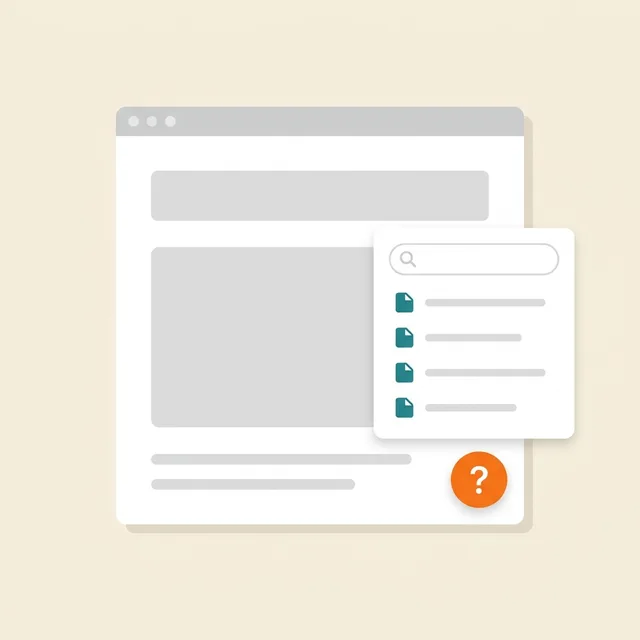
サイト上のヘルプ
「?」ボタン → 記事・検索・「役に立った」評価を備えたサイドパネル
Prepare and publish help articles.
データの取り込み先: 記事は「記事とページ」セクション、閲覧数・問い合わせ・評価は「ナレッジベース」→「分析」で確認できます
$19/月

法的文書
プライバシーポリシー、利用規約、返金、Cookie、配送 — お客様の情報に基づいて作成し、サイトに埋め込みます
Review documents for your business; no legal guarantee is provided.
データの取り込み先: 訪問者は公開済みの書類を閲覧します。ウィジェットは統計のために読み込み、開封、閉鎖の技術的イベントを送信します。アンケートの回答はアカウントで編集できます。
$9/月
当社のコンストラクターで作成したサイトでは無料
What it looks like in the product
Multibutton
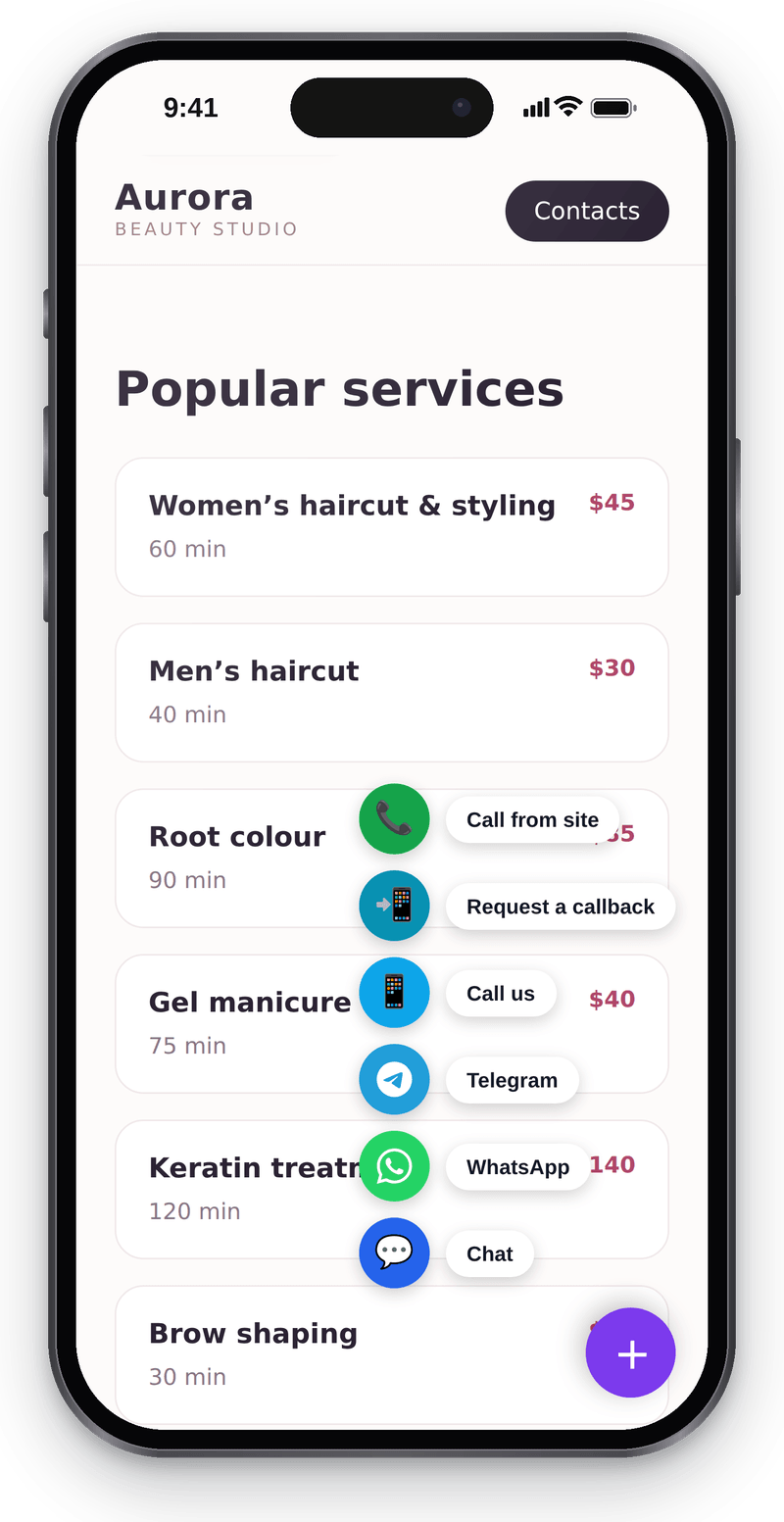
Every way to reach you in one corner button Website chat
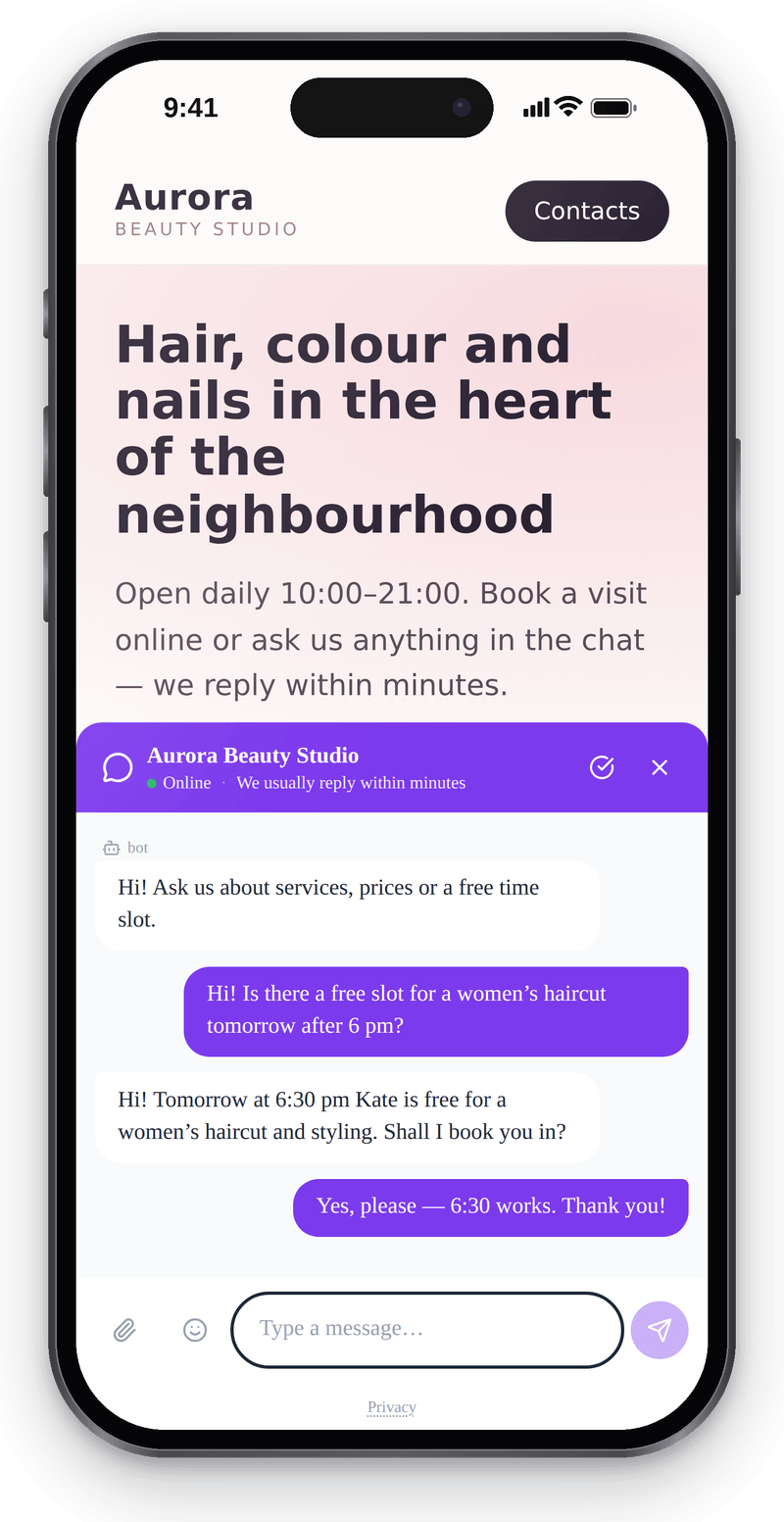
Visitors write from their phone without leaving the page Callback
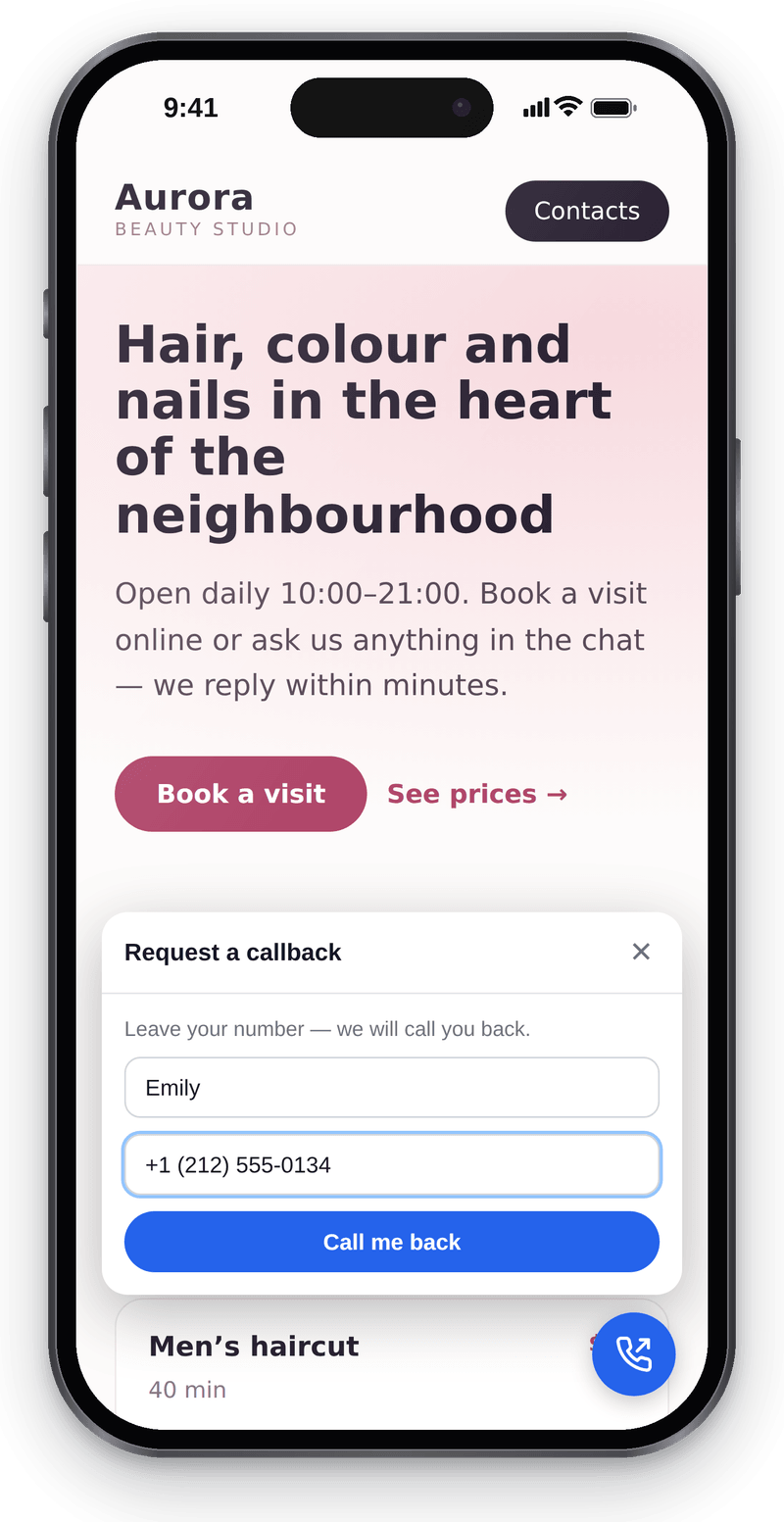
Visitors leave a number and you call them back


Conversations in the workspace
View full size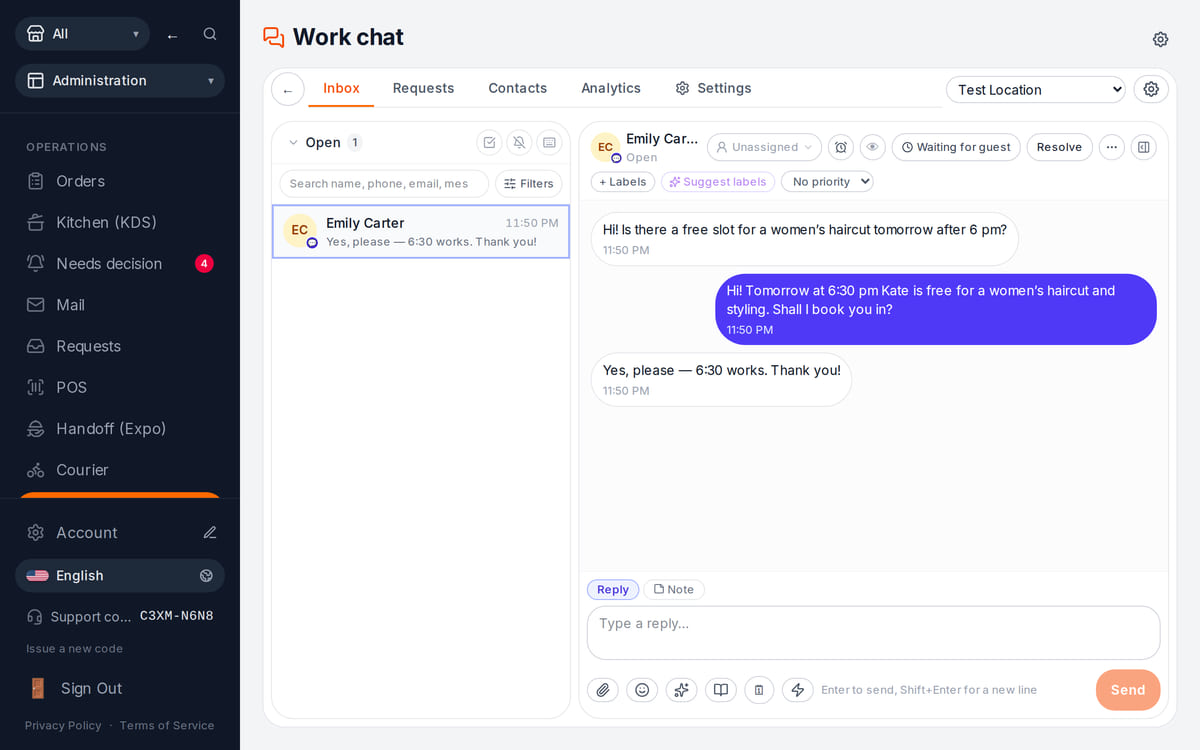
Website messages land in the team’s shared work chat

How it works in practice
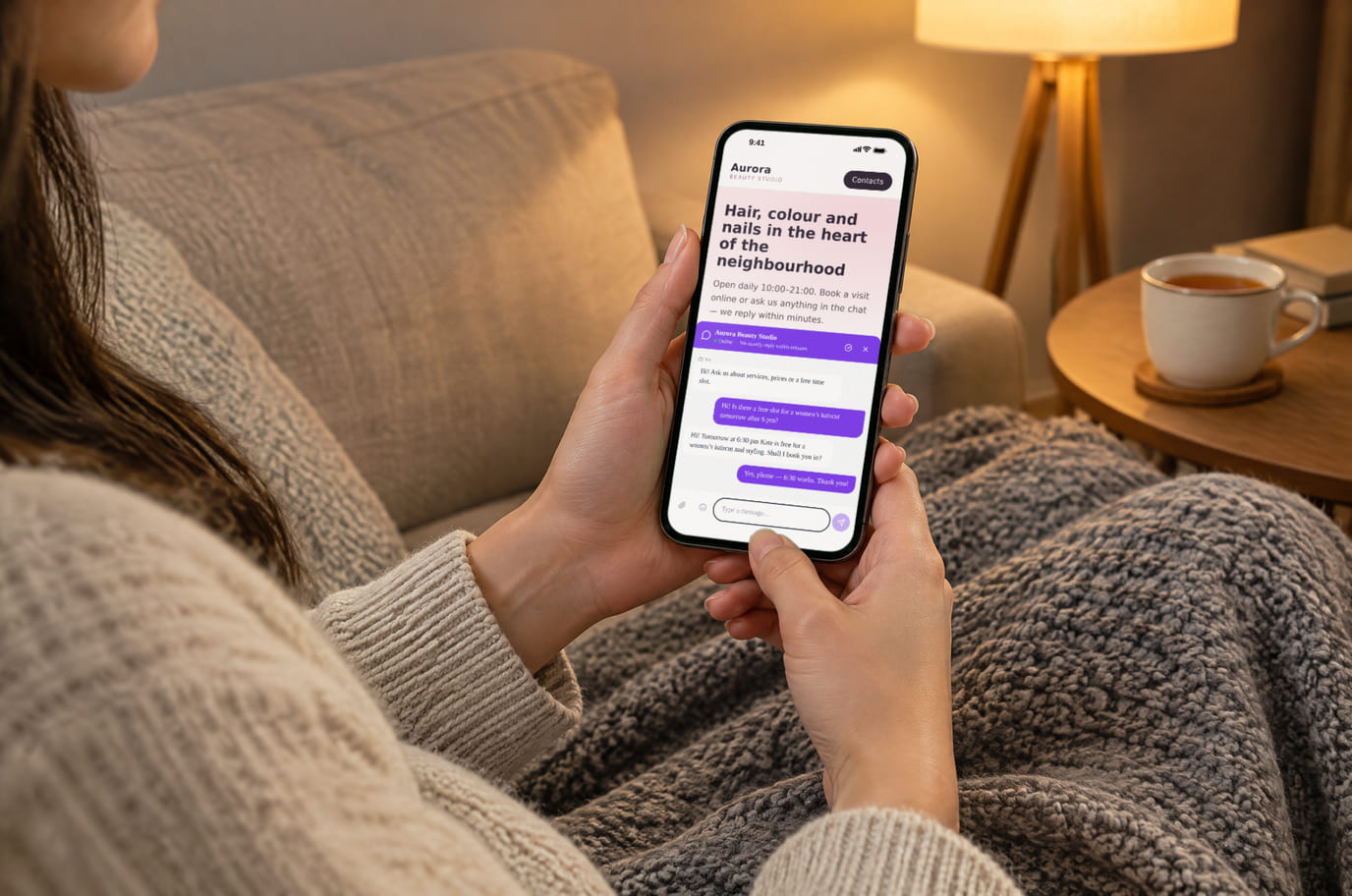
Illustration. An evening question, answered without a call 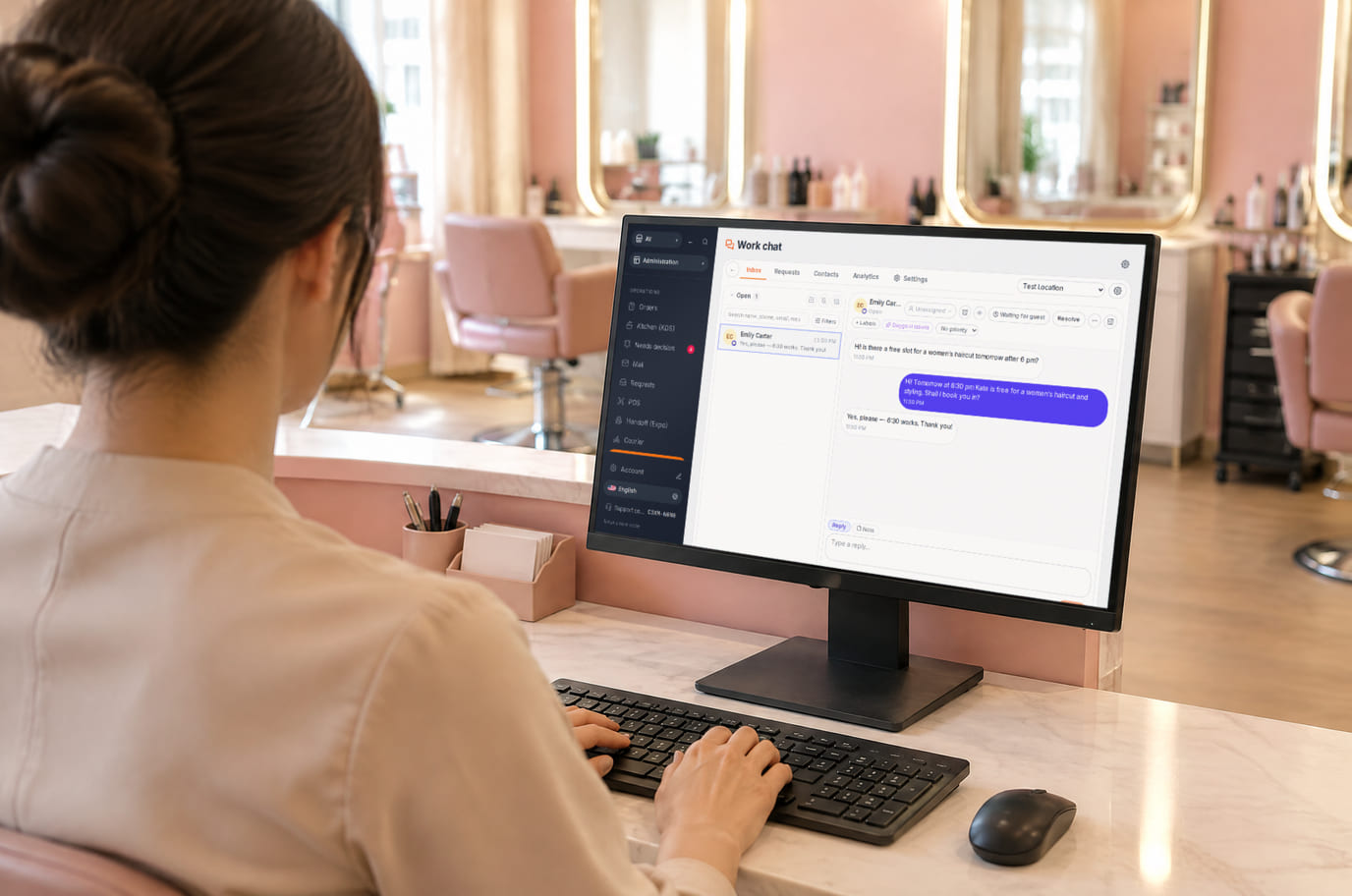
Illustration. Reception replies from the workspace without leaving the desk


What is included and what costs extra
Basic versions of 9 of the 13 widgets are free. Table booking, popups, help and legal documents on an external website are extensions. A free widget can have paid connected features.
- The basic widget
- A free form or button does not automatically include telephony, AI, delivery, payments or automated campaigns. Check the selected widget’s page for terms.
- Extensions
- Check catalogue terms before connecting. The basic CMP has a separate Cookies Pro tier; cenaly.ru has no scanner or consent log regardless of tier.
- Test before launch
- Enable one workflow, submit a test enquiry and find it in your account. Check the site on a phone and prepare your team to respond.
接続方法 — 3つのステップ
Choose a task and add your site
Create an account and add the domain in My Website. Check the widget’s terms and prepare its data.
Install and check the code
Use the shared tag for ordinary widgets, following your platform’s instructions. Prior tracker blocking needs a separate early CMP script in head before trackers, without async/defer.
Test an enquiry
Enable the widget, check it on the published site and send a test enquiry. Settings may appear after the cache refreshes.
Shared tag for ordinary widgets
<script src="https://cdn.cenaly.com/site/v1.js" data-domain="your-site.com" async></script>For prior tracker blocking, use the early CMP script from the cookie-banner instructions. The shared async tag cannot stop trackers that have already run.
お使いのプラットフォームへのインストール
メニュー項目の正確な名称および料金条件は、各プラットフォームの公式ヘルプをご確認ください。
比較
上記の各記述は、指定日にこれらのページから取得したものです。取得後にベンダーが変更されている可能性があります。リンクは一次情報源へ移動しますので、ご自身で確認してください。
よくある質問
What do I need before setup?
Access to insert website code and an account with the domain in My Website. Other requirements depend on the task: chat needs a responding team, calls need telephony, appointments need services and schedules, and orders need a catalogue and fulfilment options.
What exactly is free?
Basic versions of 9 of the 13 widgets are free; the other 4 are extensions. Telephony, AI, automation and Cookies Pro have separate terms. A free widget does not make all connected features free.
Is one async tag enough for cookie consent?
A shared loader displays widgets. To block trackers before consent, install the separate CMP script first in head without async/defer. It cannot intercept scripts that have already run or server-set cookies. Check script order against the instructions.
How do I check the site and mobile layout?
Widgets isolate their styles, but test compatibility on your published page: mobile widths, buttons, forms and third-party scripts. Send a test enquiry and check that your team received it.
What language and cloud limits apply?
Built-in language coverage varies by widget; you configure your own text and translations separately. Core records are stored in your brand’s cloud. Connected AI, telephony and other services have their own processing terms. cenaly.ru has no CMP scanner or consent log; other limits are listed on each widget’s page.
Chat, enquiries and booking on your website
Basic widgets are free · extensions, telephony and AI have separate terms
Choose a widget