13 widgets · basic features and extensions
Chat, enquiries and booking on your website
Let visitors ask a question, leave an enquiry or choose a service on the page. Start with one widget and receive enquiries in your Cenaly.com account.
Basic widgets are free · extensions, telephony and AI have separate terms

Comece verificando seu site
Digite o endereço — vamos abrir a página, ler o código-fonte e mostrar o que ela carrega e se pede consentimento. Sem cadastro e sem instalação de tag.
- Contadores, pixels, redes sociais, mapas, vídeos e chats — nominalmente e por categorias de consentimento
- Banner de consentimento: nosso, de terceiros ou nenhum encontrado
- Nossa tag e os widgets ativados, se o site já estiver conectado
Lemos o HTML de uma página, então o que é carregado por scripts no navegador a verificação não vê — e diz isso claramente no resultado. Não armazenamos seu endereço IP em texto aberto.
Escolha por tarefa
A tag é uma só, mas faz sentido ativar o que resolve sua tarefa mais próxima.
- Reservas do site que você já tem →
- Horários livres na agenda →
- Retorno ao produto esgotado →
- Solicitações sem trocar o site →
Get in touch
Chat, messengers, callback requests or browser calls.
Receive an enquiry or order
Popups, real storefront events, the video bubble, table booking, appointments and orders.
Provide information and choices
Help articles, document preparation and consent settings.
Grátis

Chat no site
Chat ao vivo com visitantes — sua equipe responde pelo chat de trabalho
A responding team is needed; AI is connected separately.
Os dados vão para: Canal de diálogo no chat de trabalho Cenaly.com, histórico da conversa e contato — na sua conta
Grátis
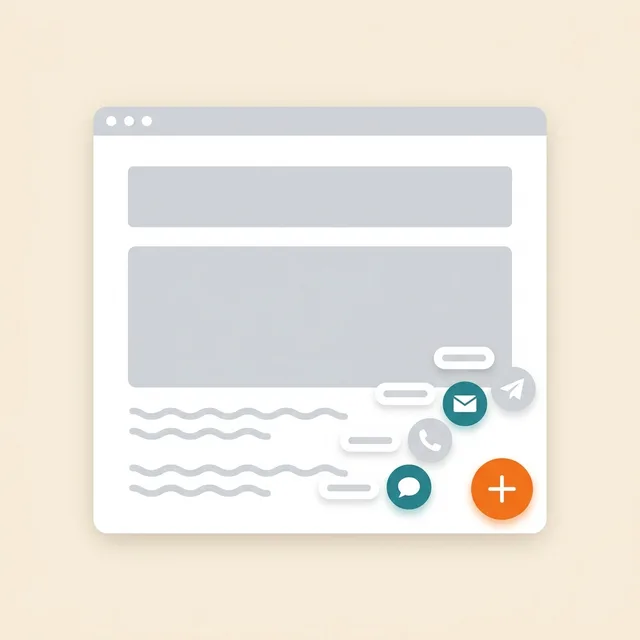
Botão de mensageiros
Um botão flutuante: WhatsApp, Telegram, ligação, chat — até 12 canais
Prepare links and enable the channels you need.
Os dados vão para: A conversa — nos seus WhatsApp e Telegram, os cliques nos canais — no painel do multibotão na conta
Grátis

Retorno de chamada
Formulário de solicitação de ligação; com PABX conectado — discagem automática
Without telephony it collects a request; live dialling needs setup.
Os dados vão para: Sem telefonia, a solicitação é salva na lista de retornos de chamada da conta. No cenaly.ru, nenhum e-mail é enviado ao receber a solicitação.
Grátis

Chamada pelo navegador
Botão «Ligar» — conversa pelo site através da sua central telefônica, sem Número e sem Aplicativos para o visitante
Requires telephony, an available line and the visitor’s microphone.
Os dados vão para: A chamada vai para a sua central telefônica Cenaly.com como recebida, e a gravação da conversa vai para a seção «Chamadas», se ela estiver ativada
Grátis · Requires connected telephony
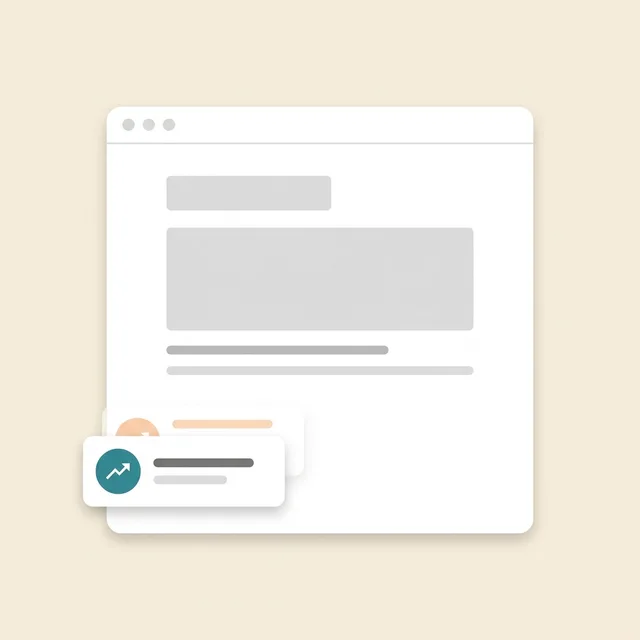
Prova social
Selos com números de pedidos, reservas, agendamentos e avaliações da sua conta
Requires real storefront events; figures are not invented.
Os dados vão para: Para o site são transmitidos agregados numéricos públicos, sem nomes nem textos de Avaliações. O Widget também envia eventos de carregamento, exibição e fechamento para estatísticas.
Grátis
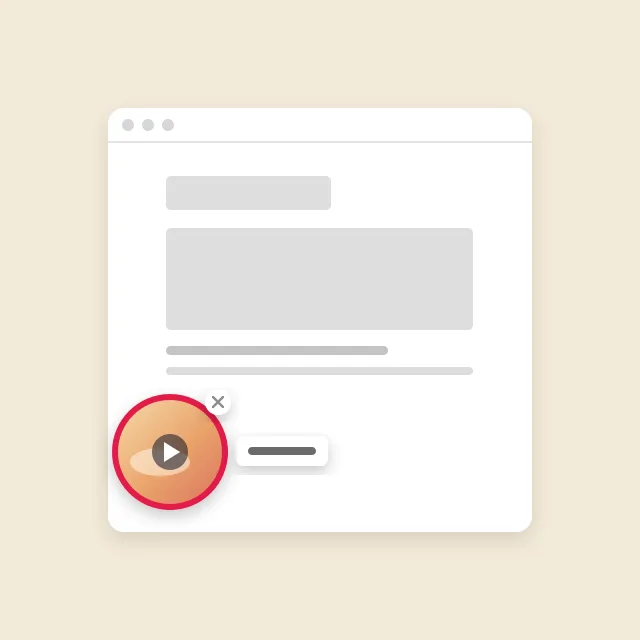
Vídeo circular
Círculo com um vídeo do seu menu no canto do site: ao clicar, vídeo com som e botão «Pedir»
Requires menu or catalogue items with video; the button under a clip needs its target widget enabled.
Os dados vão para: Pedidos, reservas e agendamentos pelo botão abaixo do vídeo chegam às mesmas seções que os dos próprios widgets. O círculo envia apenas estatísticas anônimas: exibições, aberturas, visualizações com som e cliques no botão.
Grátis
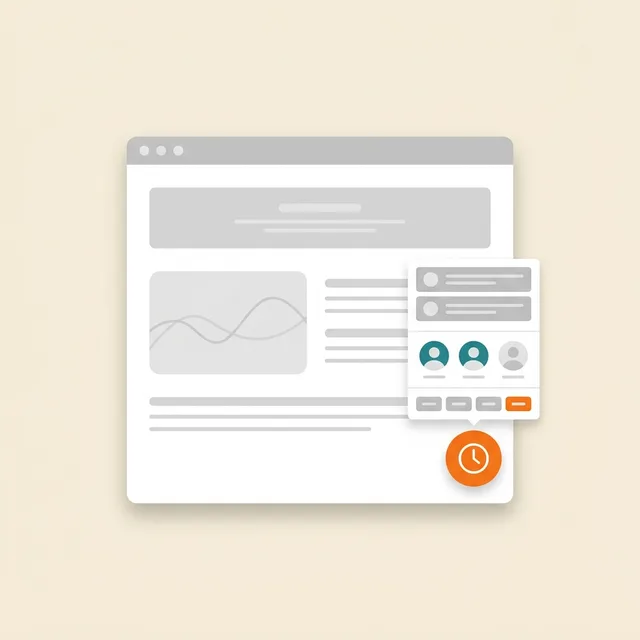
Agendamento online
Agendamento conforme a sua agenda: o cliente escolhe o serviço, o profissional e o horário livre
Requires services, specialists and schedules; automation is separate.
Os dados vão para: Registro de Agendamento na Conta (seção «Agendamentos») — serviço, profissional, horário e contato do cliente
Grátis
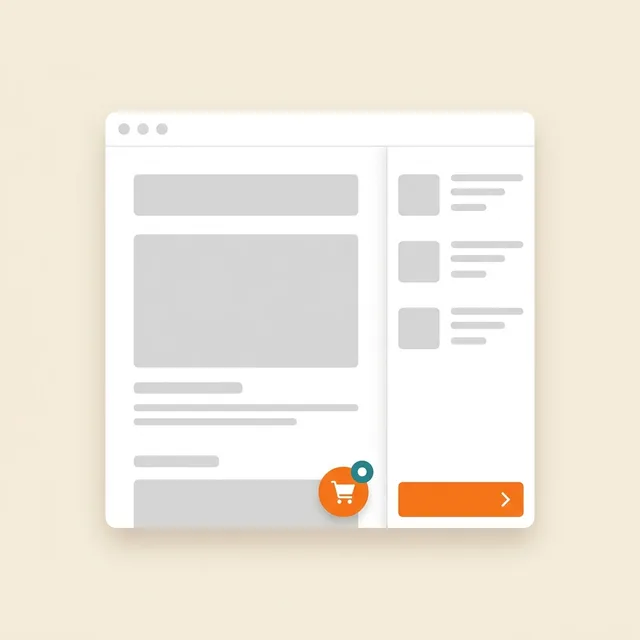
Pedido do site
O botão de pedido abre a sua vitrine sobre o site pronto
Requires a catalogue and fulfilment; payments and delivery have separate terms.
Os dados vão para: Monitor de pedidos Cenaly.com: itens, contatos e endereço na entrega. Cozinha e entregadores são conectados separadamente conforme o plano.
Grátis

Banner de cookies
Consentimento para cookies com bloqueio automático de rastreadores e Google Consent Mode v2
Basic CMP is free; Pro is separate. Blocking needs early code; .ru has no scanner or log.
Os dados vão para: Registro anônimo de consentimentos na sua conta: categorias e horário da decisão, sem IP e sem User-Agent exato
Grátis
Extensão paga

Pop-ups e formulários
Janelas pop-up, formulários incorporados, cupons e quizzes com condições de exibição e A/B
Configure a campaign and goal; the extension is separate.
Os dados vão para: Caixa de entrada “Leads” na Conta — com o endereço da página e UTM; inscrições — na lista de Campanha, estatísticas de exibição — no cartão da Campanha
$9/mês

Reserva de mesa
Botão «Reservar» → um formulário → solicitação na sua seção «Mesas»
Requires tables and booking rules.
Os dados vão para: Seção “Mesas” na conta — ao lado de reservas por telefone e do menu QR
$9/mês
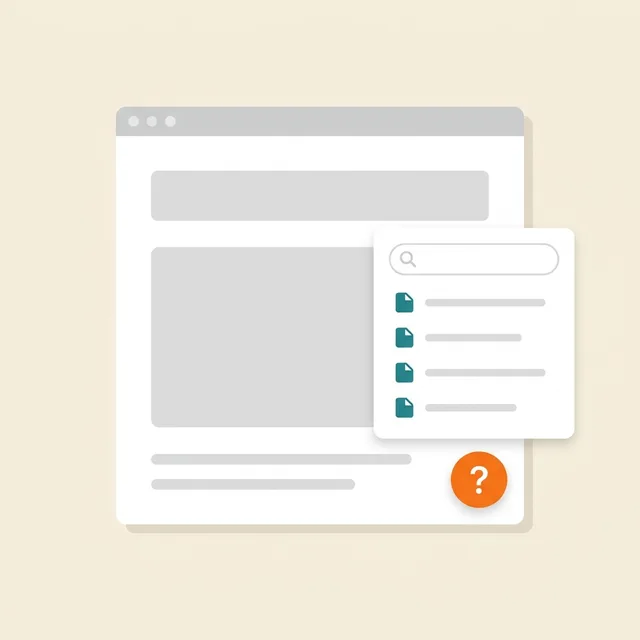
Ajuda no site
Botão «?» → painel lateral com seus artigos, busca e avaliação «foi útil»
Prepare and publish help articles.
Os dados vão para: Artigos — na seção «Artigos e páginas»; visualizações, solicitações e avaliações — «Base de conhecimento» → «Análises»
$19/mês

Documentos jurídicos
Política, contrato, devolução, cookies, entrega — montados com seus dados e incorporados ao site
Review documents for your business; no legal guarantee is provided.
Os dados vão para: O visitante lê os documentos publicados. O Widget envia eventos técnicos de carregamento, abertura e fechamento para estatísticas; as respostas do questionário são editadas na Conta.
$9/mês
Grátis em sites do nosso construtor
What it looks like in the product
Multibutton
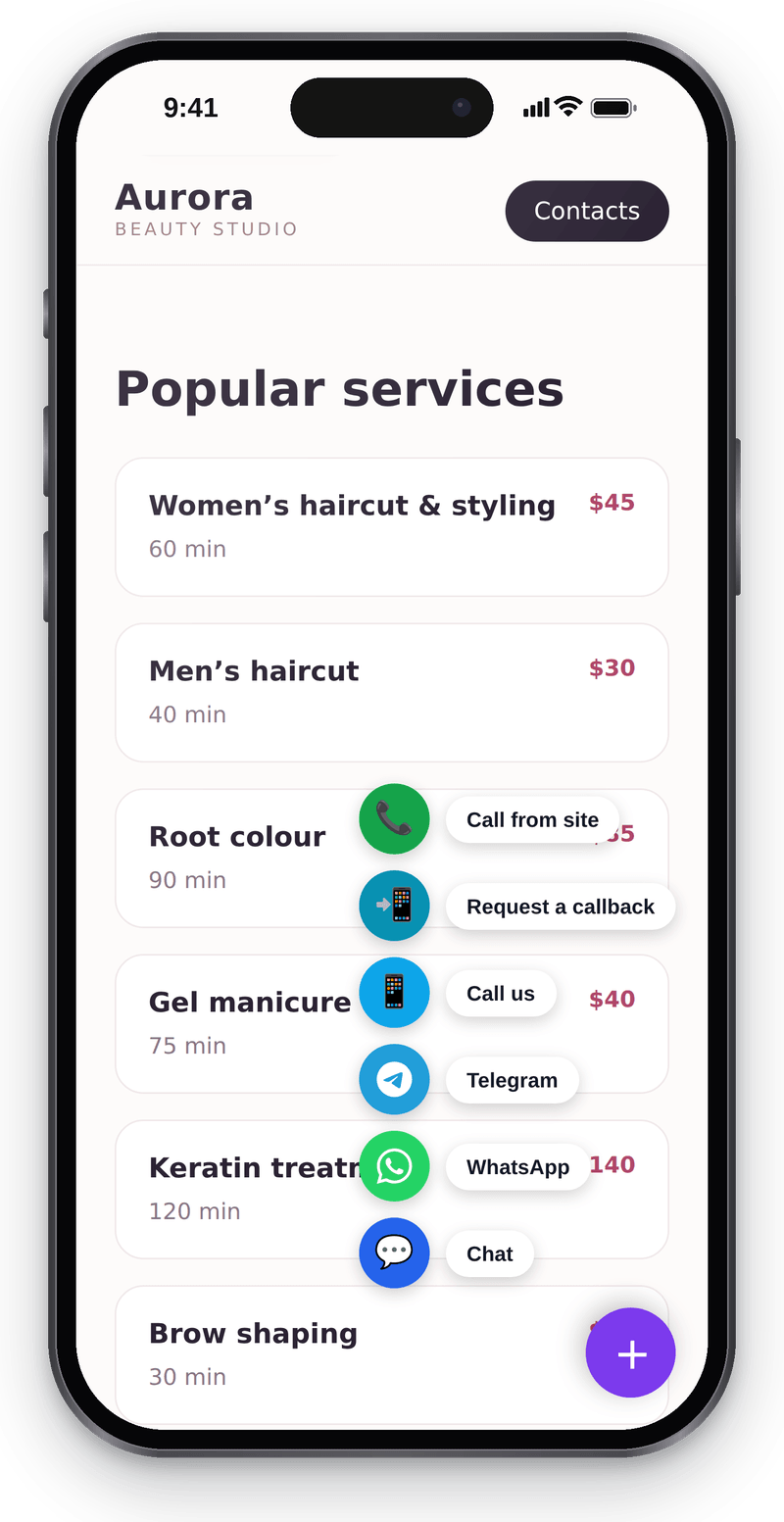
Every way to reach you in one corner button Website chat
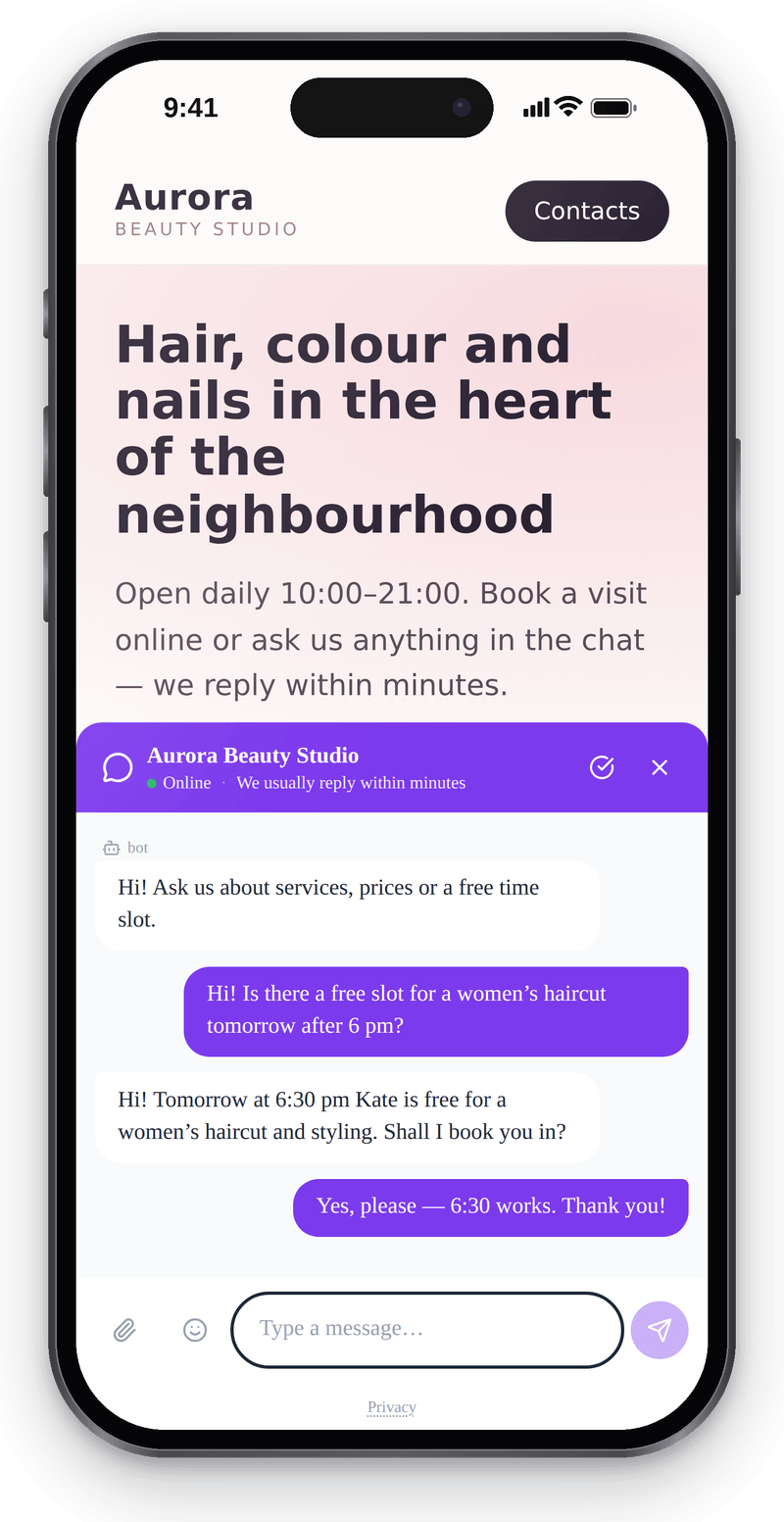
Visitors write from their phone without leaving the page Callback
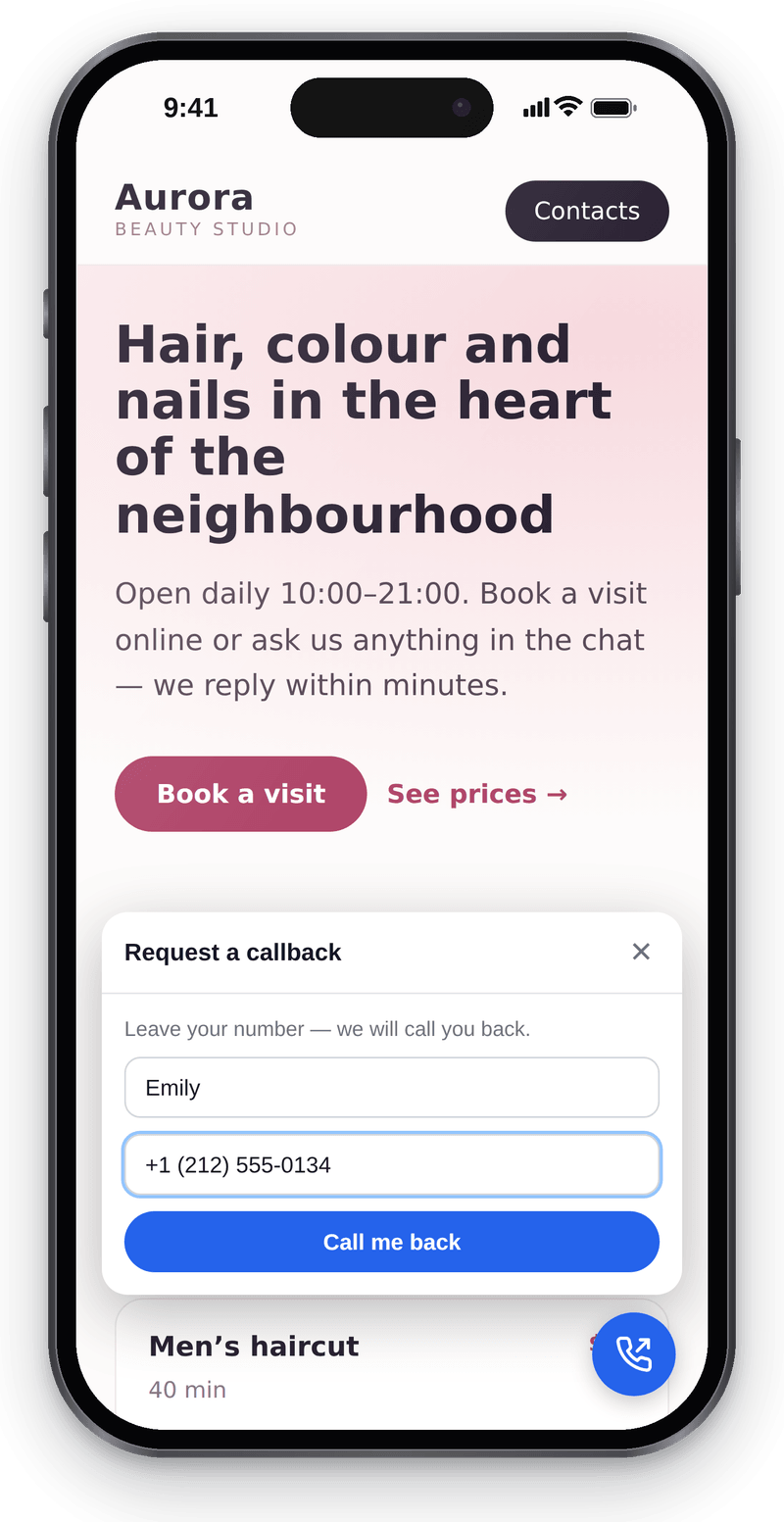
Visitors leave a number and you call them back


Conversations in the workspace
View full size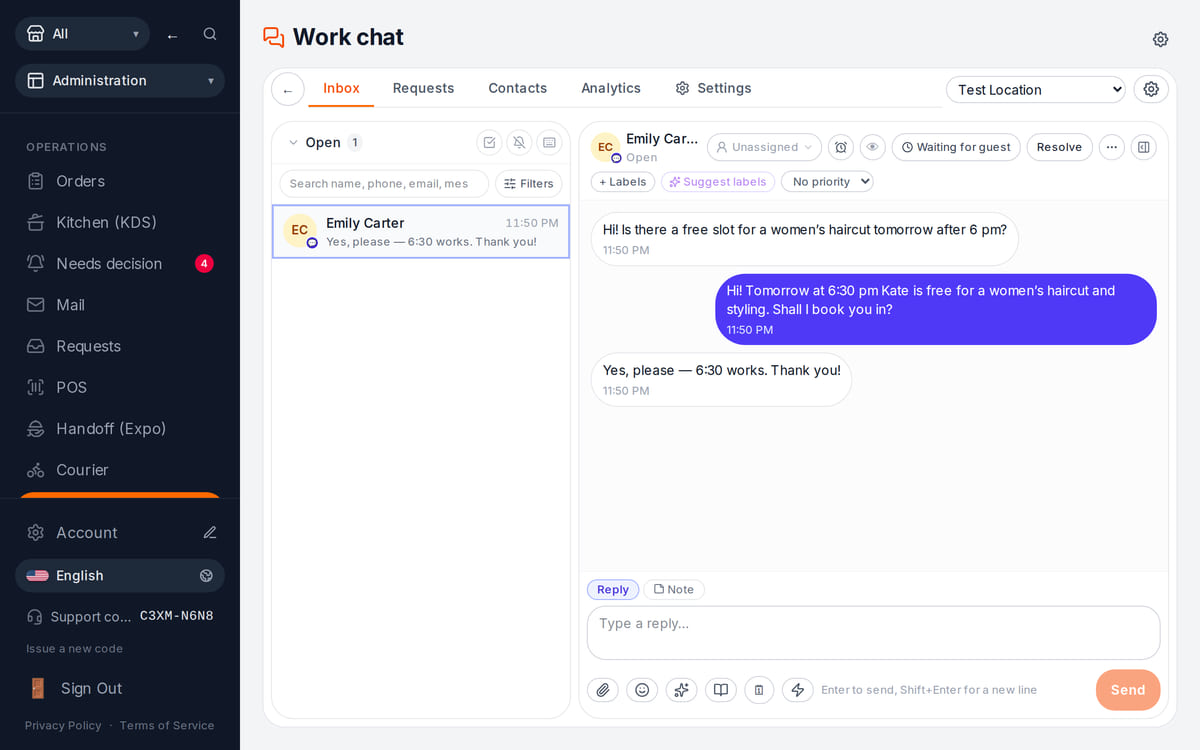
Website messages land in the team’s shared work chat

How it works in practice
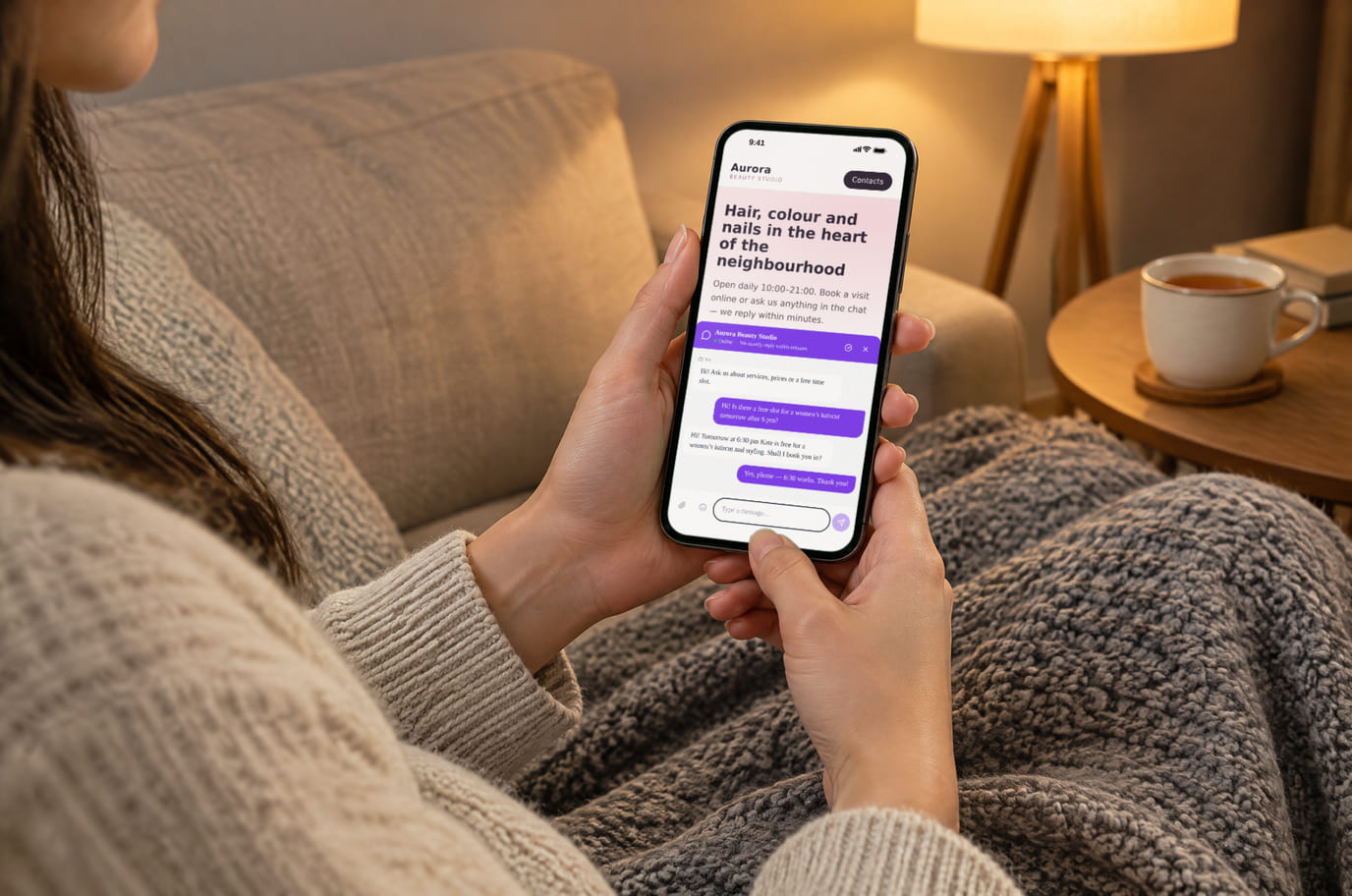
Illustration. An evening question, answered without a call 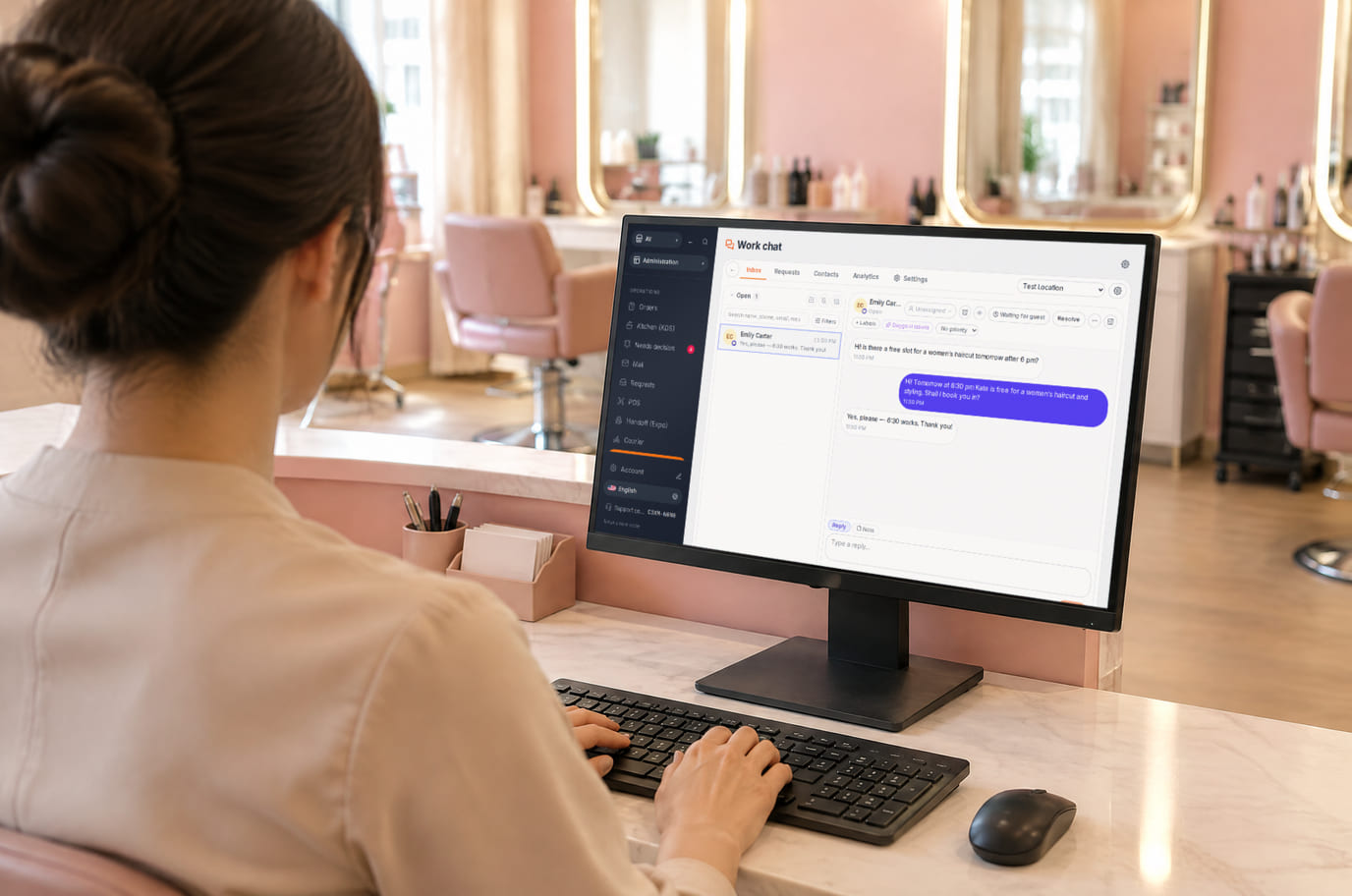
Illustration. Reception replies from the workspace without leaving the desk


What is included and what costs extra
Basic versions of 9 of the 13 widgets are free. Table booking, popups, help and legal documents on an external website are extensions. A free widget can have paid connected features.
- The basic widget
- A free form or button does not automatically include telephony, AI, delivery, payments or automated campaigns. Check the selected widget’s page for terms.
- Extensions
- Check catalogue terms before connecting. The basic CMP has a separate Cookies Pro tier; cenaly.ru has no scanner or consent log regardless of tier.
- Test before launch
- Enable one workflow, submit a test enquiry and find it in your account. Check the site on a phone and prepare your team to respond.
Como conectar — três etapas
Choose a task and add your site
Create an account and add the domain in My Website. Check the widget’s terms and prepare its data.
Install and check the code
Use the shared tag for ordinary widgets, following your platform’s instructions. Prior tracker blocking needs a separate early CMP script in head before trackers, without async/defer.
Test an enquiry
Enable the widget, check it on the published site and send a test enquiry. Settings may appear after the cache refreshes.
Shared tag for ordinary widgets
<script src="https://cdn.cenaly.com/site/v1.js" data-domain="your-site.com" async></script>For prior tracker blocking, use the early CMP script from the cookie-banner instructions. The shared async tag cannot stop trackers that have already run.
Onde é instalado
Nos sites criados com nosso construtor, os widgets já vêm conectados desde o início — não é preciso inserir nada.
Instruções passo a passo por plataforma — na ajuda →Instalação na sua plataforma
Os nomes exatos dos itens de menu e as condições dos planos de assinatura estão na documentação oficial de cada plataforma.
- WordPress Plugin de inserção de código no header ou editor de arquivos do tema
- Tilda «Configurações do site» → inserção de código → código HTML dentro do head
- Wix Settings → Custom Code, é necessário um domínio conectado
- Shopify Online Store → Edit code → theme.liquid
- Webflow Site settings → Custom code; Site plan ou um Workspace adequado
- Squarespace Website Tools → Code Injection → Header
A plataforma não está na lista? Instruções gerais de instalação →
Comparações
Cada afirmação acima foi retirada dessas páginas na data indicada. O fornecedor pode ter mudado após a coleta — os links levam à fonte original, verifique você mesmo.
Perguntas e respostas
What do I need before setup?
Access to insert website code and an account with the domain in My Website. Other requirements depend on the task: chat needs a responding team, calls need telephony, appointments need services and schedules, and orders need a catalogue and fulfilment options.
What exactly is free?
Basic versions of 9 of the 13 widgets are free; the other 4 are extensions. Telephony, AI, automation and Cookies Pro have separate terms. A free widget does not make all connected features free.
Is one async tag enough for cookie consent?
A shared loader displays widgets. To block trackers before consent, install the separate CMP script first in head without async/defer. It cannot intercept scripts that have already run or server-set cookies. Check script order against the instructions.
How do I check the site and mobile layout?
Widgets isolate their styles, but test compatibility on your published page: mobile widths, buttons, forms and third-party scripts. Send a test enquiry and check that your team received it.
What language and cloud limits apply?
Built-in language coverage varies by widget; you configure your own text and translations separately. Core records are stored in your brand’s cloud. Connected AI, telephony and other services have their own processing terms. cenaly.ru has no CMP scanner or consent log; other limits are listed on each widget’s page.
Chat, enquiries and booking on your website
Basic widgets are free · extensions, telephony and AI have separate terms
Choose a widget